Product Releases
and Updates
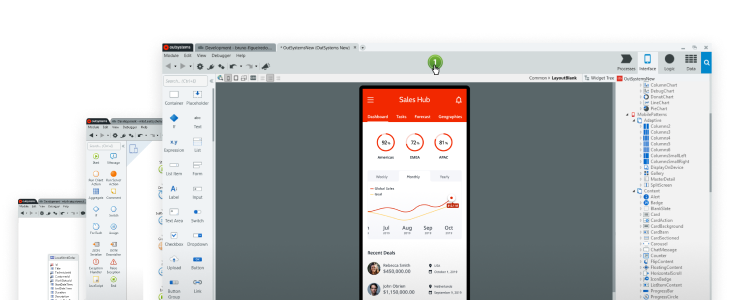
Offline synchronization of mobile apps can be so frustrating! Unless you follow the OutSystems checklist, that is. This just-released offline synchronization checklist walks you through items you need to consider for maintaining mobile app performance. So, now you can design an app that is not only frustration-proof but is also easy to change and update in the future. End-user experience guidelines are also included.

The In-App Chat component is now available for web. It easily integrates with any web app and it works seamlessly with its mobile counterpart so users get the best experience anytime, any place. Receive messages in real time, share attachments—photos, videos, audio, and different file formats.
We're putting the focus on easy and great app development. To make your life easier, we've implemented a series of warnings to guide you towards the best development practices. To help you deliver apps that perform like a dream, we even introduced a new warning category: Performance Suggestion.
Service Center now hides modules that don’t need catalog configuration during a solution publish. The latest release of the Platform Server also makes scrolling horizontal lists a breeze and takes on some tricky issues and wins. Download now and see for yourself.
We have recently worked on a set of documentation topics about Integration Studio, so you can take full advantage of its extensibility capabilities. Want to take it one step further and extend logic with your own code? We've got that covered, too!
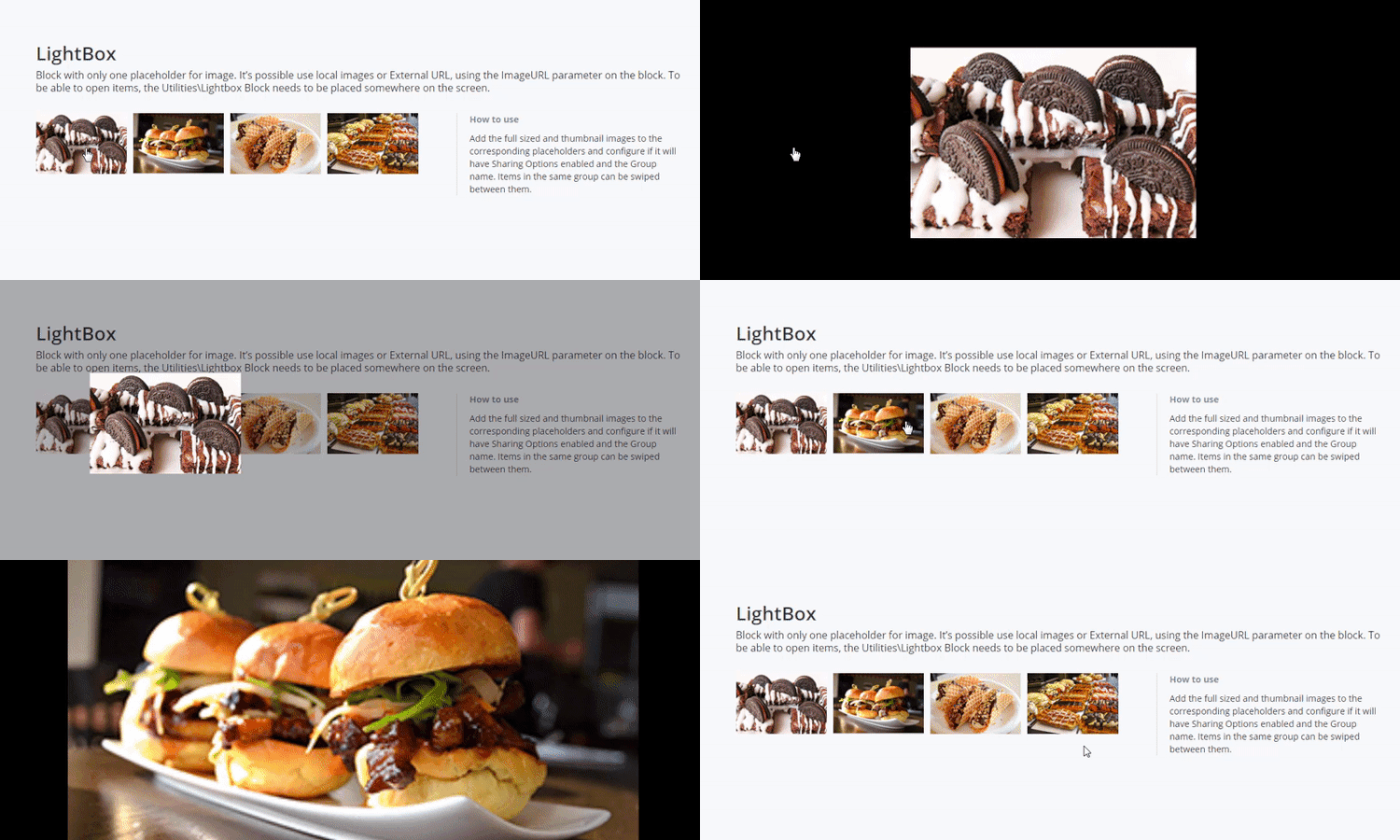
Now you can highlight and view images with high resolution in detail in Silk UI Web just like you do in Silk UI Mobile. The Lightbox pattern you know so well for mobile is available for web.
Testing 1,2,3...The Test Framework is an open source application that offers simple management and automation of OutSystems Unit and API tests. Use it to set up and execute automated regression tests, along with text execution classification and quality overview.
Now you get to have Input Parameters as Output Parameters and vice-versa with just a few clicks! Service Studio now allows you to copy and paste JavaScript element parameters to other JavaScript elements or as Screen/Action variables and parameters. Yes, that’s right! No more replicating JavaScript parameters by hand.