

Product Releases
and Updates
Thank you! Your submission has been received!
Oops! Something went wrong while submitting the form.
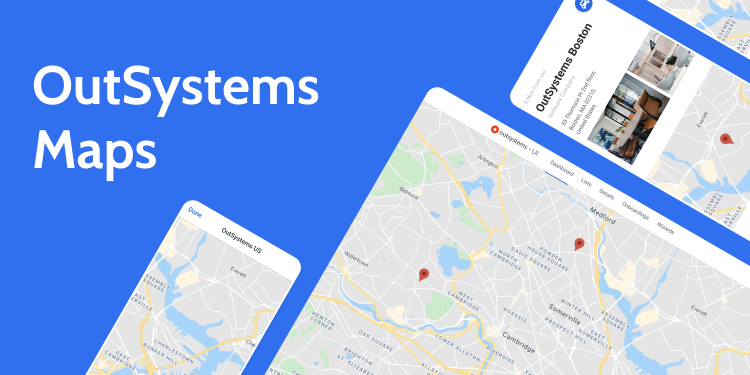
You can now easily add polygons and polylines to your map. Customize the look and feel of these shapes and even allow users to interact with them. Check our working samples and respective documentation, and stay tuned for more features we’ll be adding to this component.
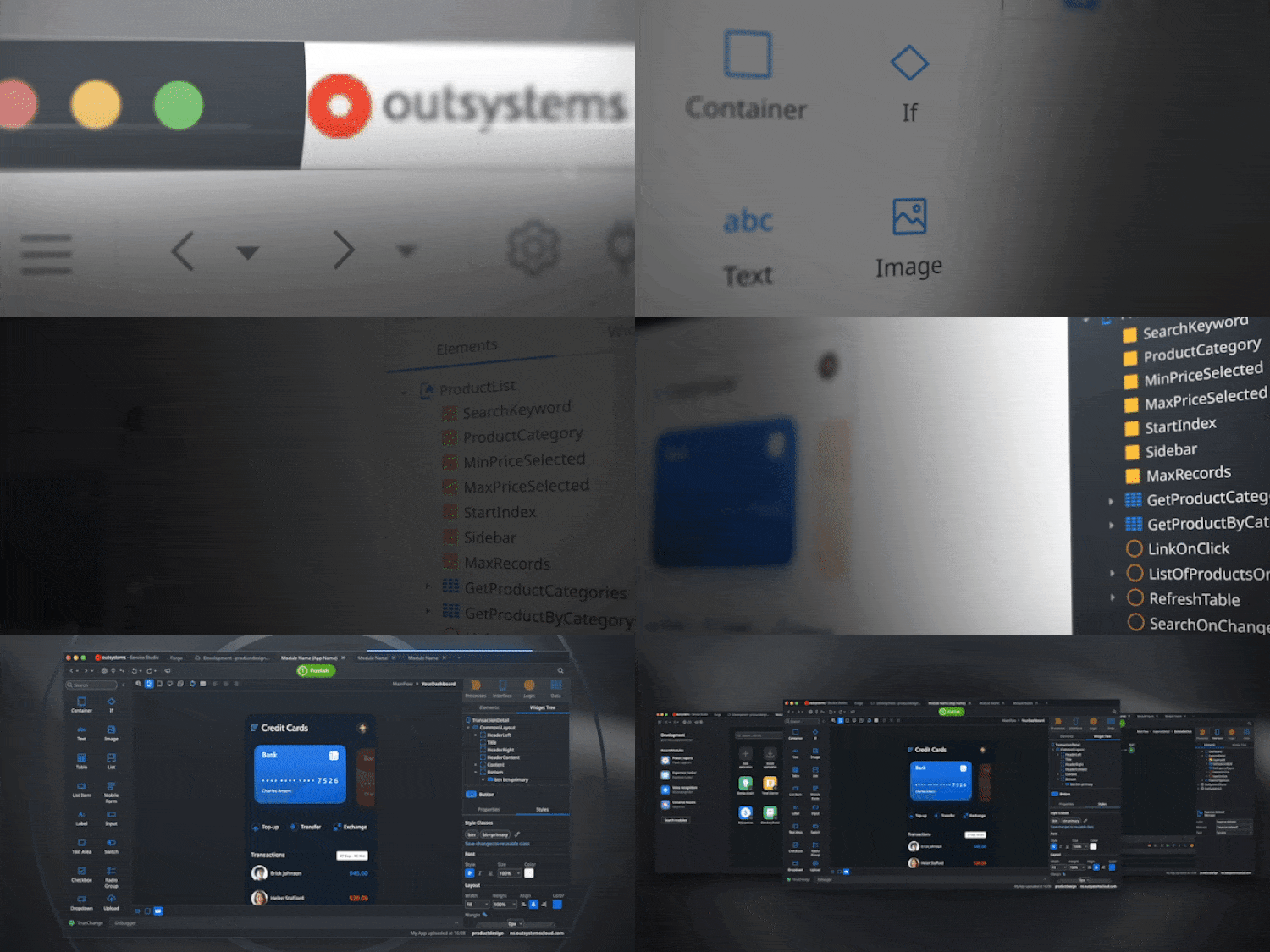
Mac users can now use Service Studio natively on macOS! Check out the beautifully redesigned user interface, improved interactions, and themes - including a dark mode. This version also includes new text editors with syntax highlighting, autocomplete, find and replace, line numbering, support for ES6, and much more.
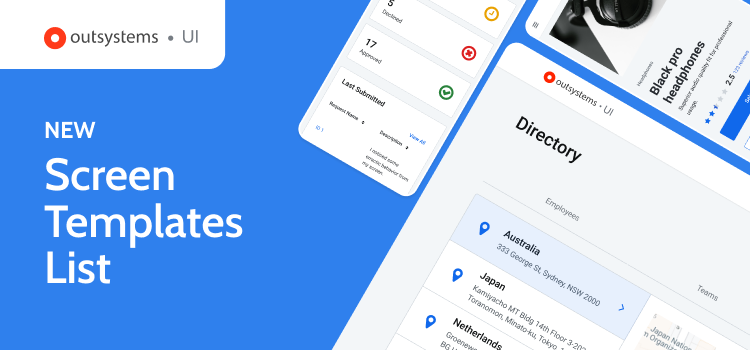
Easily find the most popular screen templates for both Reactive Web and Mobile apps, now displayed in a single discoverable list within the OutSystems UI framework. With improved UI and clearer, more descriptive language, the most widely used templates have been combined for improved findability, allowing you to customize them according to your use case and speed up development.
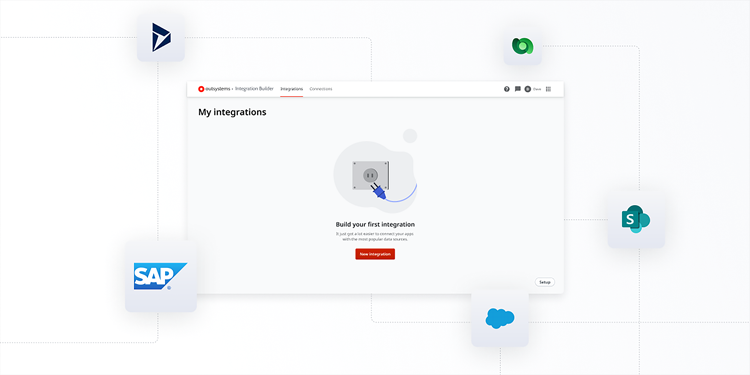
With Integration Builder, we’ve drastically decreased the time and complexity integrating with common systems of record like SAP, Salesforce, Dynamics, or Sharepoint. Access data and services from these external systems in a matter of minutes with a simple, wizard-based experience. Integration Builder does the heavy lifting for you, ensuring connections are secure and scalable while following architectural best practices. Configure integrations once, and then reuse them multiple times in your OutSystems apps. Learn more about Integration Builder here.
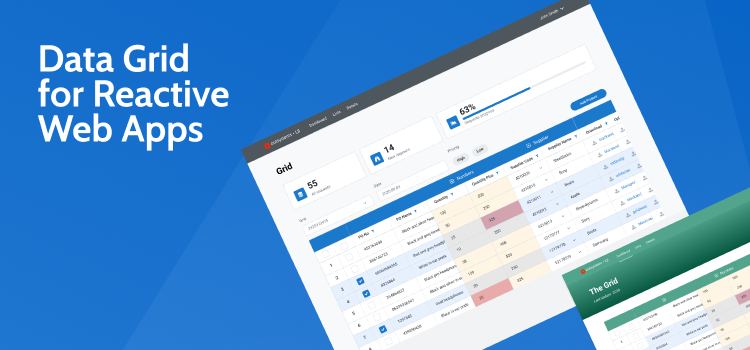
View, select, and edit large amounts of data in a familiar interface and sort data by parameter with Data Grid Reactive, a component built for Reactive Web apps. With this component, you can now create enterprise-grade interfaces for Reactive Web apps, a more suitable and time-effective option than designing a custom solution every time you need to manipulate dense datasets.
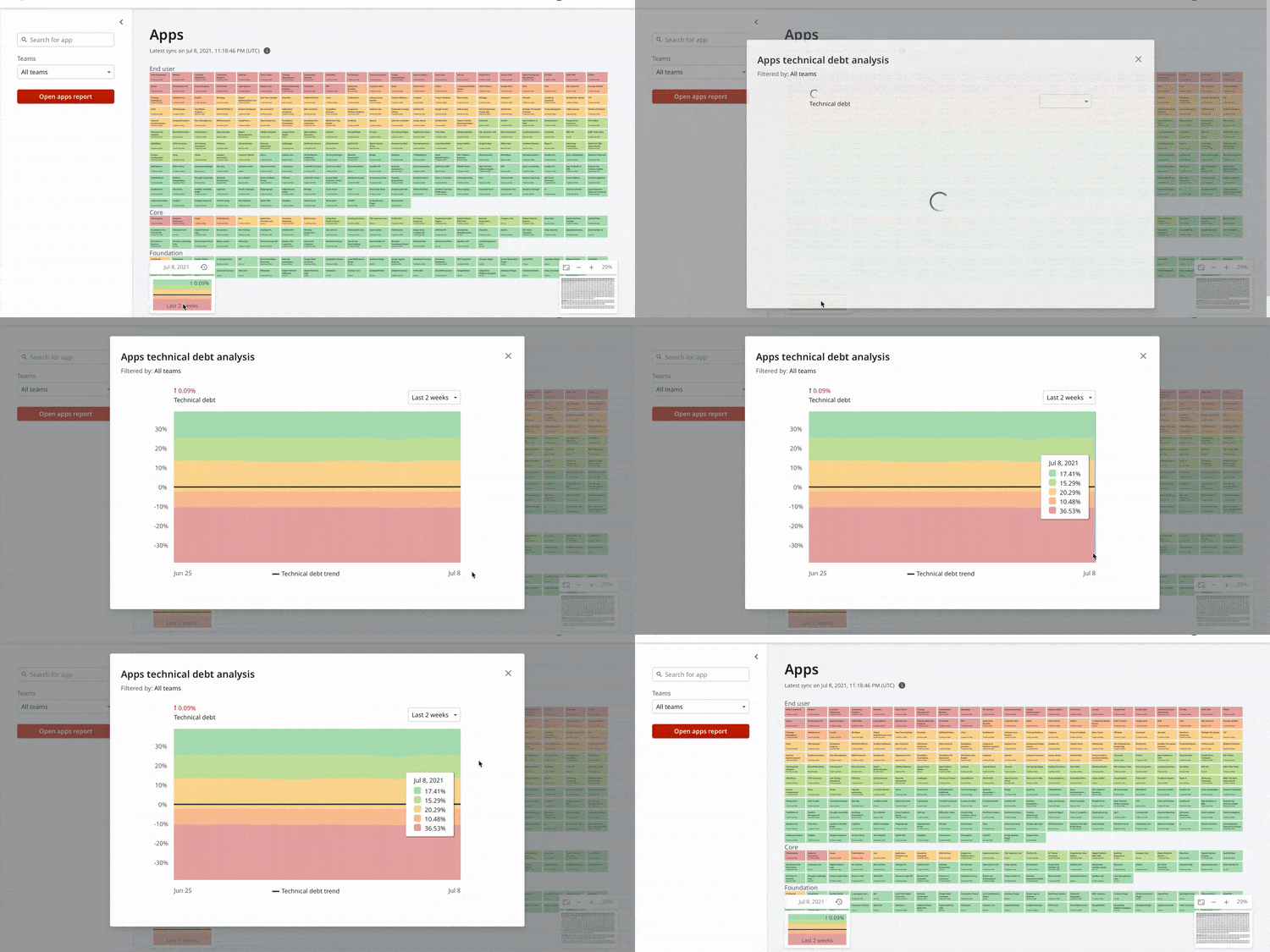
It’s now easier to read the technical debt analysis chart in Architecture Dashboard with our new formula approach. Until recently, our analysis chart showed the distribution of technical debt based on module or application count, and their agility. This chart led to difficulties in reading, since a big application full of technical debt marked as red (for low agility) is represented in the same size as a plugin that would normally be small and green (for high agility). This would end up even more complicated when the trend didn’t match the visual amount of agility. Our new formula approach considers the actual size of a module or app in the factory, delivering an improved perception of your factory's technical debt trend.
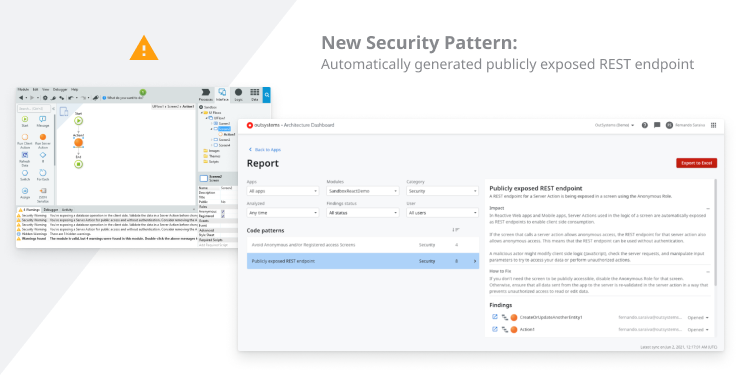
Easily trace and solve publicly exposed endpoints with this new security pattern. In Reactive Web and Mobile apps, server actions used in the logic of a screen are automatically exposed as REST Endpoints, enabling client-side consumption. If a screen is marked for anonymous access, all consumed server actions will be exposed without authentication. Sometimes, while reusing actions on different screens, you might end up exposing something that you did not intend to. This pattern helps you trace and solve those cases with ease!
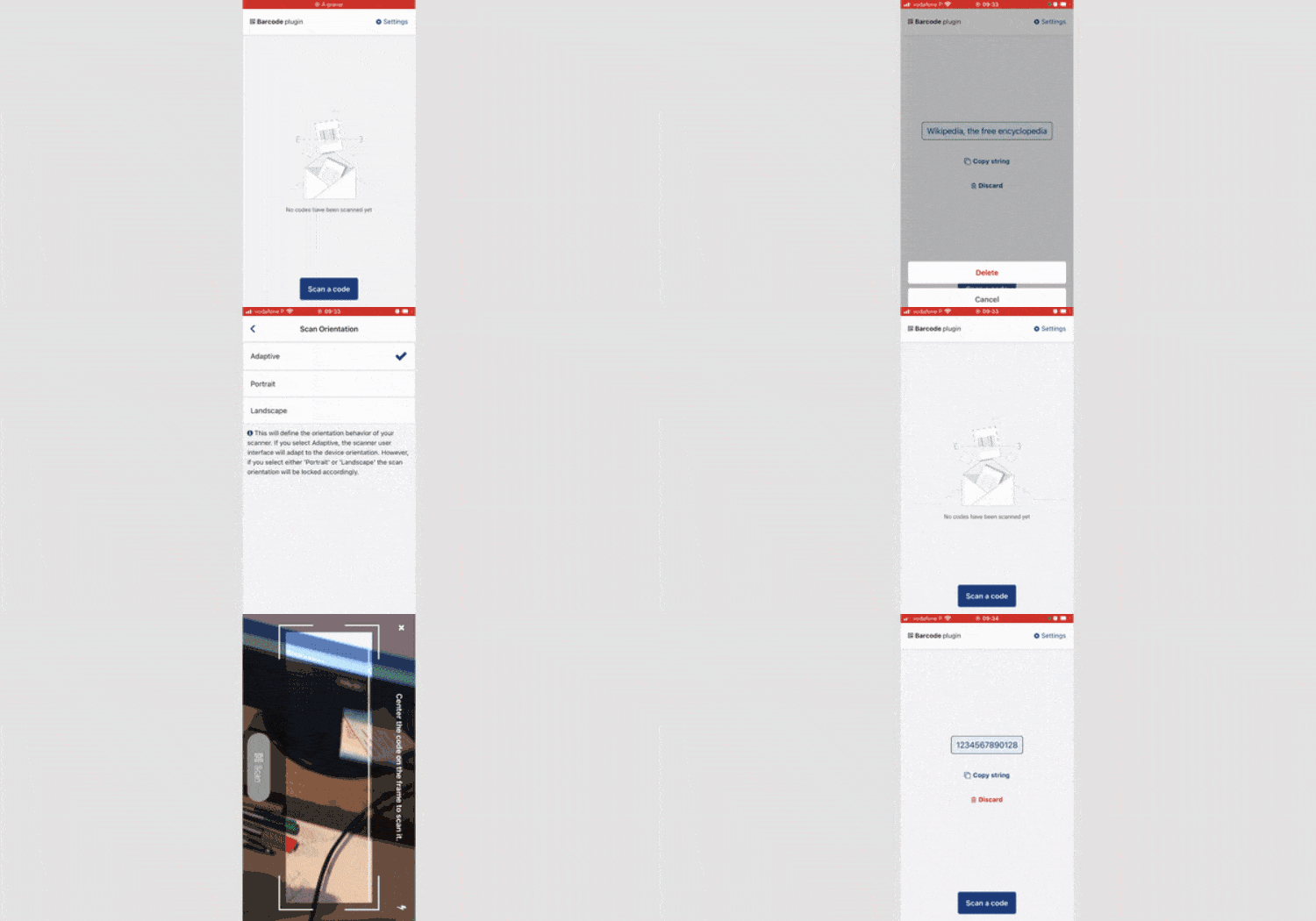
Enable your mobile apps to scan 1D and 2D barcodes (such as QR codes, Data Matrix, and Aztec codes) using the Barcode Plugin. Users can select the front or back camera, choose between Landscape, Portrait, or Adaptive mode, and add a button for secure scanning. Test the look and feel of the Barcode Plugin using our demo app, and accelerate development using the included ScanCode block.
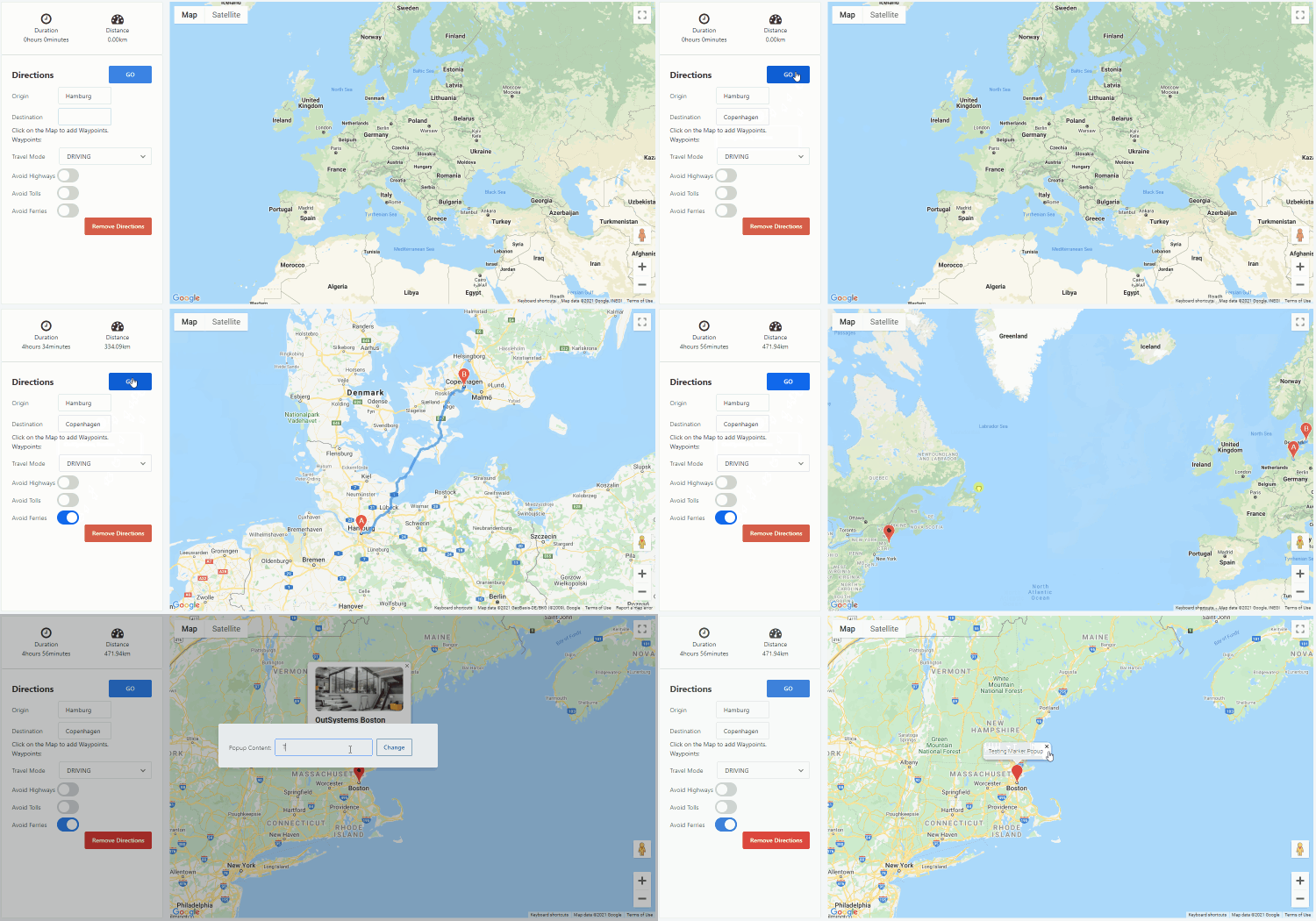
Easily add maps with single or multiple locations to your apps using OutSystems Maps. It’s fully adaptable, allowing you to change the behavior of your map and customize it according to your use case. You can also add customizable markers or popup markers, and use the Directions API to show users how to get there, no JavaScript knowledge required. Check our working samples and respective documentation, and stay tuned for more features we’ll be adding to this component.
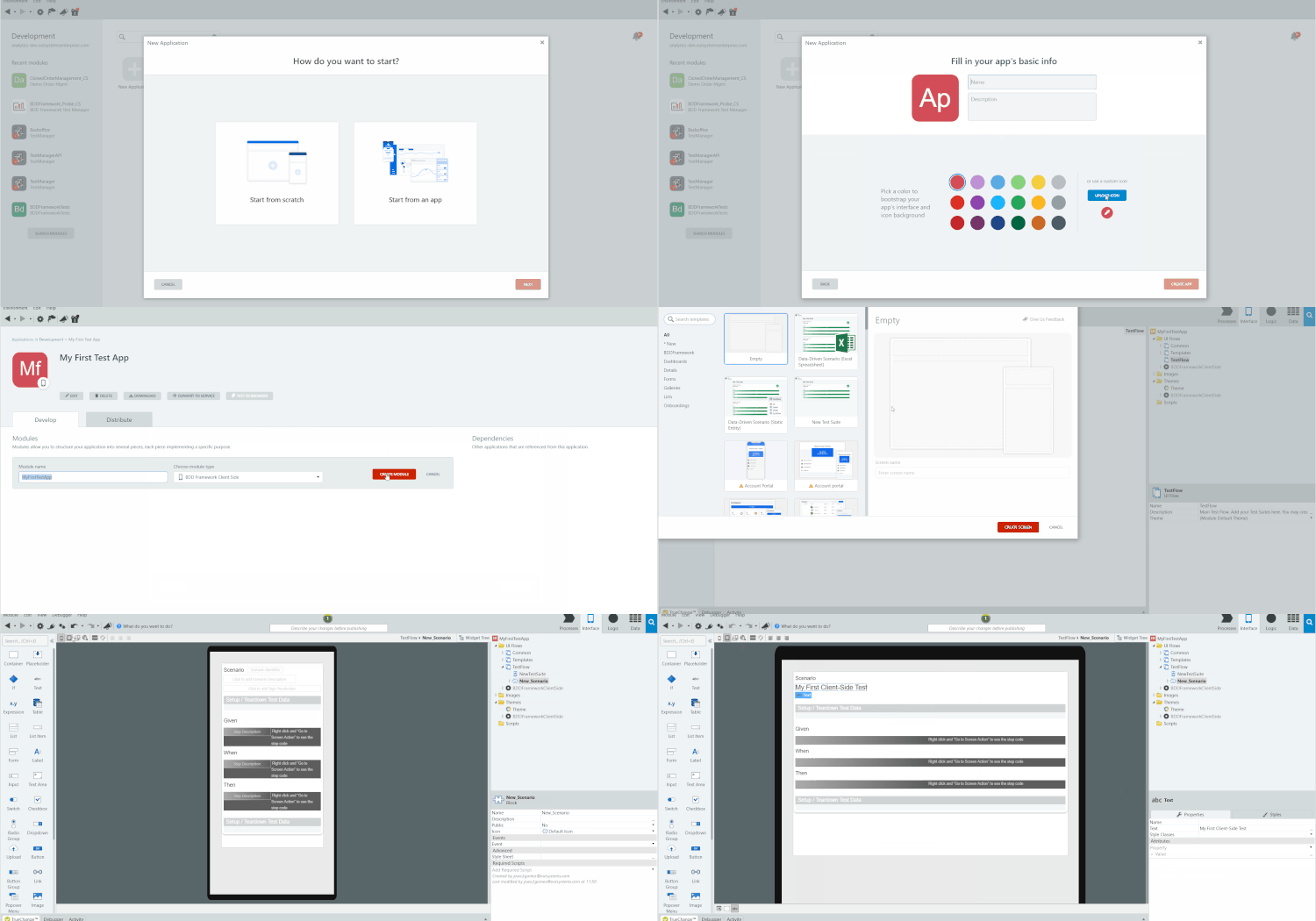
Create automated tests for your client-side actions with the new BDDFramework Client-Side testing tool. You'll already be familiar with it, as it has the same development experience as the BDDFramework (for server-side). And with the new tagging feature and improved API, you'll have greater control over your automated test executions and more detailed reporting.