Move beyond BPM
Drive next-level workflow automation with custom agents
Struggling with BPM solutions or manual processes to get work done is old school. See how you can orchestrate multi-agent workflows to automate any process, anywhere—with end-to-end control and endless flexibility.
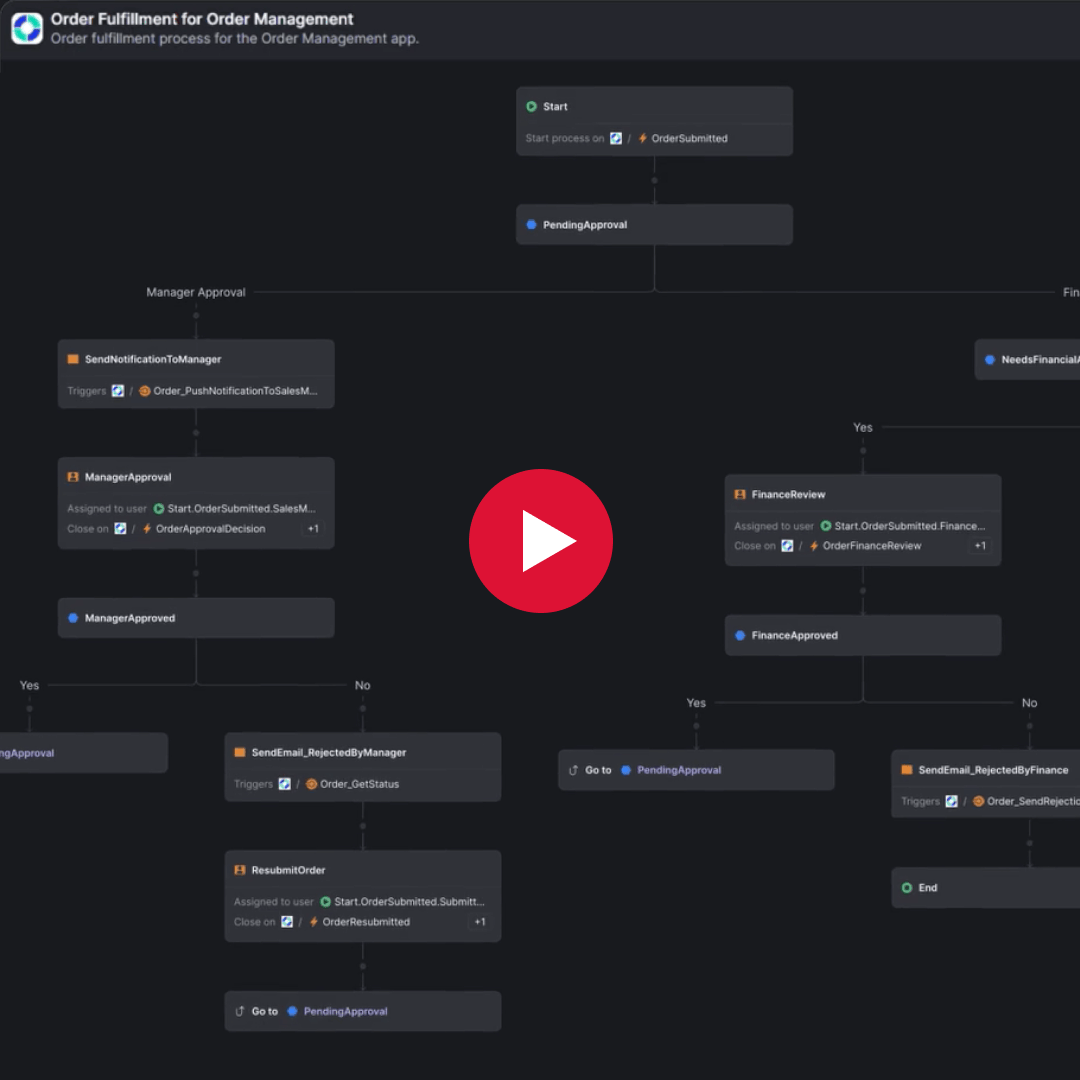
See OutSystems Workflows in action
See for yourself just how effortless it is to automate your business processes. Watch this demo that shows Workflows in action as it streamlines order management.



Orchestrate human-agent collaboration
Deliver new levels of AI-driven automation and efficiency and speed with custom agents that reason, plan, act, and evolve. Coordinate multiple AI agents across workflows—with or without humans in the loop—to achieve critical business outcomes.

Embed agents across any workflow where they deliver the most value.
Build smart processes where agents perform tasks and adapt workflows.
Gain trust with real-time visibility into how AI agents make decisions.

AI automation for even your most complex workflows
Ensure your processes remain modern and efficient. Skip the BPM solutions, the high-code customizations, and the technical debt. Automate even the most complex tasks and orchestrate multi-agent workflows to scale smarter, faster, and more efficiently—all with the agentic systems platform leader.
Adapt workflows seamlessly without major rework.
Keep processes up-to-date with minimal effort.
Rapidly implement changes and adapt agent collaboration to meet any business need.
No development background needed
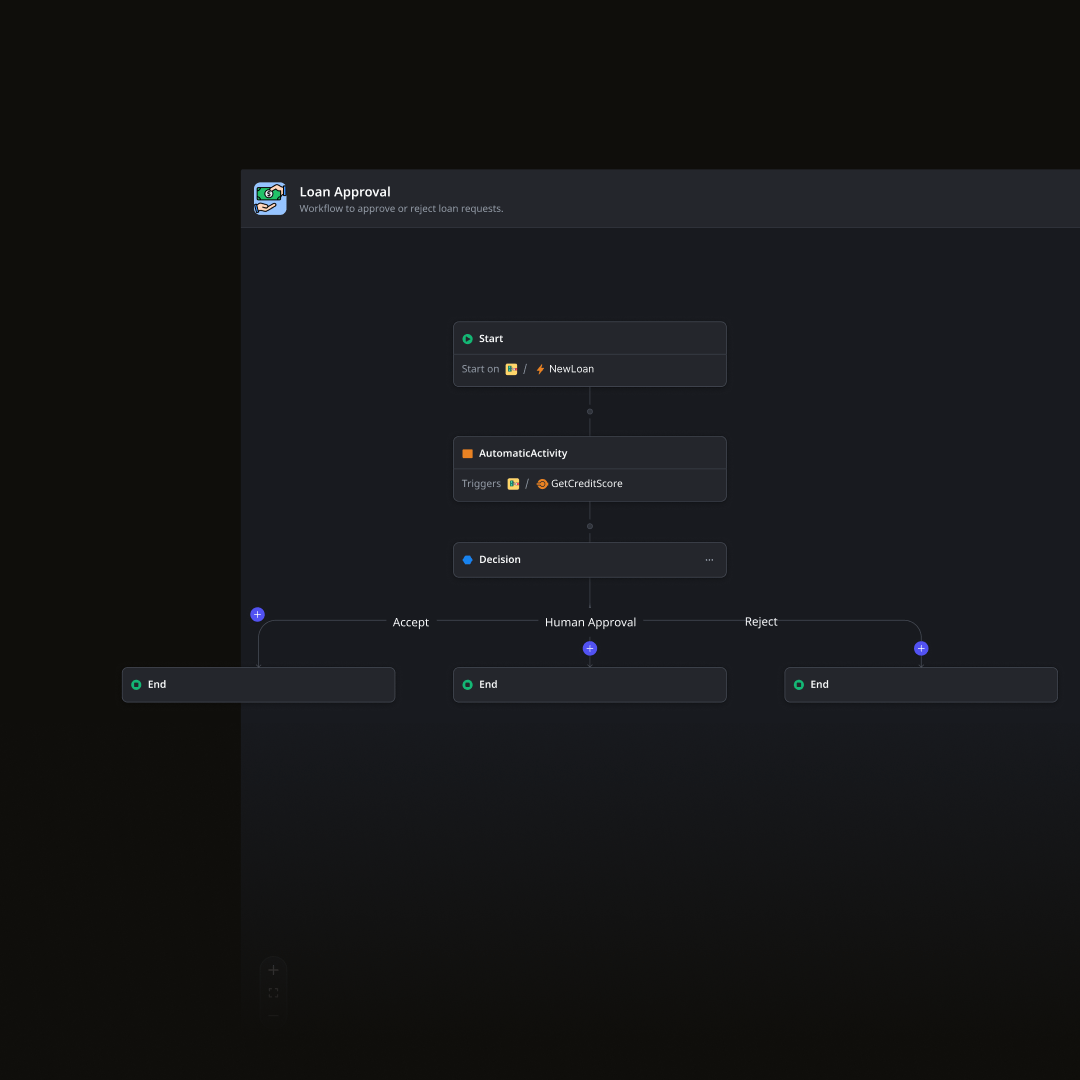
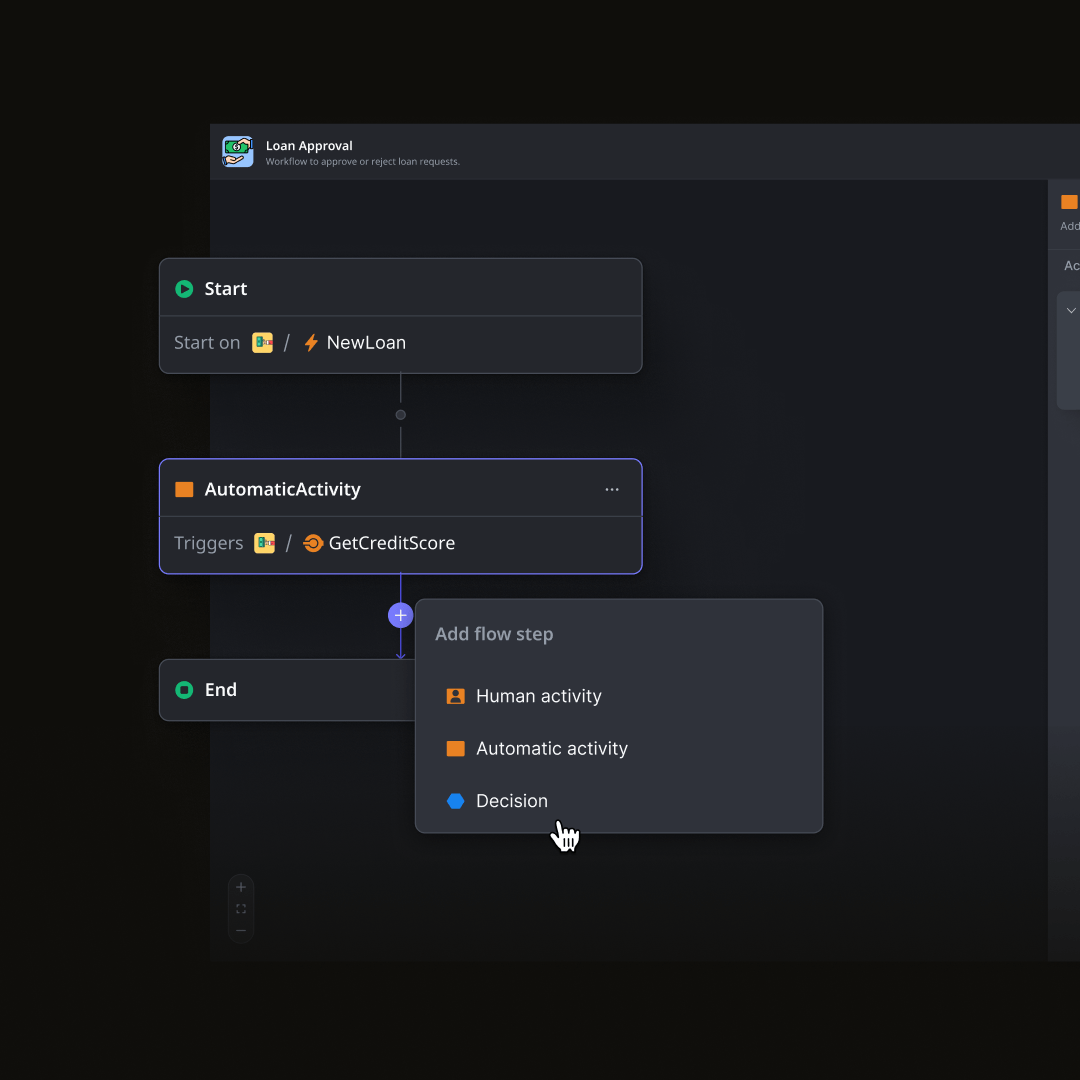
No one knows business processes better than the people who use them. That’s why OutSystems gives business users the power to model their processes themselves. When they’re ready to go, they can turn to IT for implementation.
Empower business users to define workflows in an environment designed for them.
Ensure automation is aligned with business requirements by involving the business in the design process.
Bridge the gap between business expertise and technical implementation.
One platform, all of your workflow automation needs
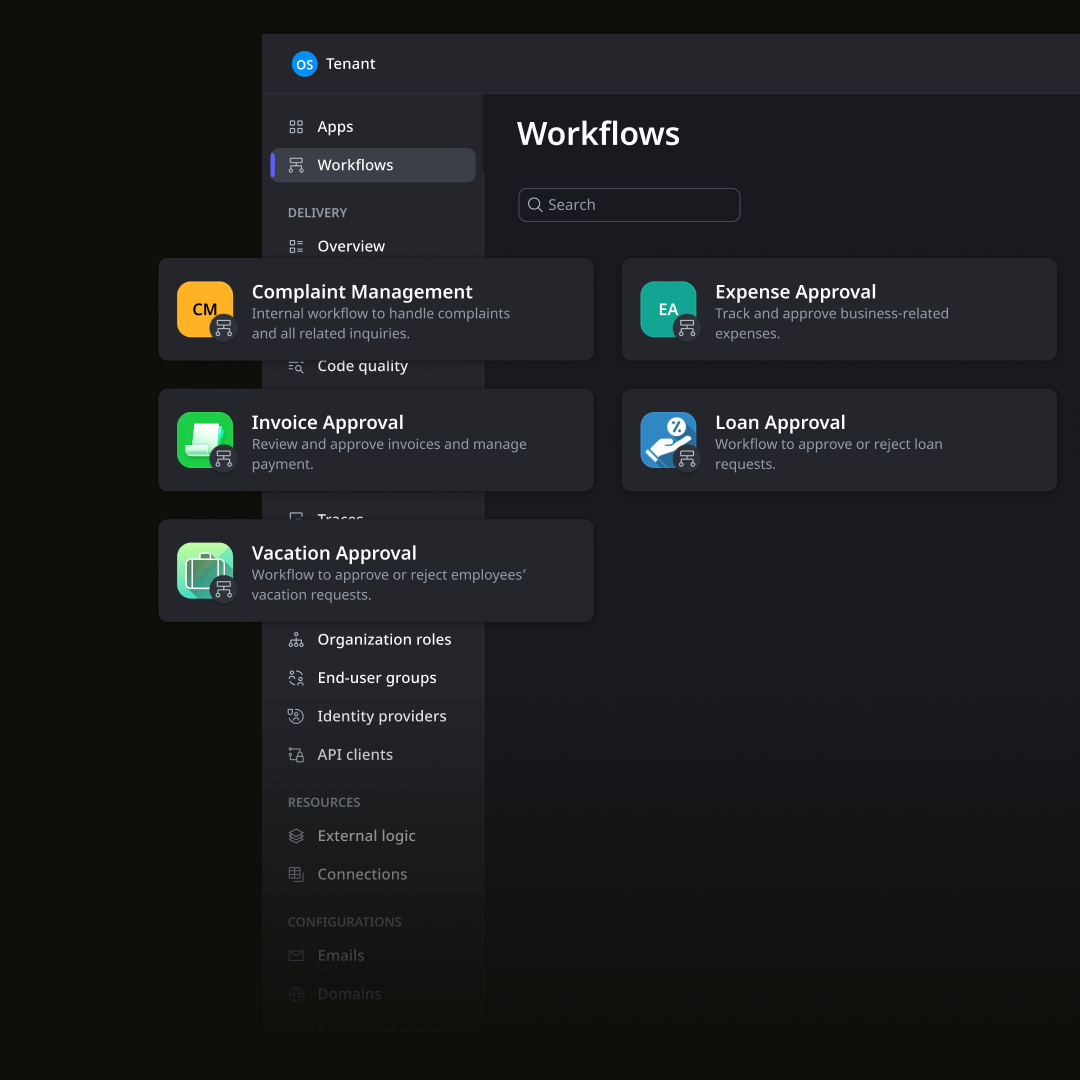
Why settle for isolated tools when you can have it all? OutSystems provides a complete workflow automation toolkit with simplified integration, event-driven architecture features, and AI agent orchestration—all in one platform.
Accelerate delivery of custom apps and agents with a complete agentic AI toolset.
Develop automated workflows in a comprehensive ecosystem that includes hosting, infrastructure, and security and compliance guardrails.
Monitor performance, support CI/CD, and keep an eye on tech debt with a DevOps tool.
Workflow automation FAQ
OutSystems differentiates itself from narrower-scope BPM tools by combining workflow automation with full-stack application development. Tools like Pega, Appian, or Camunda focus heavily on process orchestration. OutSystems lets teams build complete applications with workflows, custom UI, business logic, mobile experiences, integrations, and AI agents in one governed platform.
OutSystems is designed to support complex enterprise workflows with multiple steps, decision points, sub-workflows, roles, and integrations. There is no fixed limit that restricts teams to only simple approval flows. Workflow complexity should still be designed carefully, with clear logic, ownership, monitoring, and performance considerations.
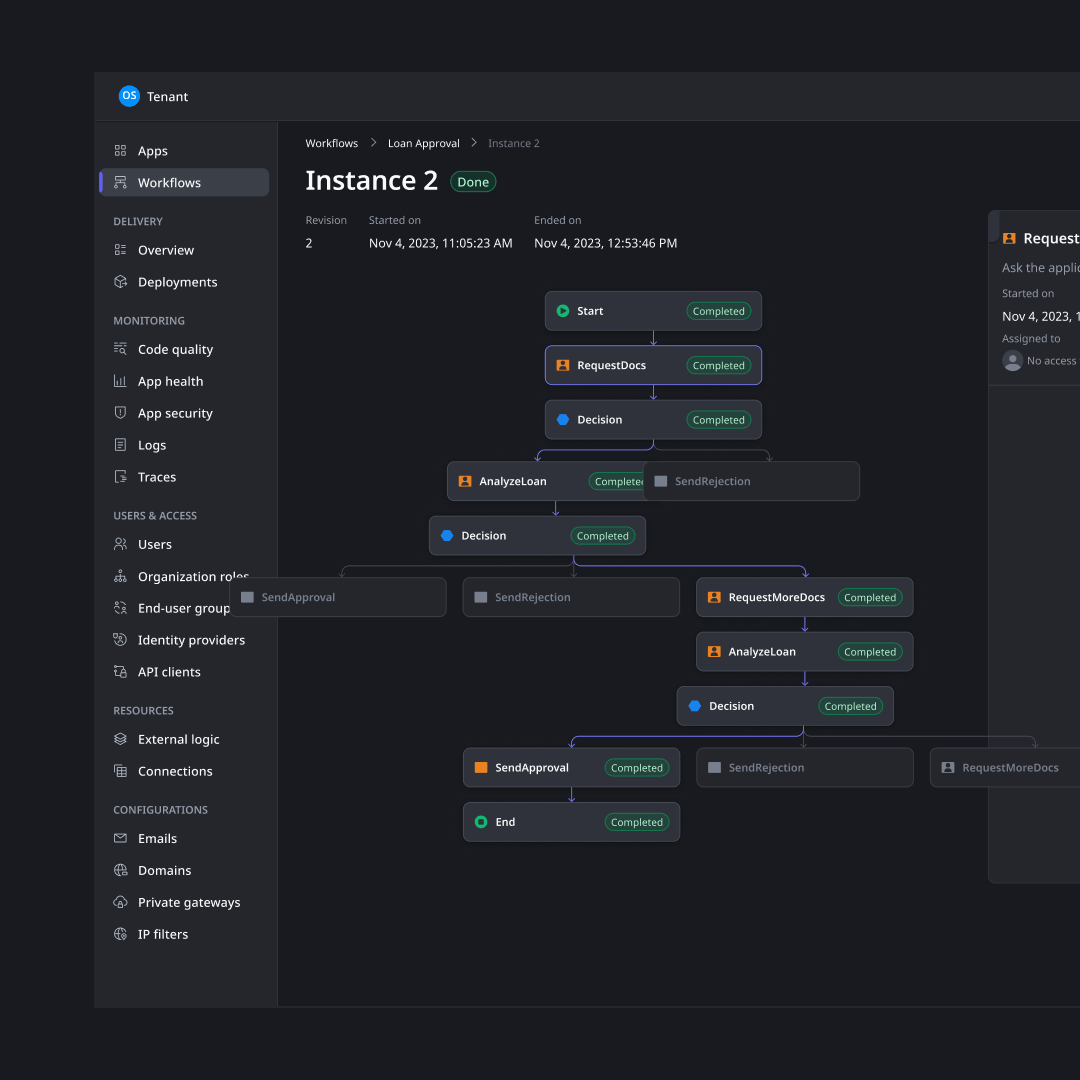
OutSystems supports workflow versioning so in-flight processes are not disrupted when new versions are deployed. A user who starts a workflow stays on that version until completion, while new users can move to the latest version. Teams can track workflow versions, add comments when publishing new revisions, debug running instances, and manage changes safely.
Yes. OutSystems workflows can be triggered by external system events, API calls, user actions, database changes, or scheduled timers. This supports event-driven automation where workflows respond to activity across the broader enterprise ecosystem. Events can pass data into workflows and help coordinate processes across systems.
The number of workflow steps does not directly determine pricing. OutSystems pricing is primarily based on Application Objects, which measure application complexity through elements such as screens, database tables, and API methods, along with user volume. Reusable components can also help teams manage cost as workflow automation expands.
Yes. OutSystems workflows can be exposed as REST APIs so other systems, portals, mobile apps, or partner applications can trigger or consume them. Teams control authentication, permissions, input parameters, and returned data. This makes workflow automation part of a broader enterprise architecture rather than an isolated process layer.
OutSystems workflows can support both synchronous and asynchronous execution patterns depending on design. Some workflows follow a defined sequence of steps, while others wait for external actions, events, or updates before continuing. This gives teams flexibility to support approvals, long-running processes, system callbacks, and event-driven automation.
Yes. Teams can create reusable workflows, expose them as shared elements, and reference them across multiple applications. This helps standardize common processes, reduce duplicate development, and improve consistency. Reuse is especially valuable for workflows such as approvals, notifications, onboarding, case routing, and other repeatable enterprise patterns.
OutSystems provides visibility into workflow execution through visual workflow views, logs, traces, metrics, and runtime monitoring. Teams can see which workflow instances are running, where they are in the process, which version is active, and what steps were completed. This supports troubleshooting, auditing, and operational governance.
Business users can build simpler workflows with visual tools, especially for form-based approvals or departmental processes. For complex integrations, custom logic, governance, and enterprise-scale workflow automation, developers should be involved. The strongest model is collaborative: business teams define process needs, and developers extend, secure, and scale the workflow.