
Product Releases
and Updates
Thank you! Your submission has been received!
Oops! Something went wrong while submitting the form.
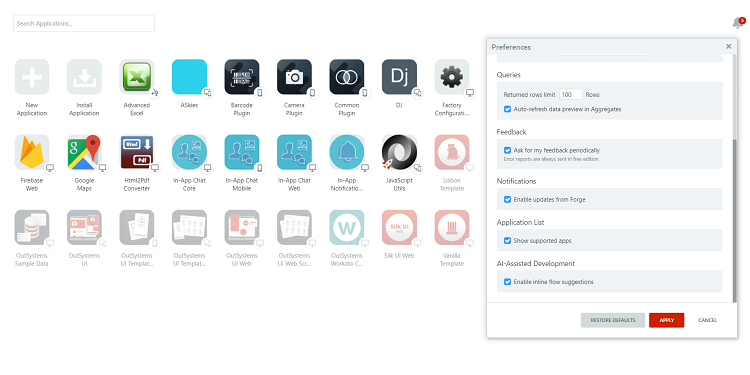
You can now see applications supported by OutSystems, such as OutSystems UI, in the Application List. Just open the "Preferences" and enable "Show supported apps" to see all the apps installed in your environment.
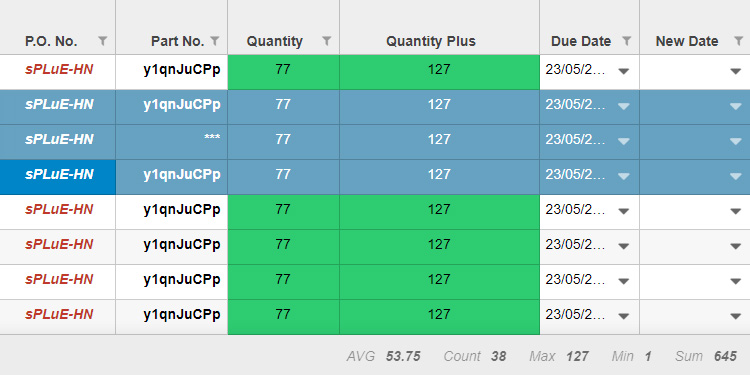
The new Grid version displays Count, Average, Maximum, Minimum and Summation, as well as custom tooltips on hovering a header column. We fixed a rendering issue on Internet Explorer, as well as other issues affecting export and CSS with filter and sort icons.
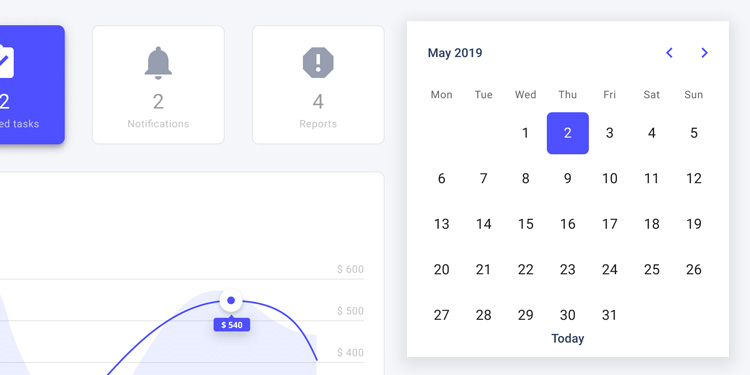
The latest OutSystems UI update brings a brand new batch of improvements and bug fixes for both reactive and traditional web such as enhanced behavior in the DatePicker, DropdownSearch, and DropdownTags patterns!
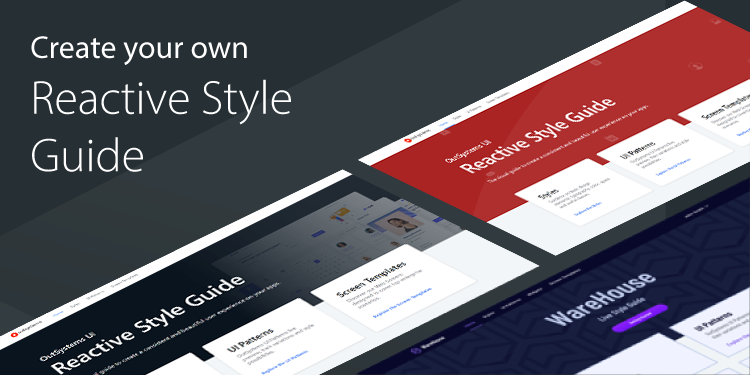
Creating live Style Guides for Reactive Web is now as easy as creating a new app! This new bundle has a theme and a template to create new apps, as well as a full preview application with all UI Patterns, Widgets, and Screen Templates for Reactive Web.

New year, new Service Center. We’ve given Service Center a stylish makeover with a brand new look, performance enhancements, and tweaks. Plus, you’ll notice improved responsiveness if you need to use your phone or tablet to perform application configuration tasks or check a publish status.
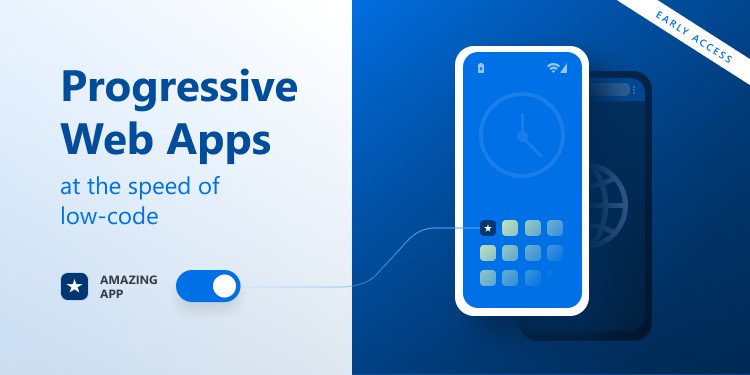
Extended early access to Progressive Web Apps (PWAs) is now open! Last year we had made available to a number of customers a new way of distributing mobile apps, and today, we are opening it up to everyone. Distribute your mobile apps through the web, allowing your users to add them to their home screens and providing them a frictionless experience with the benefits of a native app. You don’t even have to change the app’s flow, logic, or resources; it’s all just a toggle away!
02 January 2020
Announcing the General Availability of MABS 6.0
The new MABS version uses Android 10 (API level 29), iOS 13 and iOS WkWebview engine, allowing you to continue to submit your iOS apps to the App Store and your Android apps to the Play store. MABS 6.0 brings a new validator feature that reduces the feedback loop. It checks the required minimum version of supported plugins for MABS versions and generates a message in case of mismatched versions, saving you time and avoiding known issues.
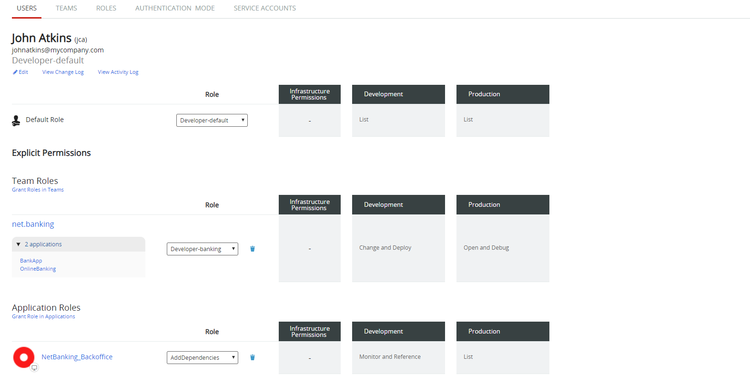
Start the year right with LifeTime’s latest IT Users’ permissions experience improvements. Now, when creating and managing their permissions, you’ll find a redesigned users’ permissions page, which allows you, for example, to easily add a user to more than one team, and to easily understand which permissions exist in each environment and applications.
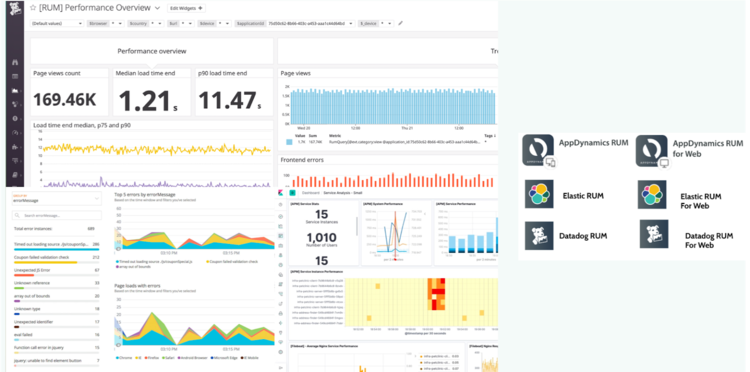
You now have more options to measure user experience of your OutSystems web and mobile applications! It’s easy. Just add third-party instrumentation from Datadog, Elastic, and AppDynamics in addition to the previously released New Relic and Dynatrace components to your OutSystems application to begin to visualize the customer experience of your applications in real-time. It’s a snap to get started using brand new Forge components. Start optimizing user experience in minutes!
Download the new Forge components to get started: Datadog RUM for Web, Dynatrace RUM for Reactive Web, AppDynamics for Web, AppDynamics for Reactive Web, Elastic RUM for Web, and Elastic RUM for Reactive Web.
The latest OutSystems UI release comes with several improvements to Patterns, and with a new public action in the Utilities folder: “ScrollToElement.” This new action will allow you to scroll to a given element on the page automatically.