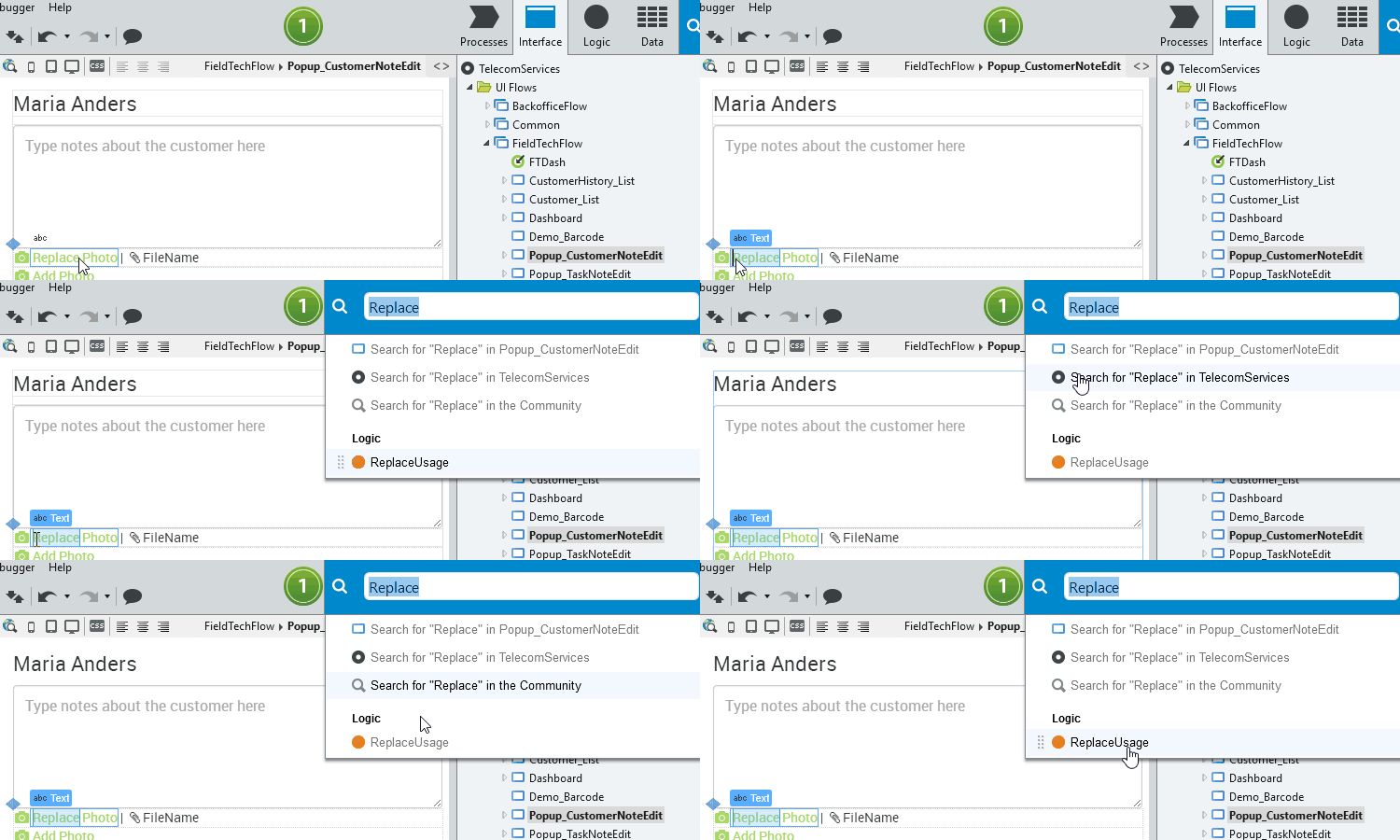
Everyone knows the pain of finding and replacing. This new Service Studio version makes that so much easier. If you select text and press Ctrl + F, the global search opens with your selected text already populated. For the Search and Replace window, it’s the same: select text, press Ctrl + R, and the Search field in the Search and Replace window is populated.
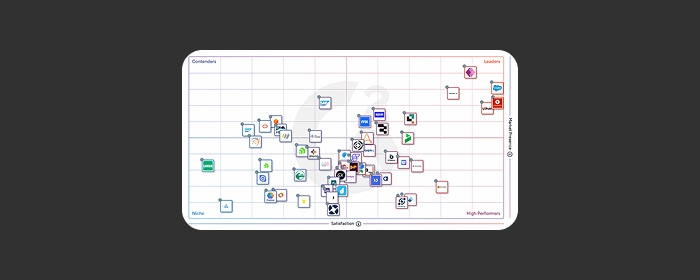
Keep learning with our resourcesG2 Data: Why enterprises build apps and agents on OutSystemsUsers rank OutSystems a top platform for apps and AI agents.Get infographicG2 Grid Report for Low-Code Development Platforms, 2026OutSystems is a Leader, earning a perfect 100 satisfaction score.Get the ReportG2 2026 AI Agent Builder Grid: OutSystems Named a LeaderLearn why OutSystems achieved Leader status with a 95 NPS.Get the reportCheck out all our Resources