Product Releases
and Updates
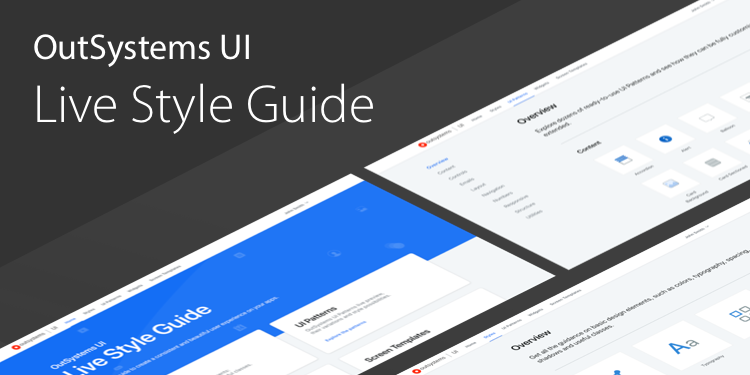
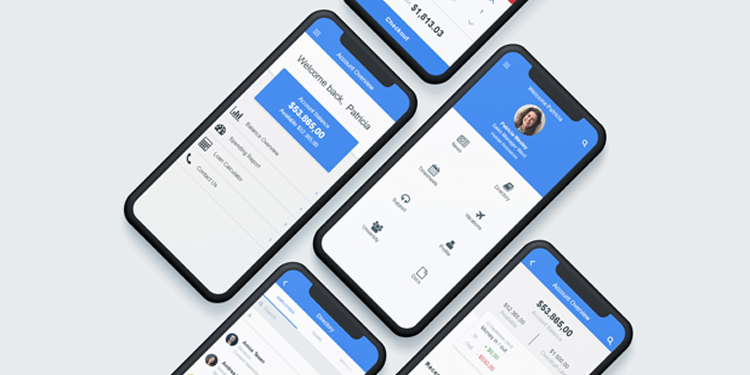
With the Live Style Guide, you can maintain a consistent look and feel across all your web applications. Now it’s easy to apply custom styles, UI patterns, widgets, and screen templates. To get started, create a custom theme and add it to the module we've provided in the Forge that has a theme and template based on OutSystems UI.
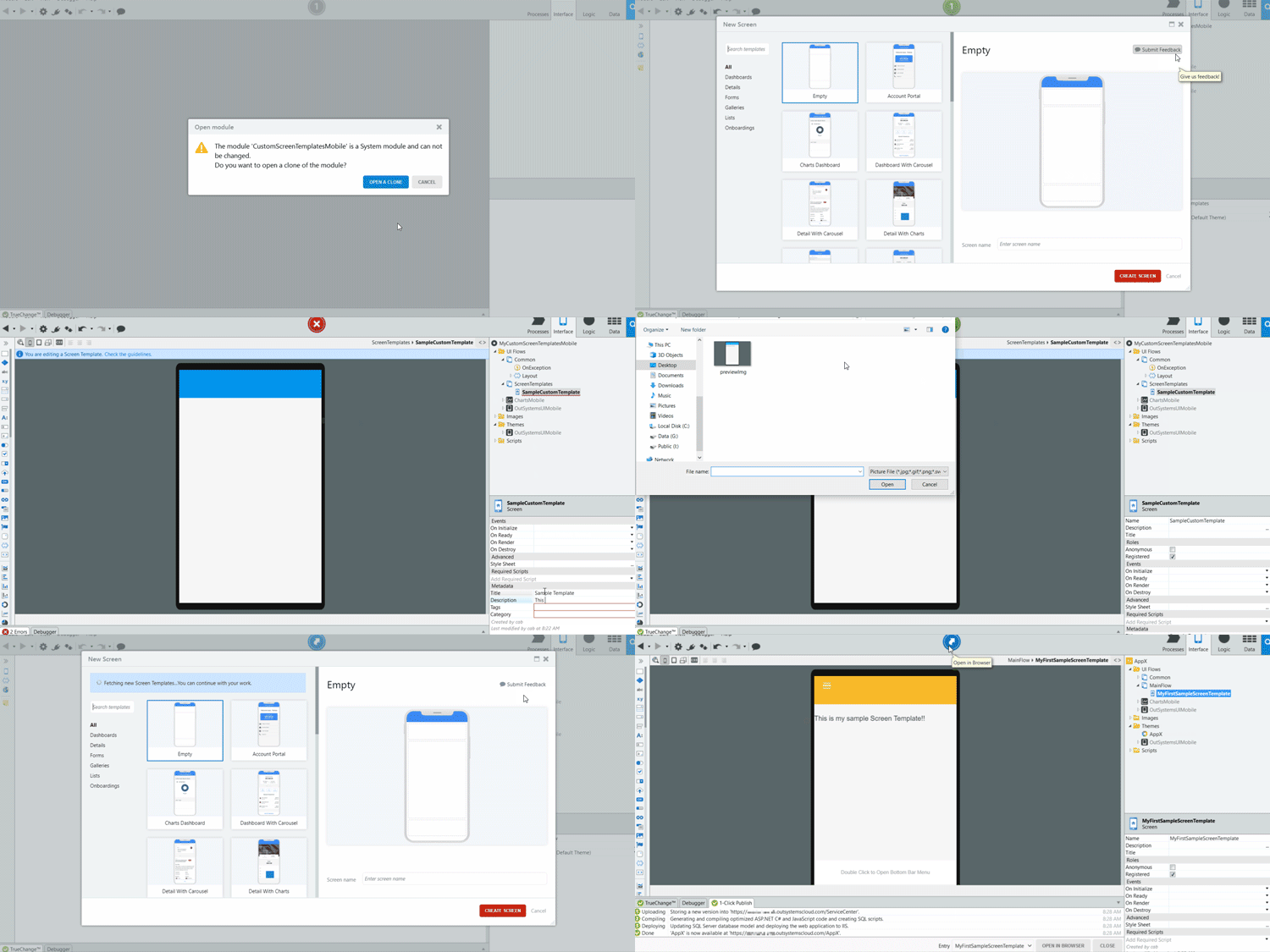
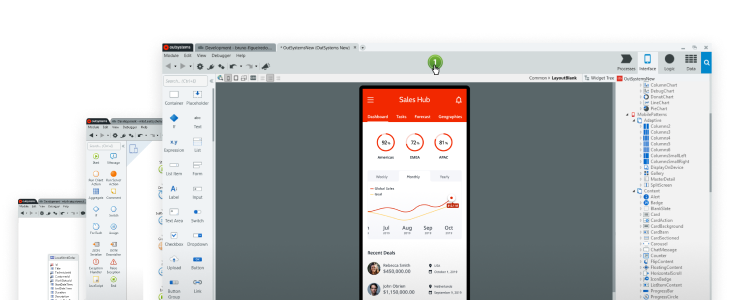
Develop custom Screen Templates and speed up development. Start from scratch or bootstrap from an existing Screen Template. Next, add your logic and sample data. After you publish it, other developers on your team or in your organization can use it to build their screens quickly and immediately publish it for a quick appraisal or demo. Available on Forge for web and for mobile.
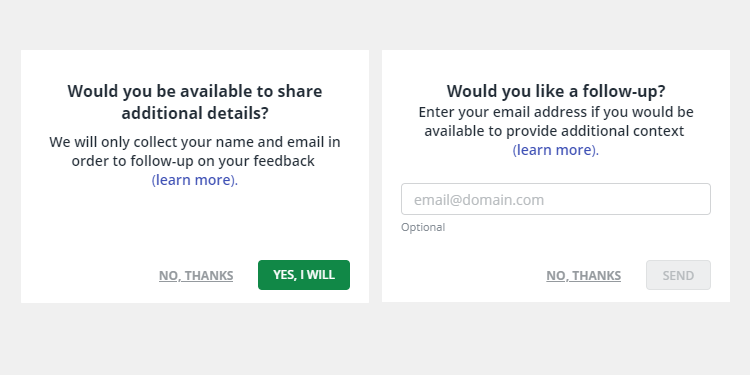
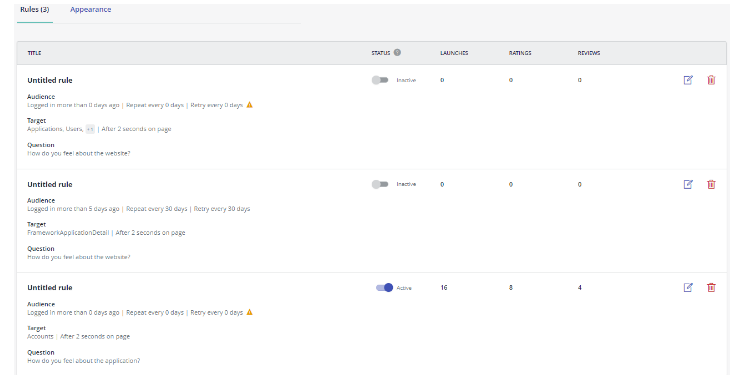
Quality feedback is key to excellent customer experience! With OutSystems Insights, anonymous users can submit feedback. Contacting customers about their feedback allows you to clarify or acknowledge their reviews. Because follow-up is valuable, we now request the anonymous user's email one more time. We've also increased the context of the feedback from users. You can now view their email, the question they answered, and the page where the CSAT launched.