

Product Releases
and Updates
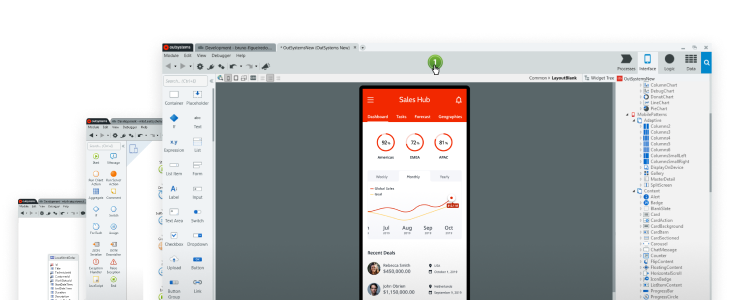
Thank you! Your submission has been received!
Oops! Something went wrong while submitting the form.
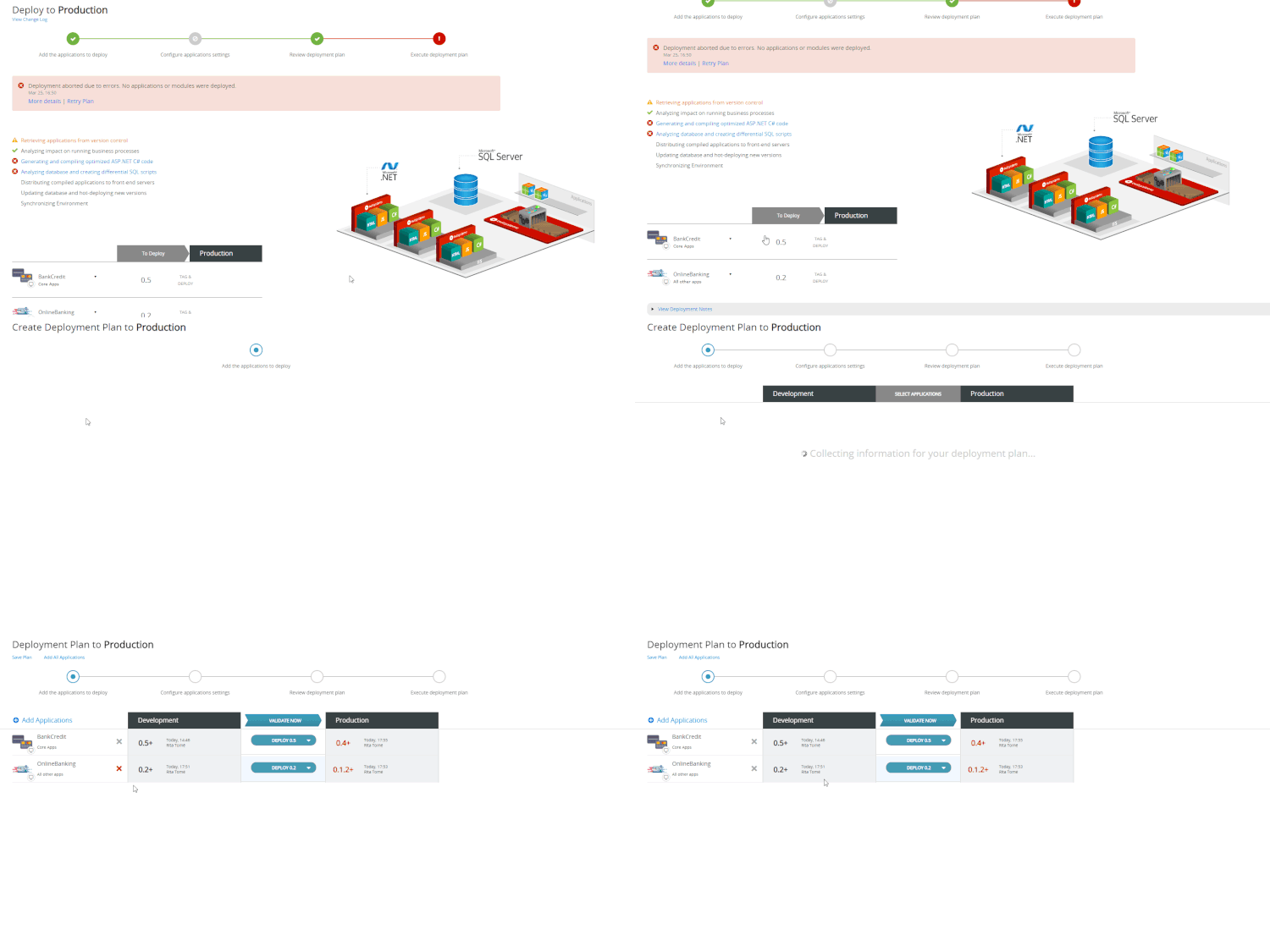
We know that creating deployment plans always bears some risk, especially when we’re talking about delivering to Production. To help you out, we created an accelerator for retrying aborted plans - with just a click you can create a new deployment plan that includes all the applications and tags that were in the plan that aborted. Learn how to retry an aborted deployment plan.
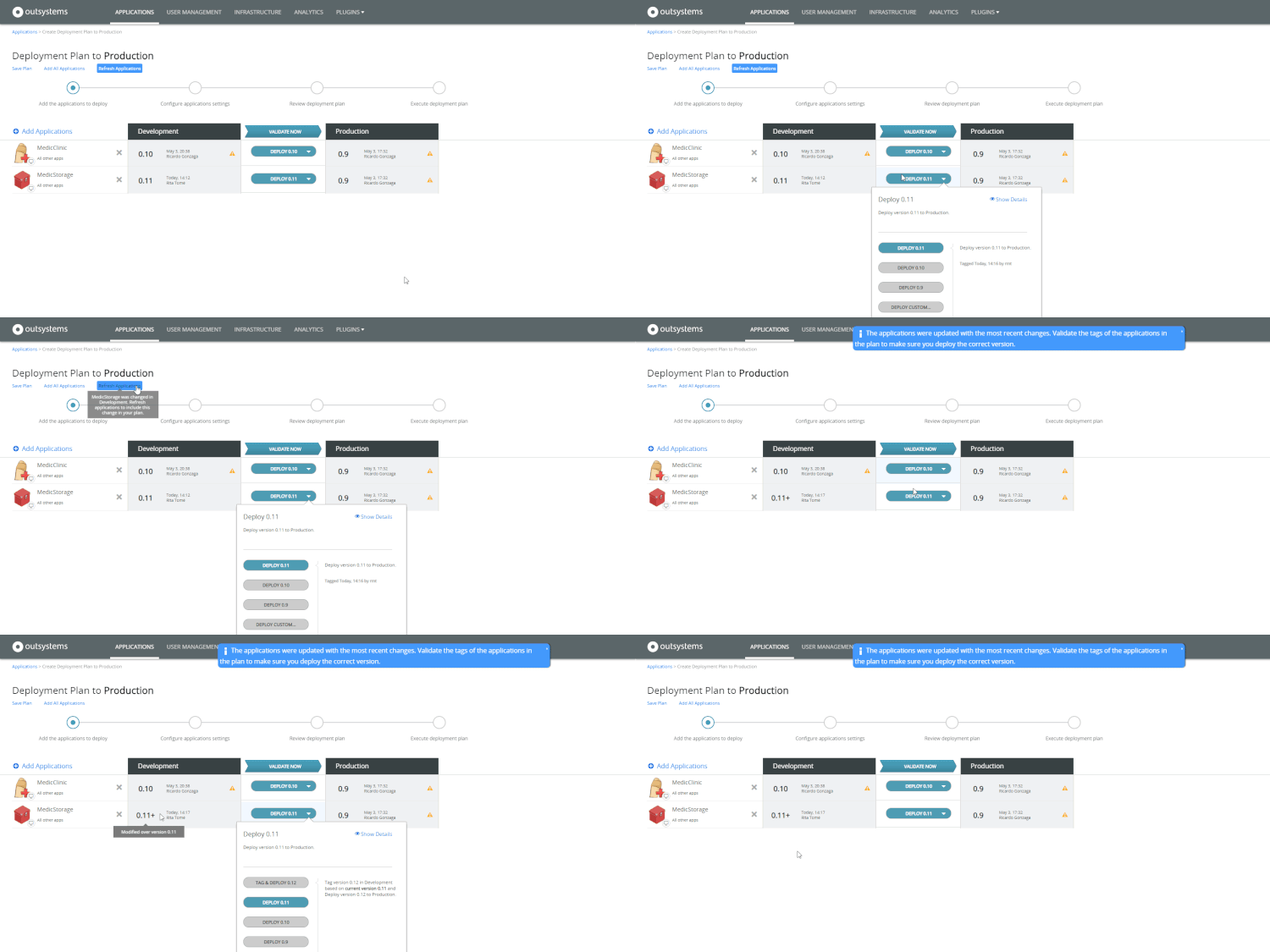
You've just finished creating a deployment plan, and then a team member asks you to add some changes to an application. Does this sound familiar? In LifeTime, you can now refresh the applications in your deployment plan without the need to toss it to the curb. Learn how to refresh applications in the deployment plan.
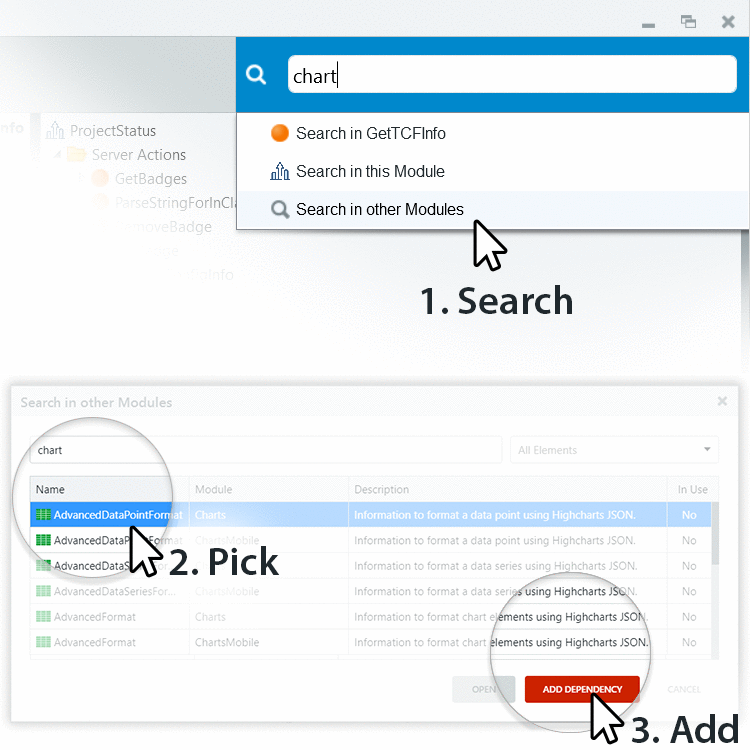
Adding a dependency just got a lot easier, in the Search in other Modules window, you can now quickly search for a dependency, then, when you find the one you’re looking for, all you have to do is pick it and add!
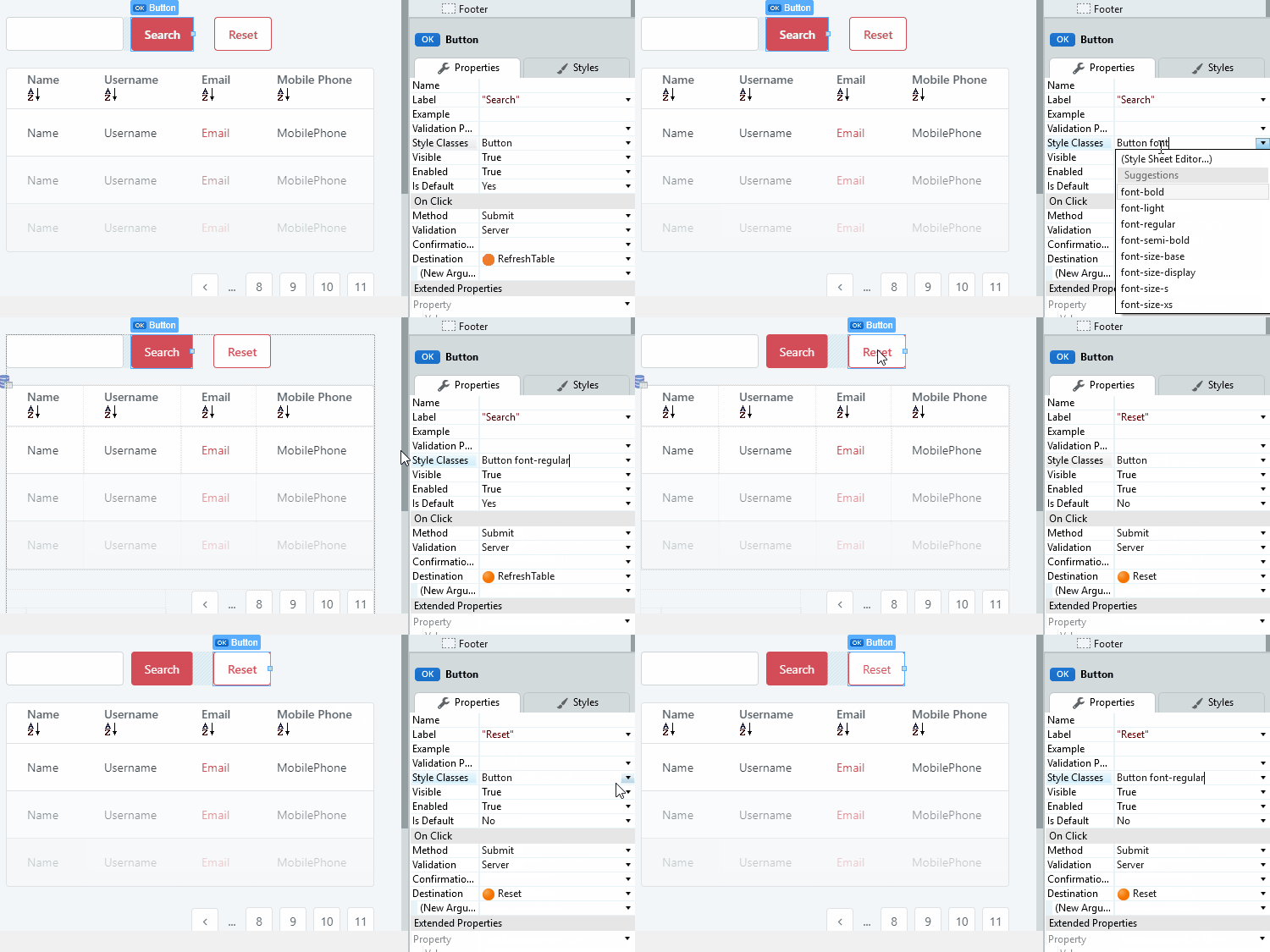
Now, the Style Classes property of widgets provides top suggestions based on styles that are used the most for UI elements of the same type (for example, Button, Container, and more). Quickly find a style for your UI element, and remember, it's best practice to keep the style consistent throughout your app.
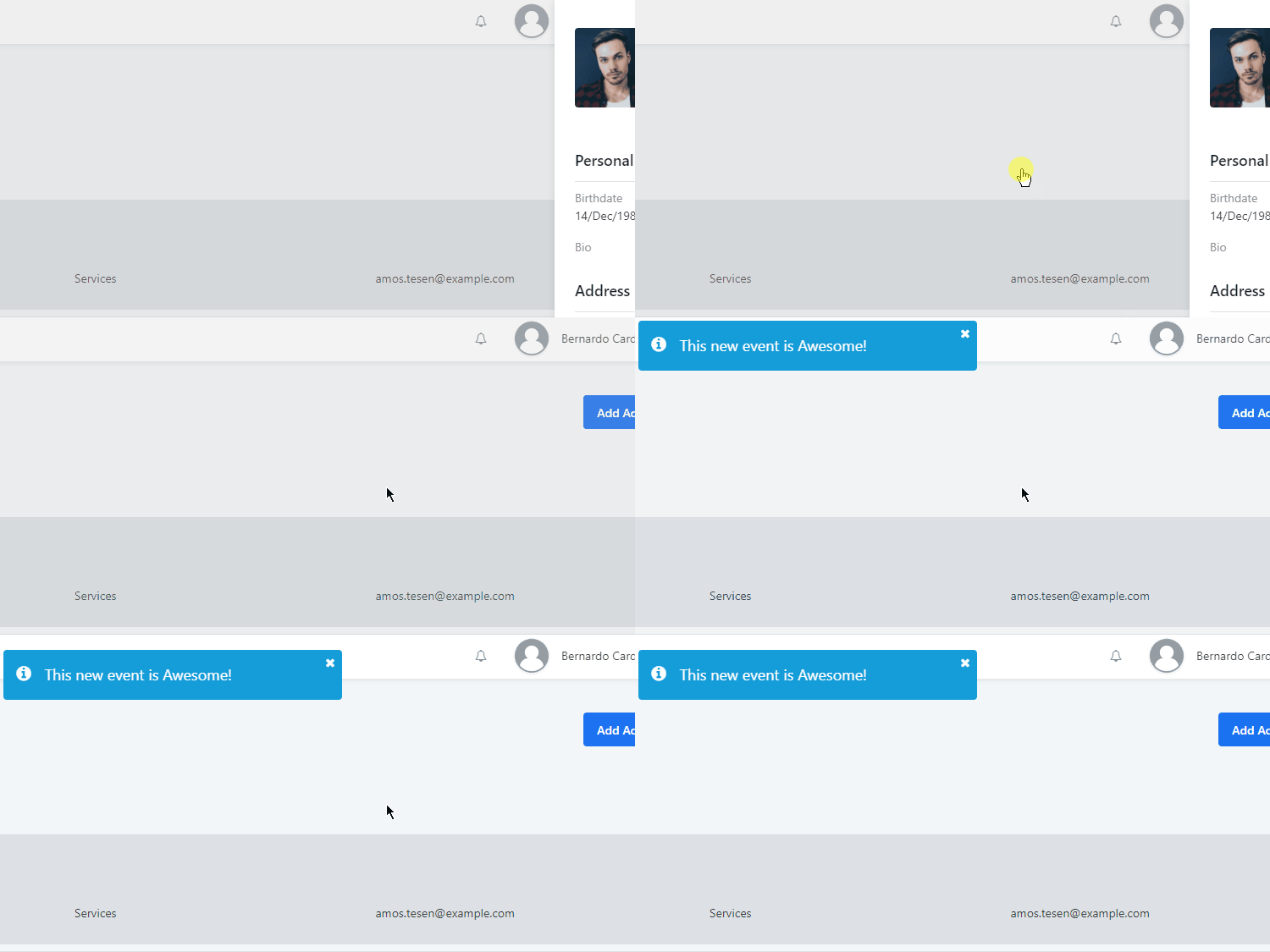
In this version of OutSystems UI Web, there's a new Sidebar event, which is triggered when clicking the overlay. Additionally, we improved the responsive preview inside Service Studio.

The new version of the Data Grid comes with several usability improvements and bug fixes. For example, it's now possible to click on the dropdown arrow from a selected column directly. We also did some work on dirty cells: an indication of dirty cell when double clicking and not changing its value is no longer possible, and the style of the dirty cell (from red to black) has changed to avoid confusion with invalid values.
27 June 2019
New OutSystems.AI Language Analysis Component
Want to quickly glean the general idea of information from customers without losing time, money and resources? Text and speech analysis can enable your support agents to get the key information from incoming cases quickly and to adapt their communication to the customer with proper context. OutSystems helps you create richer experiences, while still aiding you in your priority of customer-first functioning. From sentiment analysis to highlighting the key sentences right in the UI, with the OutSystems.AI Language Analysis component, you can work with customer communication faster than ever before.
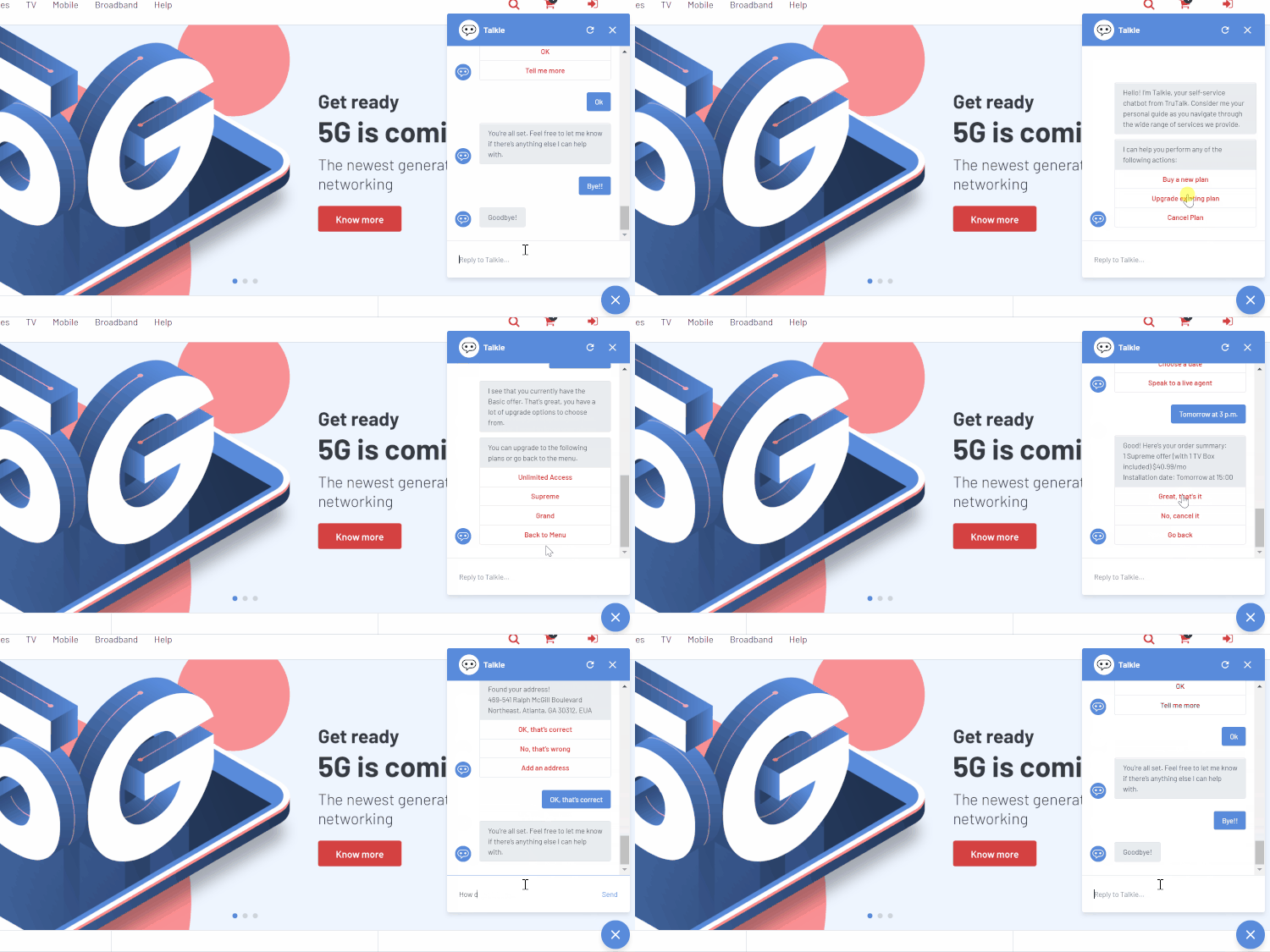
To scale your first-line of communication with customers, conversational interfaces have become a standard UI option for modern applications. Now, OutSystems addresses your need by making it much easier to implement rich conversational experiences in your app. Powered by best-in-class Azure services, we abstract a lot of the complexities and glue code you previously needed to implement common patterns for chatbots.
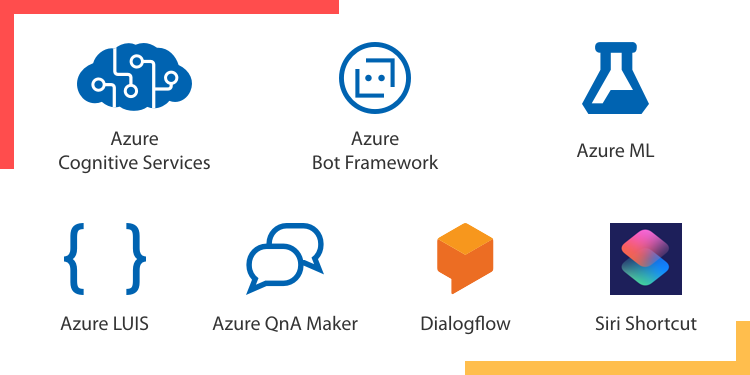
We’ve implemented and released connectors for all of Azure’s machine learning and AI services, as well as a Siri Shortcuts plugin, that enable you to use these services with Low-Code and Drag-n-Drop to create smart applications. You can find these in the OutSystems Forge.
12 June 2019
OutSystems PaaS Reaches Canada
The OutSystems PaaS is now available in the AWS region of Canada. Canada is the ninth AWS region supported by our Enterprise Cloud offers (3 in Europe, 3 in North America, 2 in Asia, and 1 in Australia).