Product Releases
and Updates

Reusing deployment plans is now a fast and low-risk task. Within a few clicks, you can create a deployment plan based on a previous one - you’ll get the same applications, and it’s up to you to decide whether you want to keep the application tags or not. Read more about reusing a deployment plan in the documentation.
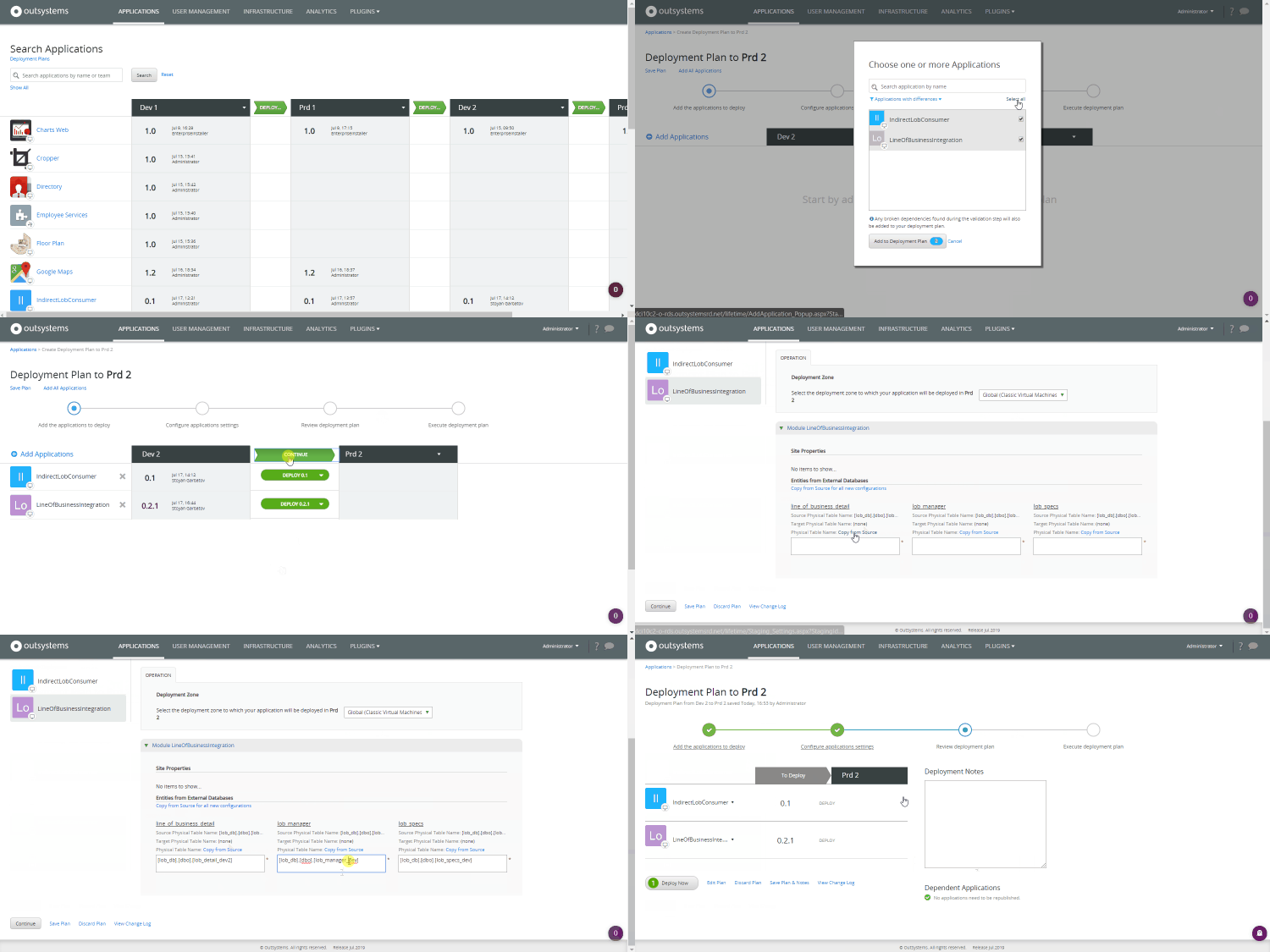
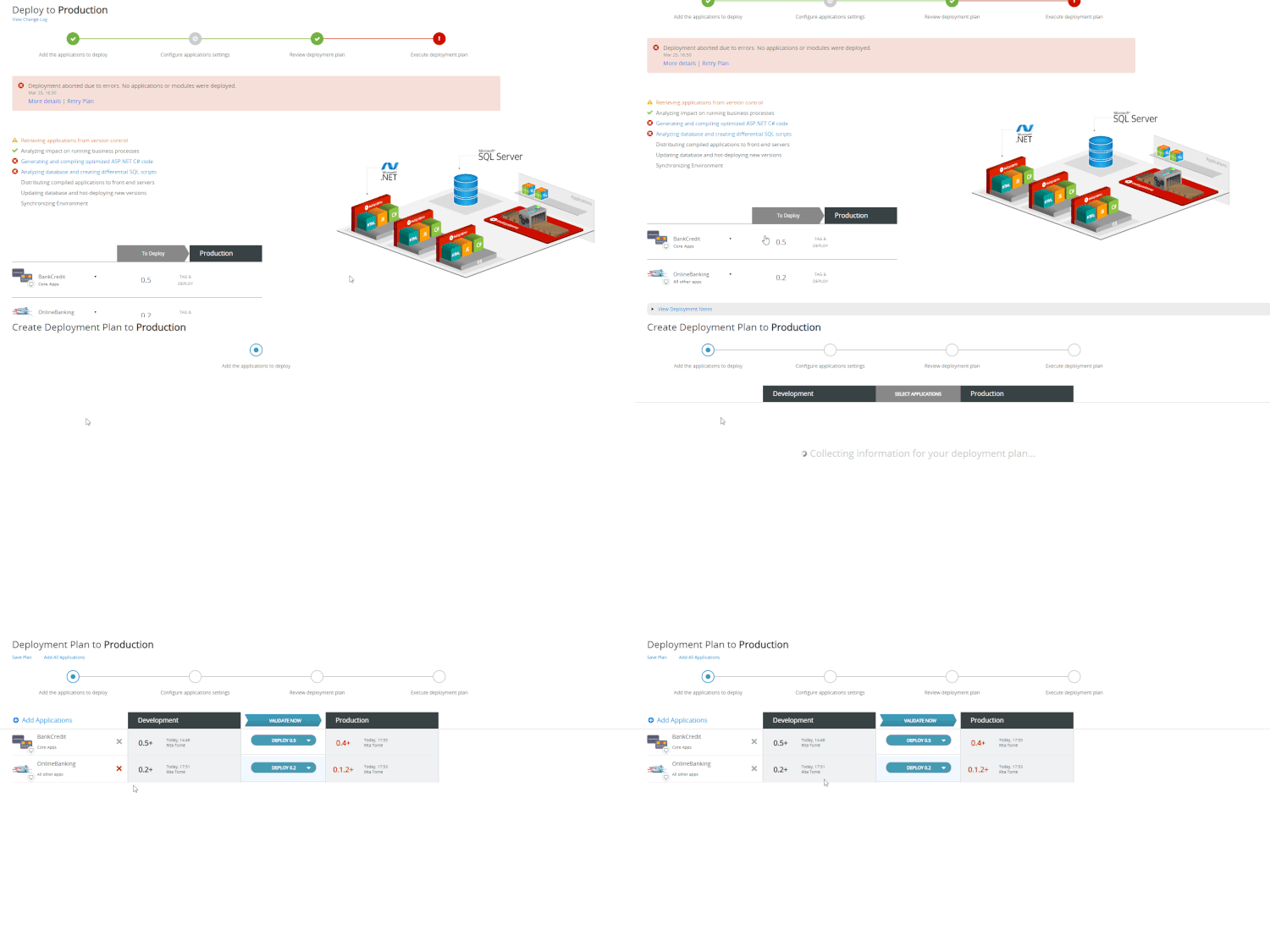
We know that creating deployment plans always bears some risk, especially when we’re talking about delivering to Production. To help you out, we created an accelerator for retrying aborted plans - with just a click you can create a new deployment plan that includes all the applications and tags that were in the plan that aborted. Learn how to retry an aborted deployment plan.
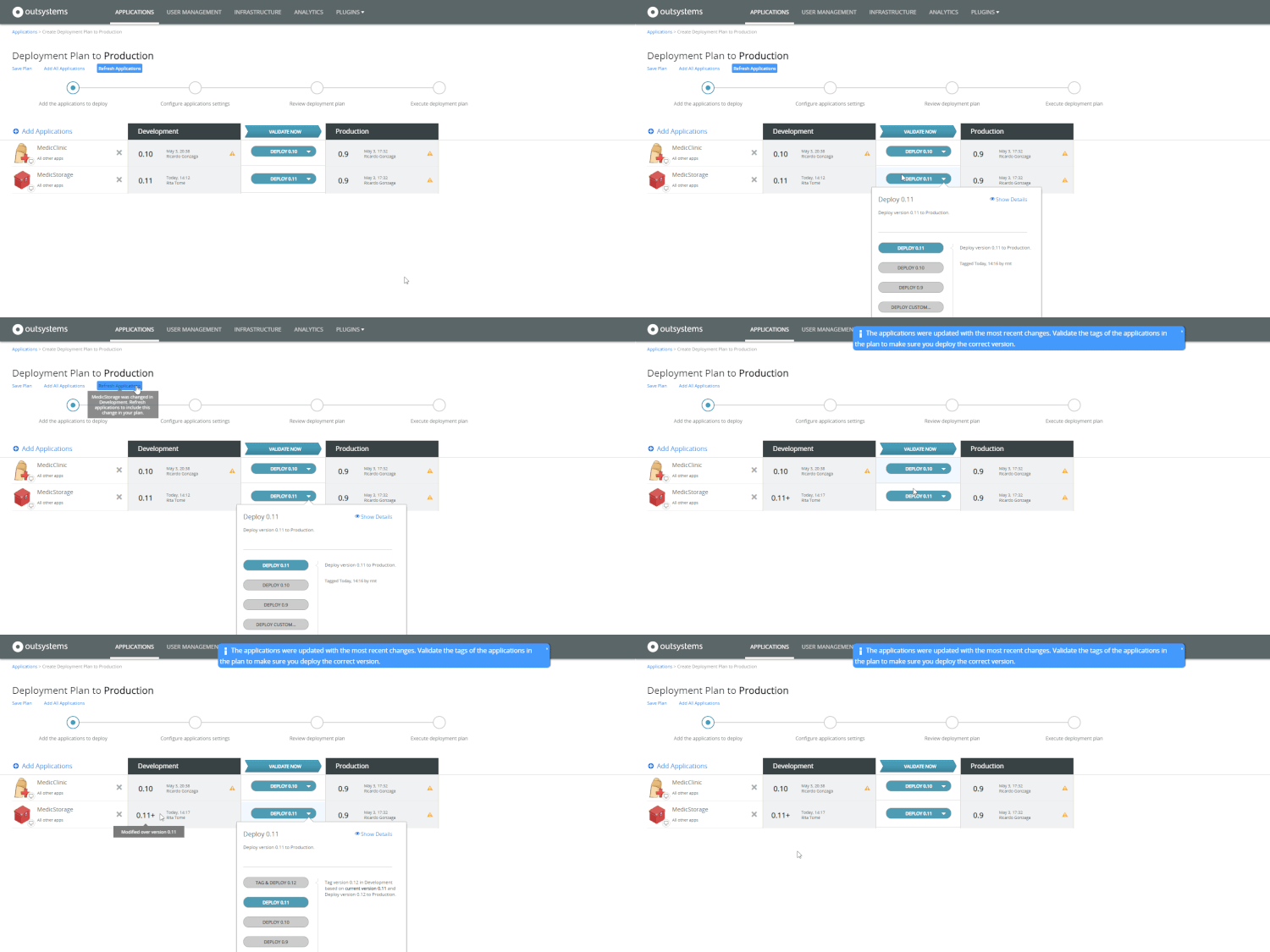
You've just finished creating a deployment plan, and then a team member asks you to add some changes to an application. Does this sound familiar? In LifeTime, you can now refresh the applications in your deployment plan without the need to toss it to the curb. Learn how to refresh applications in the deployment plan.