






Why use OutSystems for mobile app development?
OutSystems helps teams build stunning, consistent apps across iOS, Android, and PWAs—faster and with less complexity. Our low-code platform provides a modern, single mobile toolkit that enables web developers to build mobile apps that feel and perform like true native applications. This streamlines design, development, and deployment, allowing your teams to focus on exceptional UX and innovative features.

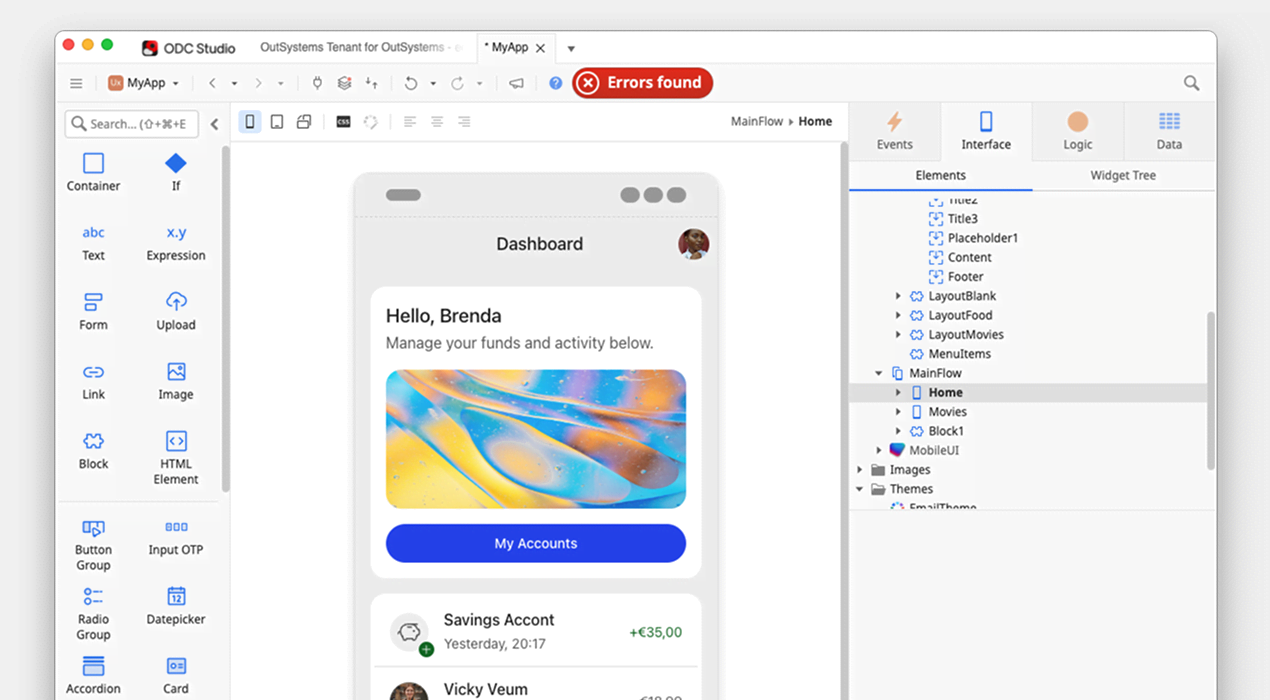

“Built and deployed in under a month, the solution was designed for scalability and reusability. Its innovative approach, UX and comprehensive language support drove significantly higher Pokémon Day attendance.”

OutSystems mobile app development for the enterprise
Scalability and security are paramount for enterprise-level mobile app development. With the AI-powered OutSystems platform, you can build mobile apps that scale effortlessly to hundreds of millions of users. To protect your app and sensitive data from sophisticated threats, such as intrusion, tampering, and reverse engineering, enterprise-grade protection and advanced security features are available.
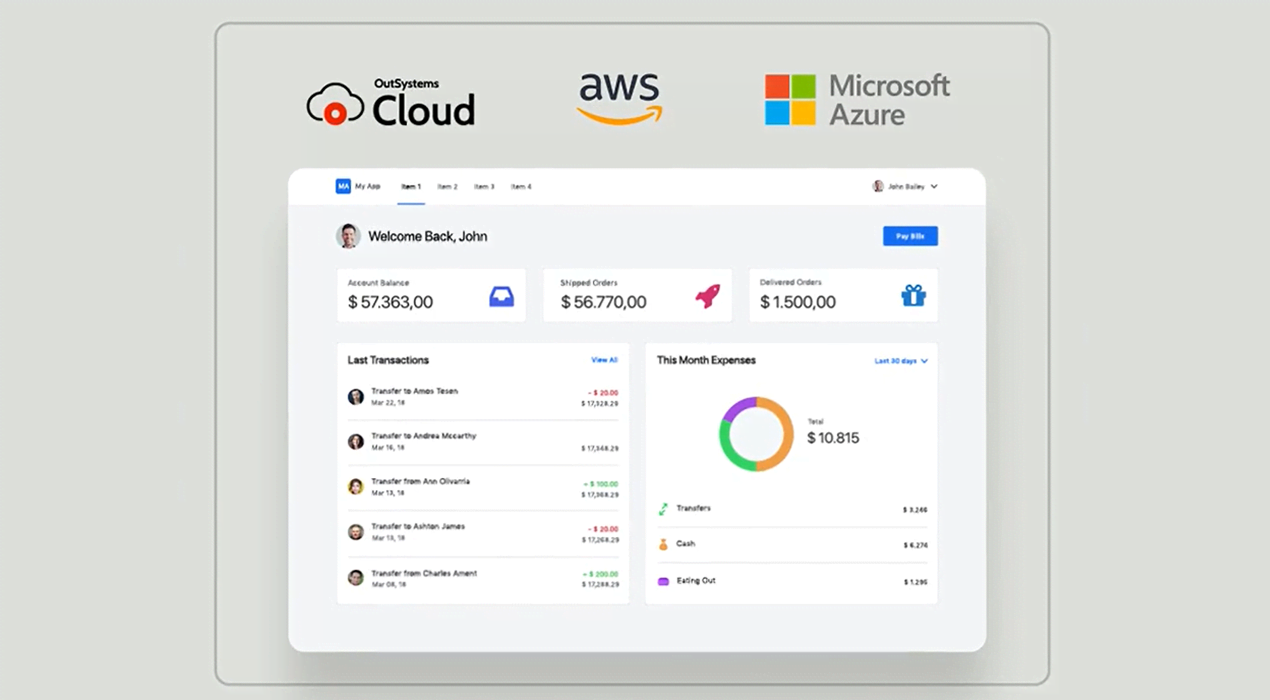
Build iOS and Android apps with a single, modern codebase
OutSystems uses a modern, web-native runtime and a single codebase to build highly-performant,cross-platform applications. This approach allows developers to use the same codebase and components everywhere, making it easy to deploy to Apple and Android devices via the App Store and Google Play—or even on the web as Progressive Web Apps (PWAs).

“Building our mobile app on OutSystems was a no-brainer. It gives us the speed to get to market faster, the agility to improve our product continuously, and single-source authoring for iOS and Android. With a 4.5-star rating on the App Store, it’s clear that users love it.”
iOS app development
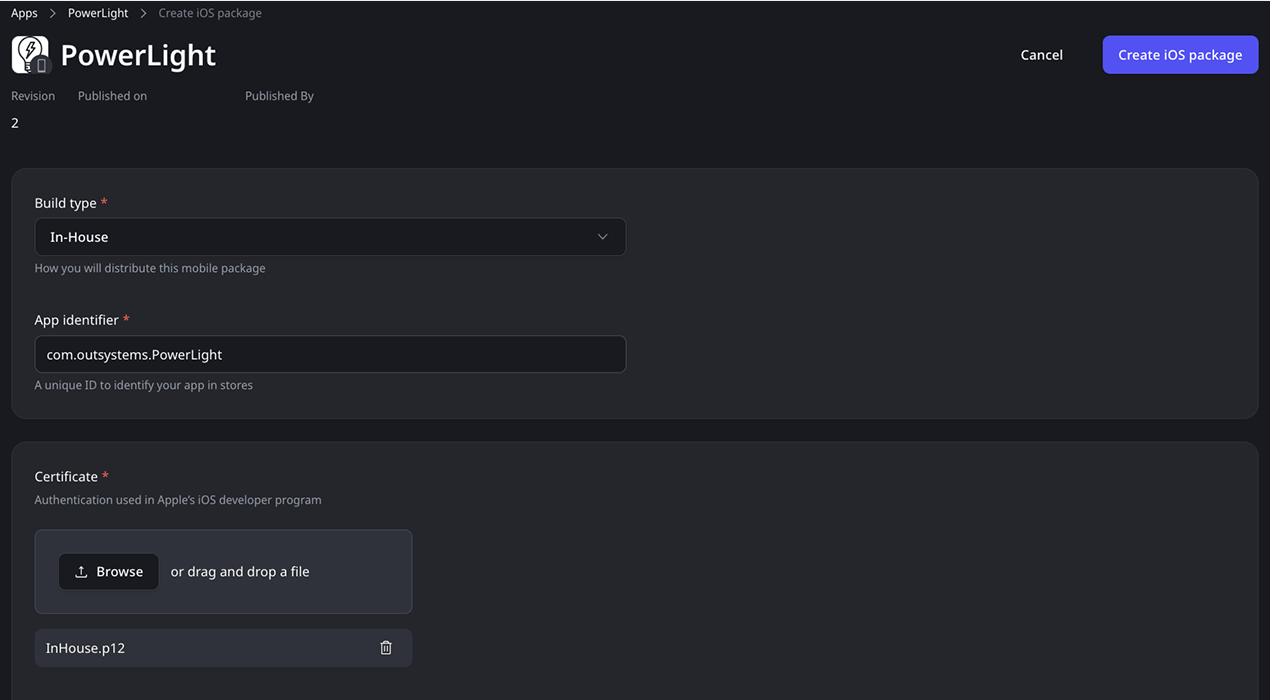
With OutSystems, developing iOS apps has never been easier. The platform streamlines complexity and includes a mobile-focused UI kit to ensure your app has a beautiful, native look and feel—from designing user interfaces to integrating with backend systems. It packages your app for the App Store in a single click.
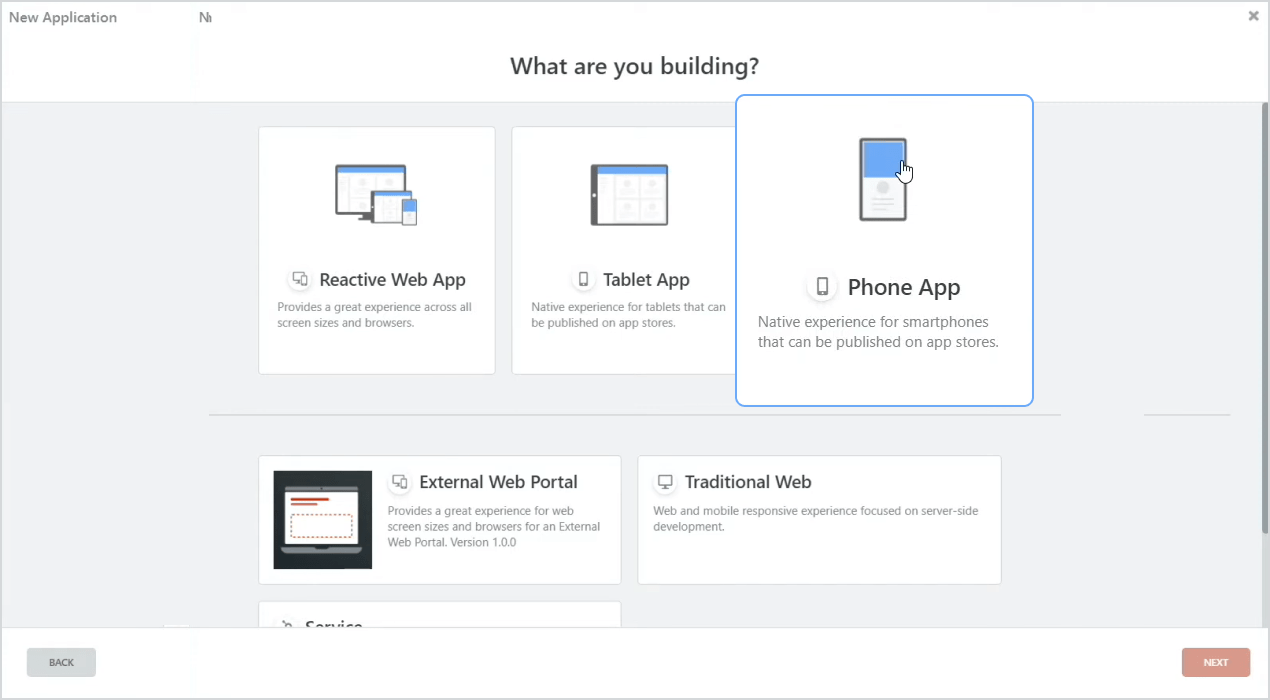
Android app development
Building Android apps is a breeze with the OutSystems low-code platform. Its native runtime provides seamless access to device APIs(like camera, geolocation, file system) and enables your teams to create stunning Android applications. Use the modern UI components to ensure a fast, seamless, and native-like user experience.
Mobile app development FAQ
OutSystems mobile apps can support offline work by storing selected data locally on the device and syncing it with backend systems when connectivity returns. Teams can define synchronization logic, conflict handling, and data refresh patterns based on the use case, which is especially useful for field service, inspections, and warehouse workflows.
OutSystems builds cross-platform mobile apps that can be packaged for iOS and Android using native mobile frameworks and plugins. Teams can create apps for app stores without building separate codebases in Android Studio or Xcode. OutSystems also supports progressive web apps when browser-based mobile access is the better fit.
Yes. OutSystems mobile apps can access device features such as the camera, GPS, sensors, signature capture, barcode scanners, and specialized hardware through supported plugins and custom extensions. This makes the platform suitable for field operations, inspections, logistics, and other mobile-first use cases that depend on device capabilities.
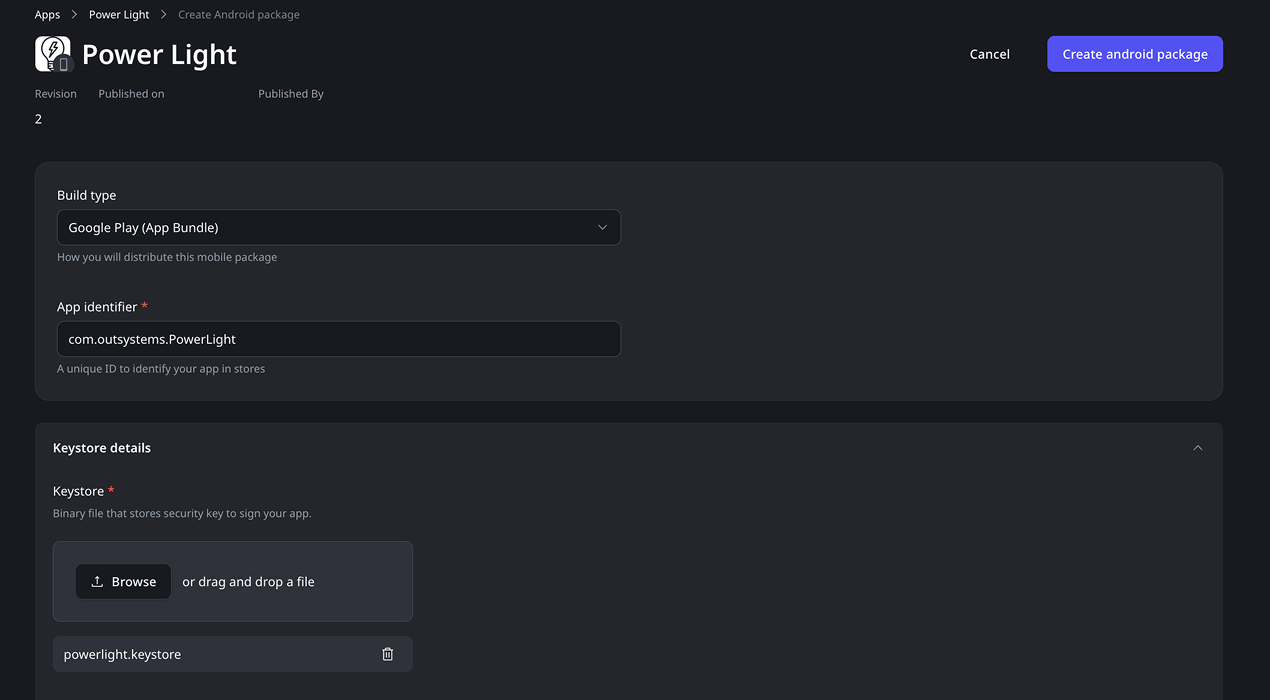
OutSystems mobile apps can be distributed through the Apple App Store, Google Play, enterprise app distribution, or progressive web app access, depending on the organization’s needs. Teams can generate mobile app packages, test builds, and distribute updates while following platform requirements for iOS and Android deployment.
A Progressive Web App runs on any device with a modern browser, is easier to distribute, and can be updated instantly without going through an app store review process. In contrast, a native mobile app is packaged specifically for iOS or Android, provides access to deeper device capabilities, delivers more consistent performance and a native user experience, and can be further hardened from a security perspective. OutSystems supports both approaches, allowing teams to choose the best option based on their requirements for performance, device integration, security, and distribution.
Yes. OutSystems supports mobile app development for both iOS and Android from a shared development approach. Teams can generate app packages such as APKs/AABs and IPAs, support diverse device ecosystems, and reduce the need to maintain separate native codebases while still delivering mobile experiences aligned to platform requirements.
OutSystems mobile updates depend on the type of change. Server-side and app logic updates can often be delivered automatically the next time users launch the app, so for most day-to-day releases, teams avoid the store review cycle entirely. Changes to native shells, plugins, or device capabilities may still require an app store or enterprise distribution update.
OutSystems supports mobile data synchronization by letting teams define what data is stored locally, when sync runs, and how conflicts are handled. Apps can sync automatically or through user-triggered actions when connectivity returns. The right pattern depends on data volume, business rules, performance needs, and offline usage requirements.
OutSystems includes responsive UI patterns and components that adapt across screen sizes, including phones, tablets, and desktop browsers. Teams can create layouts that adjust for iPhone, iPad, Android devices, and web experiences while customizing breakpoints, styles, and components to match the desired user experience.
OutSystems mobile apps are designed to deliver strong performance and native experiences for enterprise use cases, including offline workflows, data capture, field operations, and customer-facing apps. In both native and OutSystems mobile development, performance depends on app design, data volume, sync strategy, device feature usage, local storage, network calls, and UI complexity.


Build what’s in your backlog
The broadest range of use cases, templates, and powerful partner solutions help you tackle everything in your mobile application backlog.

See how OutSystems stacks up
Get the latest research on low-code platforms from global industry analysts and see why OutSystems is the #1 low-code platform®.

Go deeper into the platform
Get more details about how your team can build mobile applications fast. Browse our platform page.