

Product Releases
and Updates

Thank you! Your submission has been received!
Oops! Something went wrong while submitting the form.
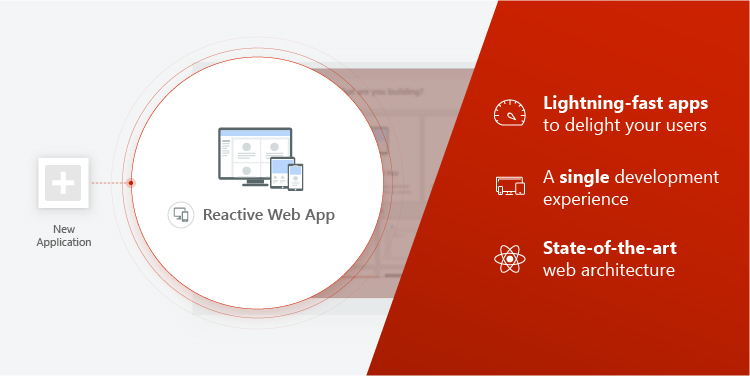
Presenting a new generation of web applications, taking full advantage of the client-side paradigm and state-of-the-art architecture. With reactive web, you’ll be able to create highly-performant and scalable applications, providing multi-channel, lightning-fast experiences with a unified development experience. Delight your users and improve customer satisfaction with better performance and reduced time to market!
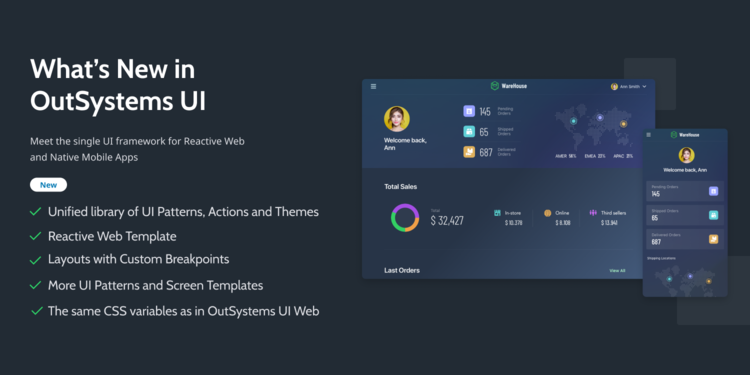
OutSystems UI Mobile is now OutSystems UI, and it comes with a big update to support the development of reactive web applications — a single UI framework for your reactive web and mobile apps.
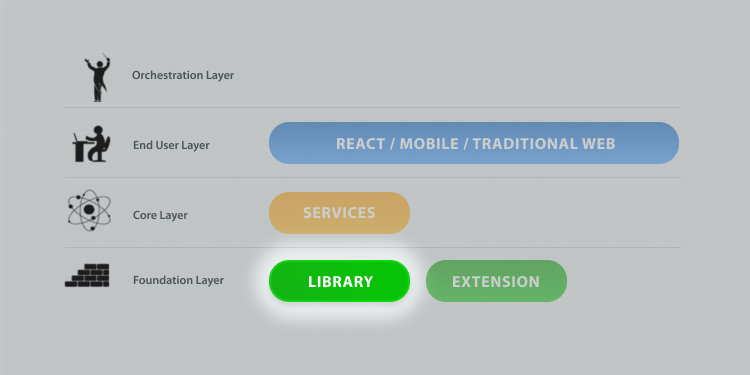
The new Library module helps you lay down the architectural foundation for your applications. Now, you have a specific module type for each layer of the 4 Layer Canvas (End-user, Service and Libraries). This will allow you to start building your applications with architecture in mind, ensuring more agility, fast changes by promoting module reusability, clear ownership, and an independent lifecycle of your applications.
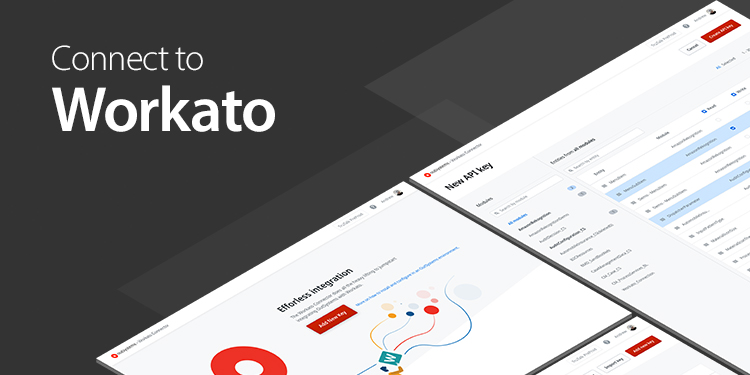
The OutSystems Workato Connector allows you to take full advantage of the Workato platform without any custom development. Workato is an integration and work automation platform, that allows you to integrate a multitude of systems such as API endpoints, databases, and files quick and easy. With the OutSystems Workato Connector configured, you can sync any Workato workflow you use with your OutSystems environment, and build engaging user experiences with your own data and external data.
09 September 2019
OutSystems Cloud: Say Goodbye to TLS 1.1
The OutSystems Cloud is continuously evolving according to security best practices and software industry standards. If you are ready to say goodbye to TLS 1.1, you can open a support request and we will disable it from your OutSystems cloud infrastructure.
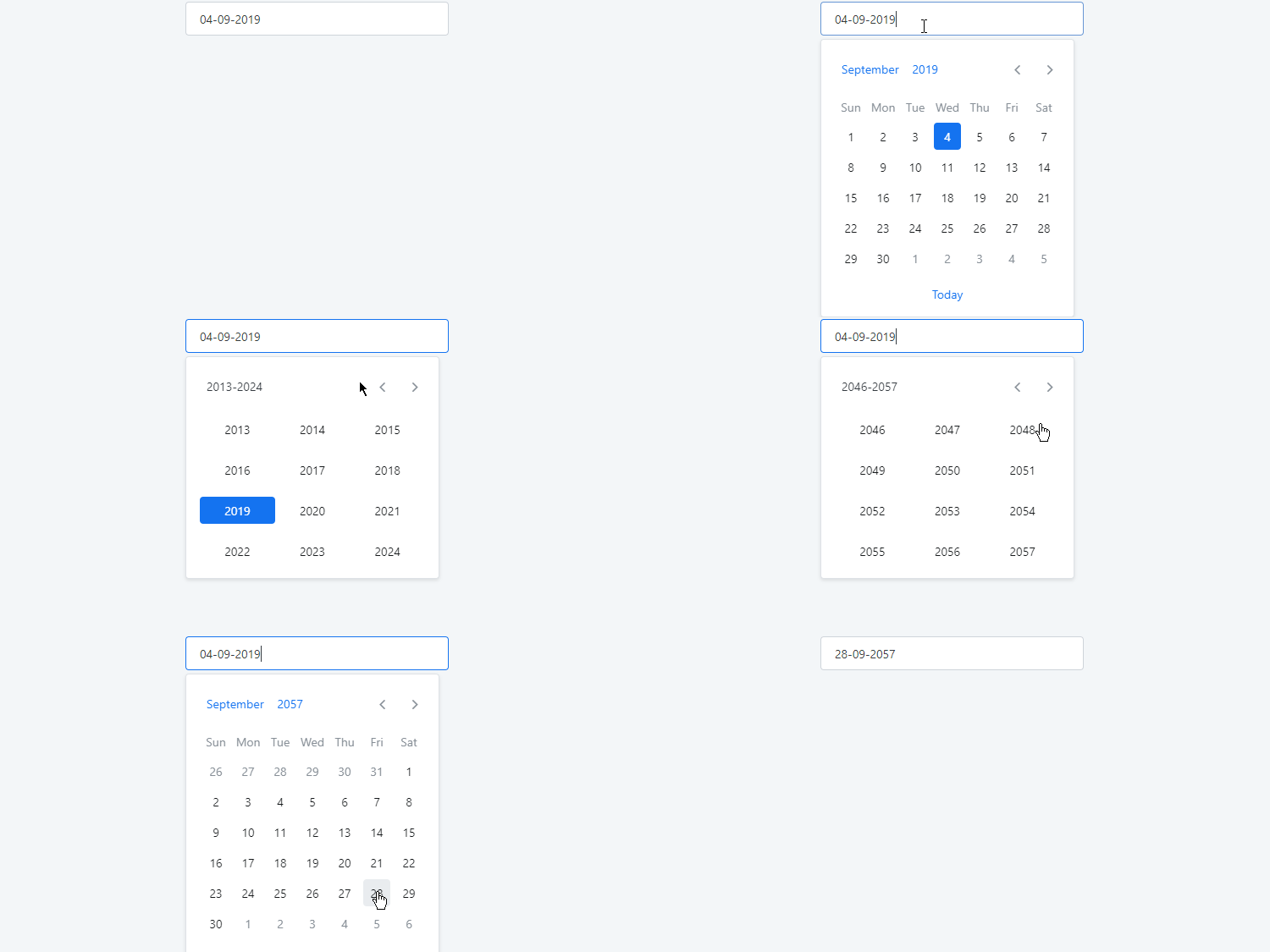
OutSystems UI Web version 1.7.6 gives you improved usability of the DatePicker, so that now you can select the edge years in a decade, instead of navigating to the previous or next set of years. The year range is then updated with the current selection.
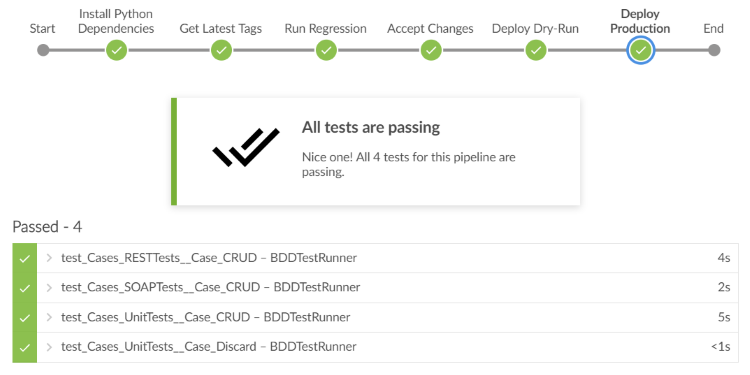
To save you time, we've been working on accelerators to bootstrap the CI/CD automation of OutSystems pipelines with the tools you already have. Speed up your feedback loop and keep in line with your process from development to production. We started with Jenkins, but there will be more, so stay tuned! Soon, we'll open up the accelerators, so you can quickly evolve them to fit with other CI/CD tools.
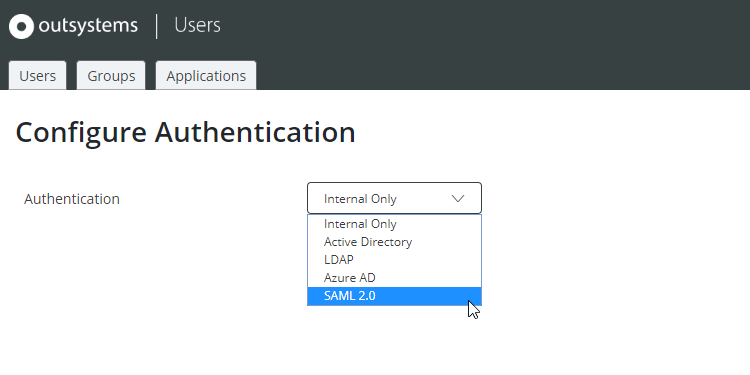
The Users module — where you configure the end-users' authentication — was enhanced with SAML 2.0 authentication for web apps, allowing an even easier configuration with any identity provider that supports the SAML protocol. There is also an “Azure AD” option that will pre-fill some values specific to Azure AD and accelerates the configuration using this Identity Provider. Check how to use these new out-of-the-box authentication methods in our documentation.
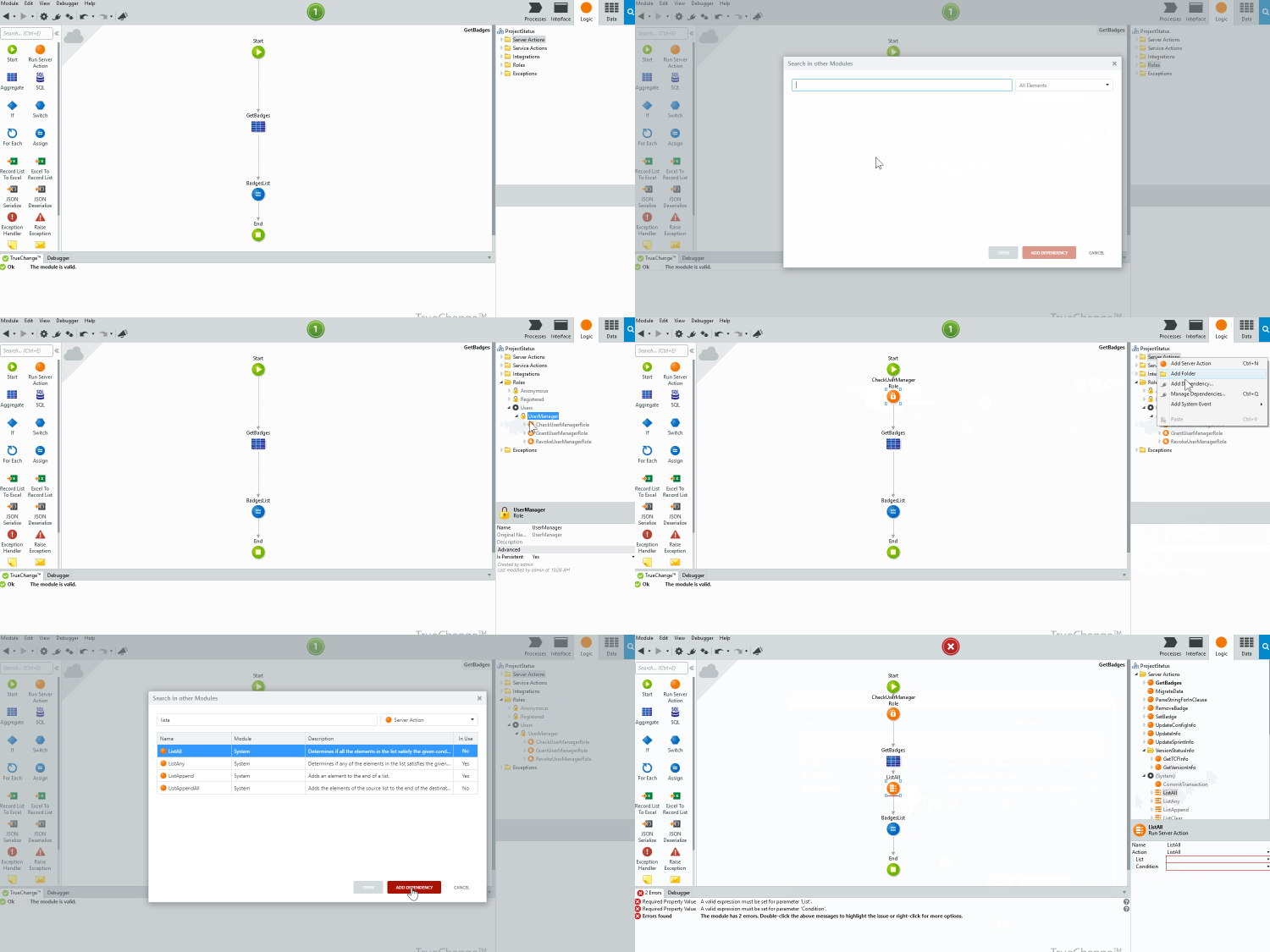
Adding dependencies is now faster. It only takes a right-click in your eSpace tree folders, as well as in your existing references, to access the Search in other Modules window.
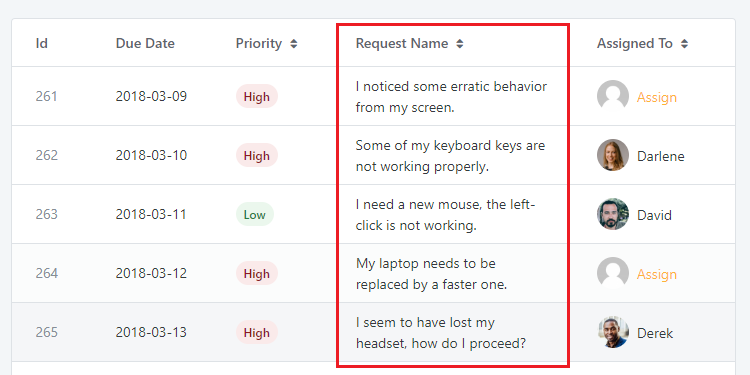
The Table behavior inside Columns has been improved to guarantee that the words are wrapping correctly inside the cells. This new version of OutSystems UI Web has also other Sidebar and TimePicker fixes in store for you.