

Product Releases
and Updates

Thank you! Your submission has been received!
Oops! Something went wrong while submitting the form.
07 December 2018
Upgrading Apps Deployed to Container Technologies With No Downtime
Deploying new versions of an application that is running inside a container usually causes some downtime. But don’t worry, though it may take some extra steps, it is possible to deploy your application with no downtime when you are using container-based technologies. Follow the guides we provide for each technology to make no-downtime deployments a reality.
The new version of OutSystems UI Web includes a series of new patterns, including SectionIndex. New actions are also available, as well as a series of enhancements. For example, the IsLight parameter in Badge, UserInitials, Tag, and IconBadge was improved when used with Primary, Secondary and Neutral Colors, and SearchBalloon no longer overrides the OnChange event of the search input. There are many other updates you’ll be happy to see.
07 December 2018
New Version of Charts Web
Discover the things we’ve been working on in Charts Web. You’ll especially notice a difference with the Animation option inside ChartFormat and when working with shared tooltips with AdvancedFormat.

Would you like to know who in your factory is able to grant, check, or revoke permissions? Right-click the individual role actions and select Find Usagesin all Modules.

Assignments have never been easier to set up. If the Assign has only one assignment, you can double-click it to open the expression editor. Otherwise, double-clicking it, opens the Select Variable window.
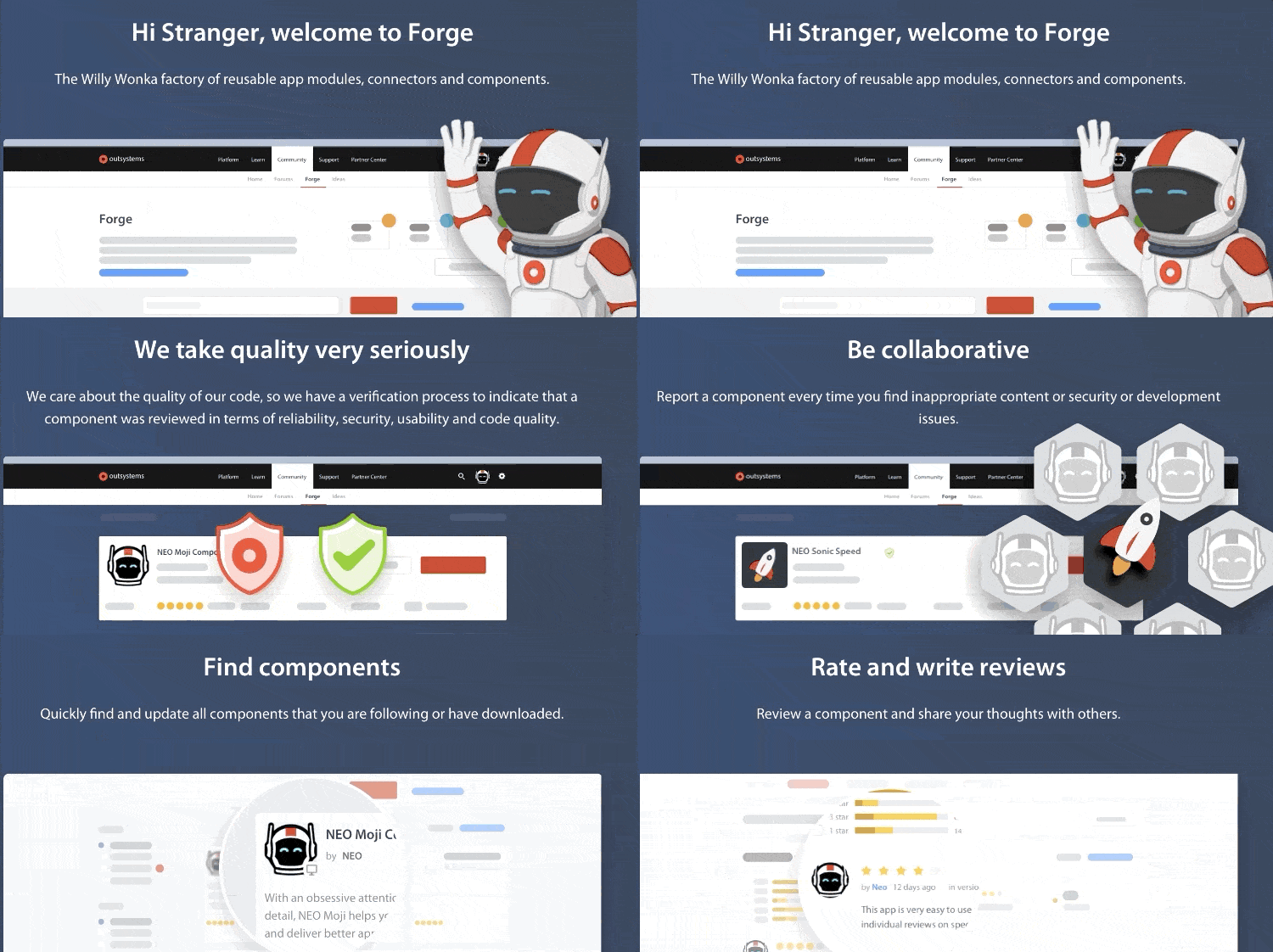
The most visited OutSystems Community area, the Forge, just had a major makeover. The components now undergo a much more rigorous review for quality, and the “Trusted” designation lets you know that you can trust our components in your applications. So go ahead and embrace this experience!
27 November 2018
New in Forge: Charts Mobile and Charts Web
Presenting Charts Mobile and Charts Web to easily set up graphical representations of data for your responsive applications. Charts are updated with Highcharts library version 6.1.4.
27 November 2018
Screen Templates for Faster App Development
OutSystems Screen Templates for both web and mobile have been improved to provide a better experience. They are also updated with references to the latest OutSystems UI version.
27 November 2018
Silk UI Mobile is Now OutSystems UI Mobile
After rebranding, we removed deprecated patterns, upgraded modules to OutSystems 11, improved the Service Studio preview, and updated references to the latest Charts Mobile version.

NavigationBar, ProgressCircle, Bullets, Iframe, and Carousel are the new patterns you can use. There are also a series of improvements; for example: the Balloon pattern now accepts AdvancedFormat options. However, to perform the Balloon improvements, you have to use the “Force install” button from the Forge and then refresh references and change the value of the position entity.