

Product Releases
and Updates
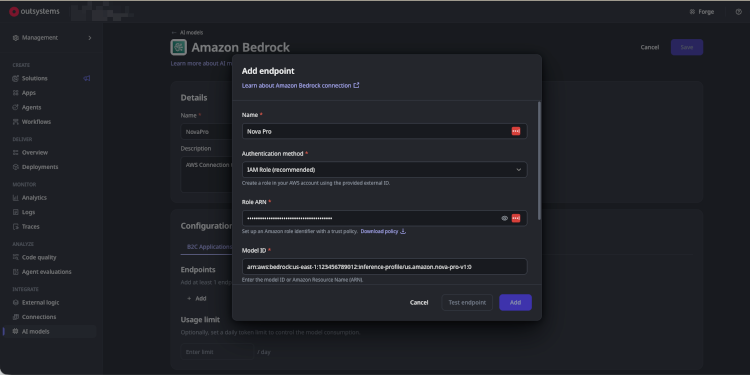
System Administrators can now configure an AWS Bedrock AI Model connection using IAM role-based authentication. IAM Role is the recommended default for new connections. When selected, OutSystems generates a unique External ID for the tenant, which the administrator uses to configure a trust relationship in their AWS account with the help of ready-made setup templates provided directly in the portal. OutSystems issues short-lived credentials at runtime without storing any AWS access keys.
Before going live, administrators can test the connection directly in the portal to confirm everything is set up correctly, with clear guidance if something needs fixing. The External ID can be rotated at any time for added security. Agents using Bedrock models over IAM role-based authentication run completely on their own at runtime, requiring zero developer action. Access Keys authentication remains available for existing connections and is not affected.
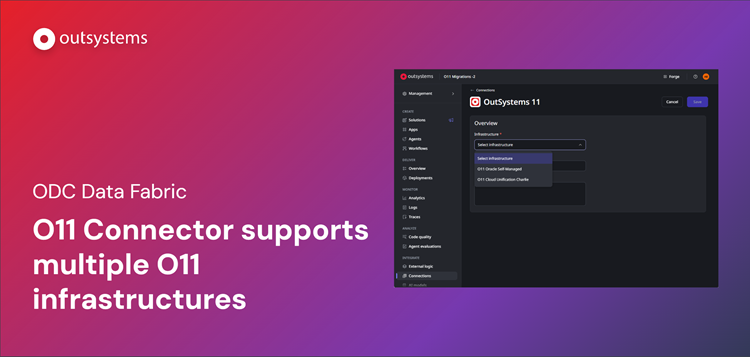
We are excited to announce yet another evolution in O11-ODC data interoperability: ODC Data Fabric can now connect to and consume data from multiple OutSystems 11 (O11) infrastructures, Cloud or On-Premises, simultaneously.
Many enterprises maintain federated O11 environments to meet specific regional, governance, or compliance requirements. Developers can now browse and consume entities from any connected O11 infrastructure within their ODC tenant, whether it's Cloud or On-Prem, without the friction of consolidating their existing O11 landscapes or building complex custom middleware.
With this update, you can:
- Configure and manage multiple O11 infrastructure connections directly from the ODC Portal
- Read and write data across multiple O11 environments within a single ODC application
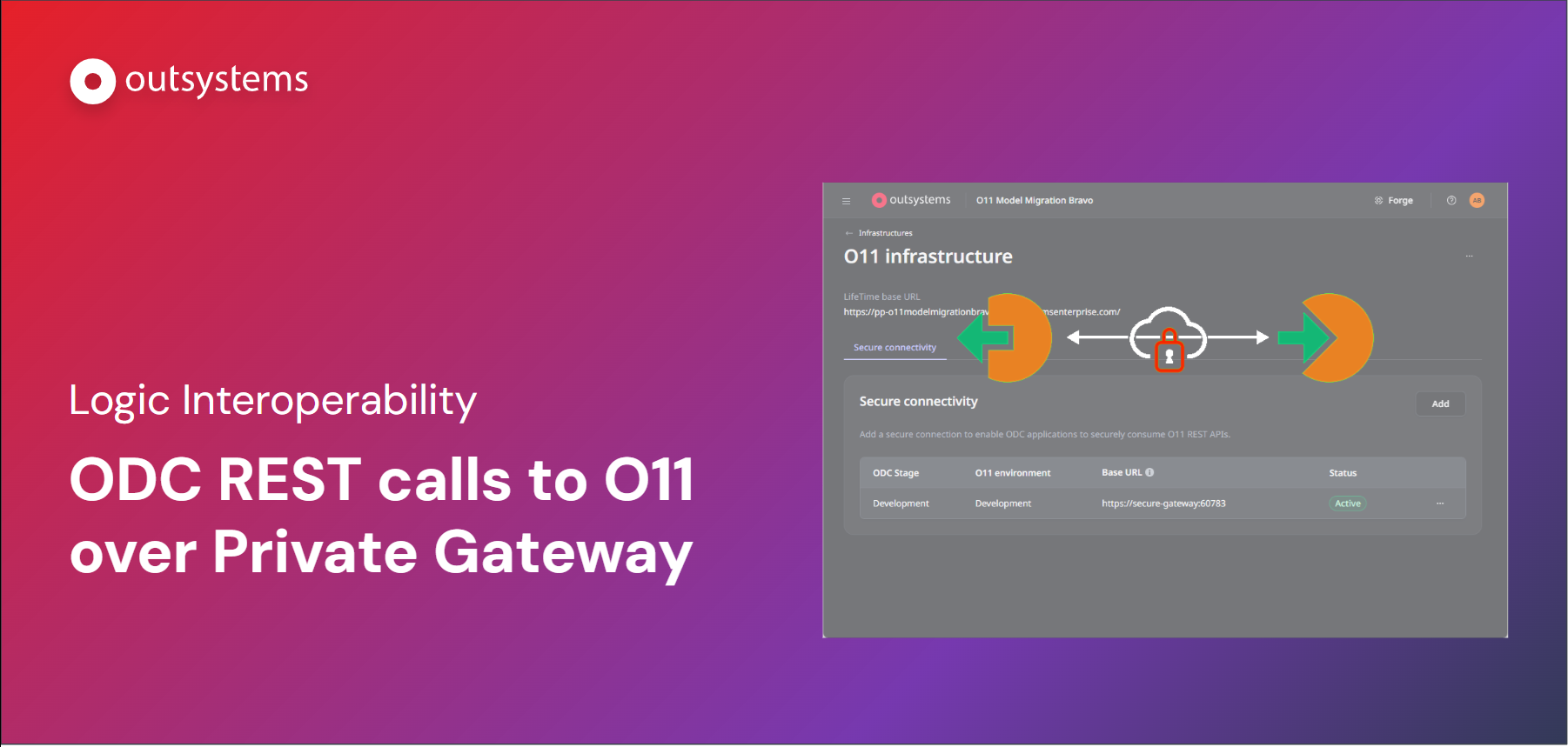
We are excited to announce a new security upgrade for O11-ODC logic interoperability. With this new feature, ODC apps can use O11 logic with all the security provided by the Private Gateway, a secure private tunnel between ODC and the O11 environment.
What has changed:
- Private Connectivity by Default: ODC apps can now call O11 REST APIs through a dedicated Private Gateway tunnel, eliminating the need to expose endpoints to the public internet.
- Simplified Configuration: Set up secure connectivity between an ODC stage and an O11 environment with just a few clicks.
- Accelerated Development: Eliminate the need to rewrite complex, audited logic in a new environment, significantly reducing your time-to-market for cloud-native apps.
This capability ensures your O11 foundation remains the core of your business while you leverage ODC for new, AI-driven innovation.
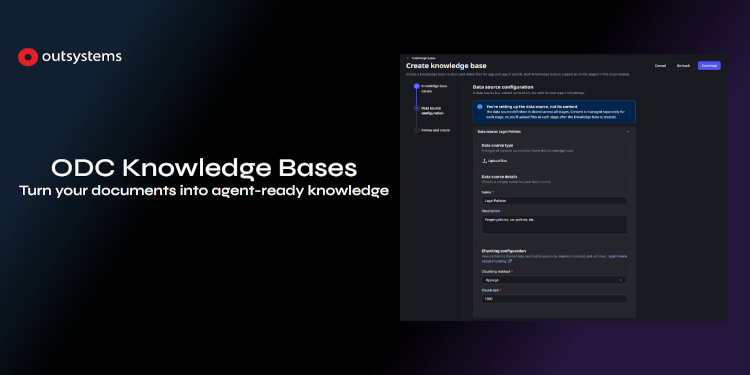
We are thrilled to announce the Beta release of Knowledge Bases, a native way to ground your apps and AI Agents in your own content.
Introducing ODC Knowledge Bases
A Knowledge Base is a managed, searchable collection of your documents. Upload files in bulk through the ODC Portal, and OutSystems takes care of processing, chunking, embedding, and indexing—so your apps and AI Agents can retrieve relevant passages by meaning, not just by file name.
With ODC Knowledge Bases, you can:
- Create and manage Knowledge Bases in the ODC Portal, across your DEV, QA, and PROD stages
- Upload files in bulk and track ingestion progress in real time
- Ground your apps and AI Agents in your own content through semantic search—no custom RAG pipeline required
- Govern access with dedicated permissions, separating who manages a Knowledge Base from who uses it
Regional Support & Data Handling
For ODC environments residing in unsupported AWS regions, search requests will be automatically and securely redirected to a supported region to ensure full functionality. Learn more about it in the documentation.
Get started today
Knowledge Bases is currently available in Beta - we're excited for you to try it and share feedback with us. Contact your account team and learn how to enable this powerful AI capability.
.png)
ODC Tenant Administrators can now manage Mentor access with granular controls and a complete audit trail, directly from the ODC Portal. This gives organizations the centralized visibility and control they need to scale agentic development while staying aligned with internal security policies and compliance requirements.
- Granular access controls - Enable or disable Mentor access across Web and Studio environments at a user and group level, ensuring agentic development capabilities are available only to authorized developers.
- Complete audit trail - Automatically log every permission change, including who made the change, what changed, who was affected, and when it happened. This creates a reliable record for internal reviews, security audits, and regulatory reporting.
- Immediate access revocation - Revoke Mentor access for specific users or environments instantly, with no grace period, giving administrators direct control over how Mentor is used across the organization.
Since we follow a least-privilege model, we’re rolling out this permission in phases. This gives you time to enable the permission for any custom roles in your tenant before the end of August. By that deadline, you’ll need to enable this permission for any custom roles your developers use. If you’re using the built-in Developer role, no action is required, as this permission is already enabled by default.
.gif)
We’re excited to announce a significant enhancement to how you name and manage your OutSystems ODC environments: Customizable Organization & Stage settings. A clear, brand-aligned Name and URL for your applications and environments are key for both developers and end users. With this update, you can now customize your tenant subdomain (e.g., <TenantSubdomain>.outsystems.dev) to meet your company brand strategy and development guidelines. This flexibility ensures greater trust, easier recall, and a more cohesive brand experience across all your applications and development environments.
Beyond tenant settings, you can now rename and reorder your non-production stages to align with your specific SDLC processes. This not only improves clarity for your teams but also ensures that the URLs accurately reflect the purpose of each environment.
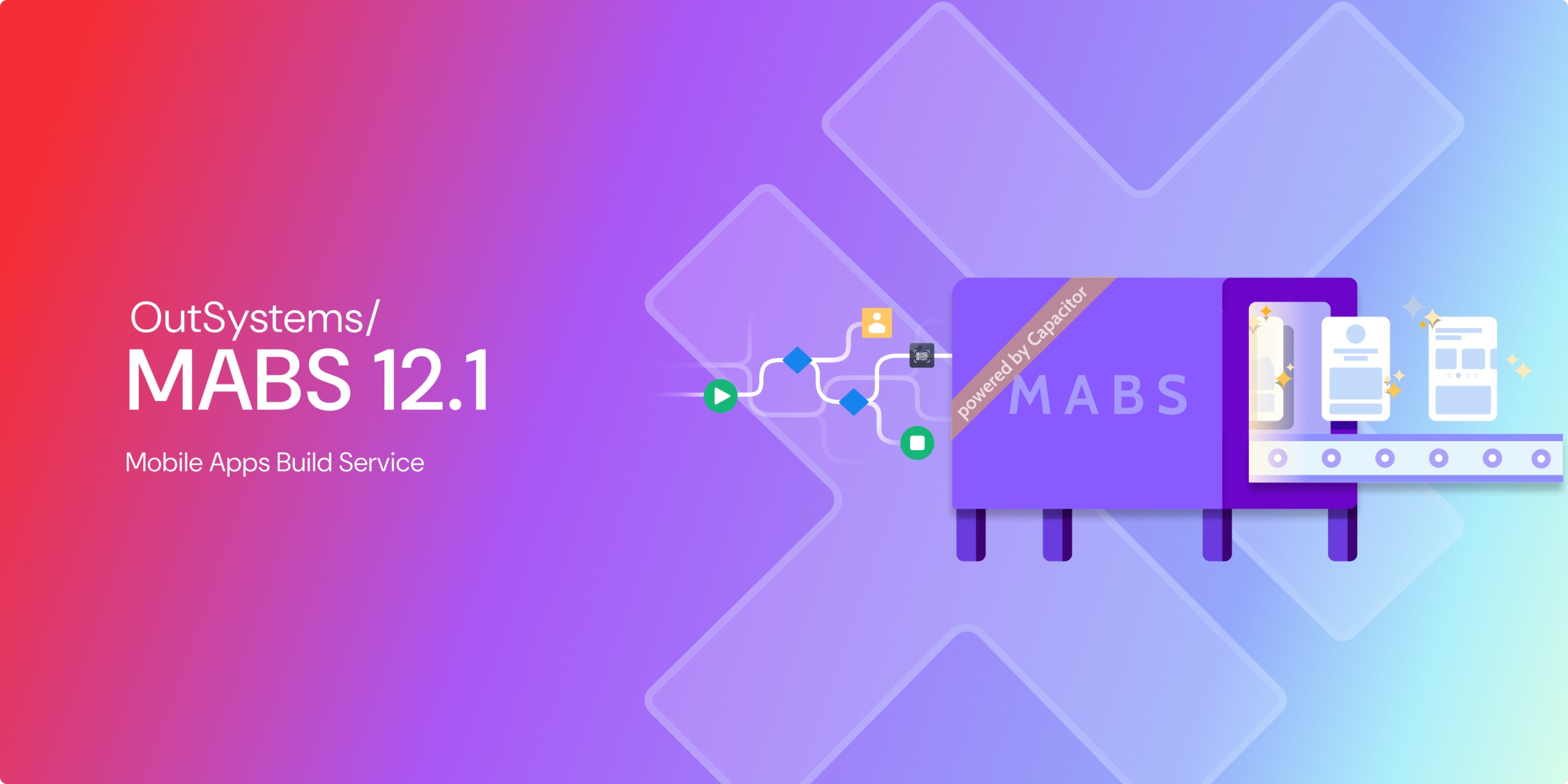
We're excited to announce that MABS 12.1 is now generally available. MABS 12.1 is built with Xcode 26.3, aligning iOS builds with the latest Apple toolchain and iOS SDK.
The following updates are introduced for applications built with Capacitor:
- Swift Package Manager (iOS) - Swift Package Manager (SPM) for iOS Capacitor mobile applications eliminates the build friction for plugins that rely on Swift libraries. Configurable via an opt-in extensibility configuration in ODC studio. Please review the release notes for any plugin version updates required to support SPM.
- Native Splash Screens - A native splash screen for Capacitor apps on iOS and Android that improves on a web-based startup experience to native. Configurable via the new app properties experience in ODC studio.
With this launch, MABS 12.0 will be marked as deprecated and will become obsolete towards the end of September 2026.
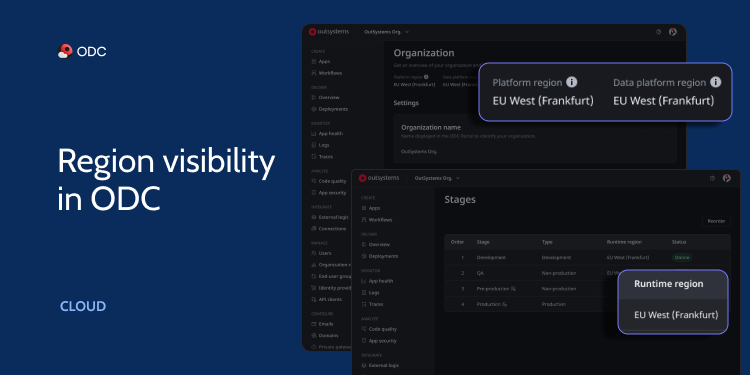
When your team is building software and handling sensitive data across multiple tools, having visibility into where that data actually resides is more than a convenience—it's a requirement for compliance, performance, and peace of mind. OutSystems admins can now see exactly where their data is stored, executed, and processed—directly within the ODC Portal with the new Region Visibility feature.
By surfacing this information directly in the ODC portal, we empower you to make more informed decisions about data sovereignty, residency requirements, and localized latency optimizations.
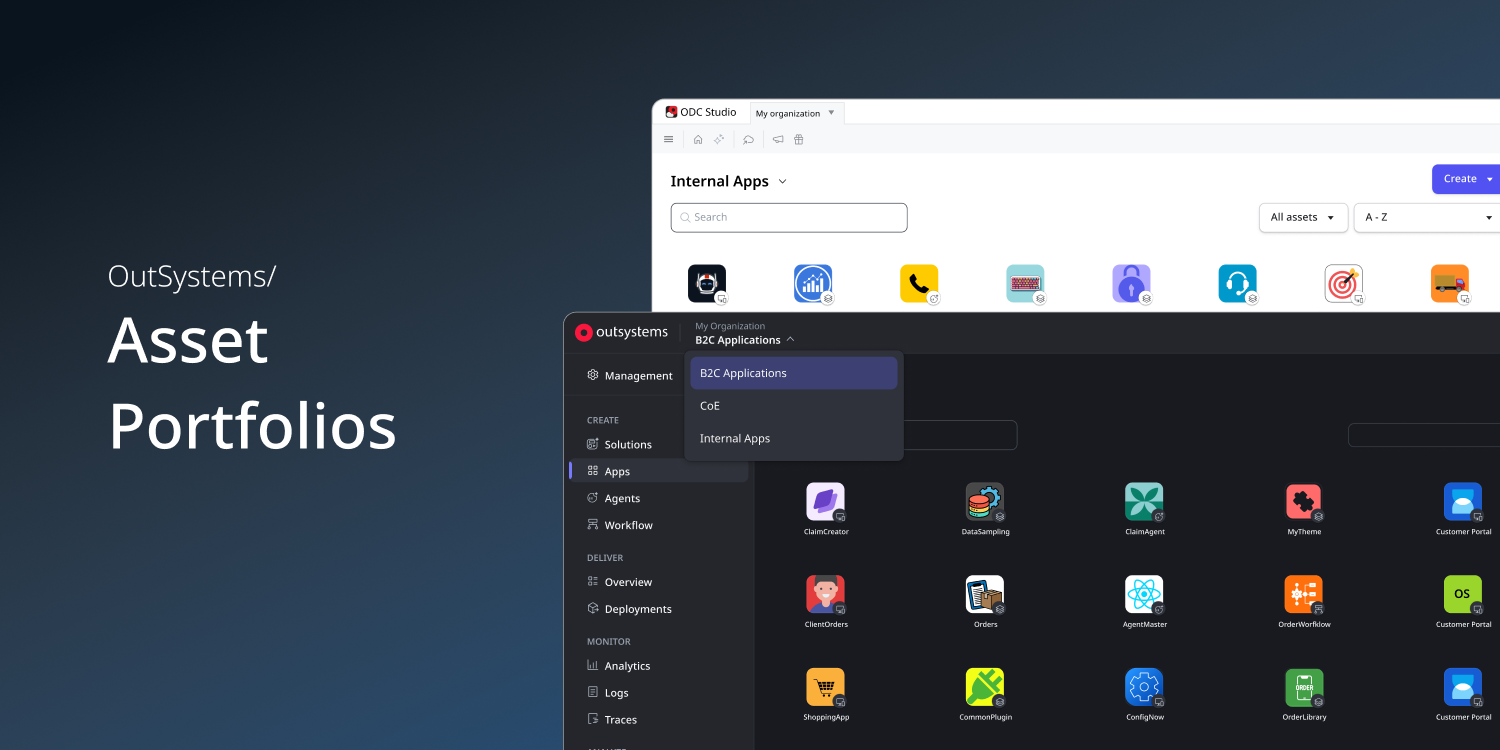
We are excited to introduce ODC Asset Portfolios, a new capability that helps enterprises organize and isolate applications, workflows, agents, and libraries with similar business needs, risk profiles, and delivery requirements while keeping governance centralized within a single OutSystems organization.
Whether you're separating B2B and B2C applications, supporting multiple business units, enabling AI experimentation, or meeting different governance requirements, Asset Portfolios let you define independent operating and delivery models without increasing platform complexity.
%20(1).png)
Describing your context to an AI assistant shouldn't feel like filing a bug report. Yet until now, every Mentor interaction in ODC Studio required developers to manually spell out what they had open, what they had selected, and what they were trying to do—before getting to the actual question. The result: longer prompts, more hallucinations, and a conversational experience that felt anything but natural.
Mentor can now see what you have open and selected in ODC Studio. When you have a Screen, Server Action, or any logic element in focus, Mentor automatically picks up that context—so you can ask "What does this do?", "Explain this logic flow", or "Fix this error", and get a precise, grounded answer without writing a single line of manual context.
- Active Selection Awareness: Mentor knows which element you have selected in ODC Studio—such as a button on a Screen, an If node in a Server Action, or an Aggregate—and uses that context to inform its response.
- Current View Awareness: Beyond the selected element, Mentor also understands what you have open, so references like "this flow" or "this screen" resolve correctly even when focus is elsewhere.
- Natural Language Prompts: Ask "Explain this", "What does this do?", or "Fix this error" directly—no more manually describing your location in the app before getting to the real question.
This closes a fundamental gap in the Mentor experience: the AI now meets developers where they are, rather than asking them to bridge the gap themselves.