

Product Releases
and Updates
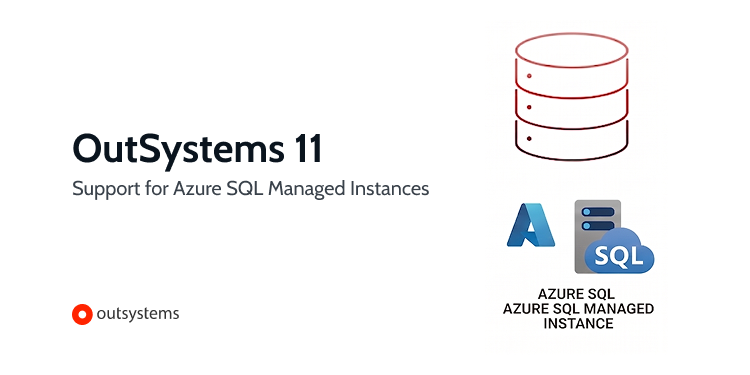
O11 now supports Azure SQL Managed Instance as a platform database. Azure SQL MI is a fully managed cloud database service running on the latest stable SQL Server engine, with close to 100% SQL Server feature compatibility - including capabilities not available in Azure SQL Database. Teams can configure their O11 environment against an Azure SQL MI instance and gain an Azure native infrastructure.
To activate, simply run the Configuration Tool and select Azure SQL Managed Instance as your database option.
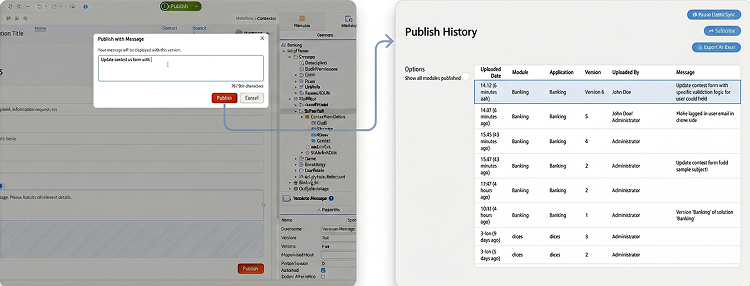
Gain full visibility into your deployment history. You can now programmatically retrieve and query publish comments directly via O11 system entities to automate your compliance, tracking and auditing workflows.
Tracking the what, when and why of application changes is critical for enterprise governance, but keeping a clean history hasn't always been easy. Previously, 1-Click Publish comments were locked within the platform database, making them inaccessible to external tools. This forced teams to rely on manual tracking workarounds or direct database queries just to maintain a basic audit trail which slowed down delivery and broke end-to-end traceability.
To eliminate this friction, O11 now exposes published comments through public, read-only system entities. This will allow you to bridge the gap between O11 and the rest of your enterprise ecosystem.
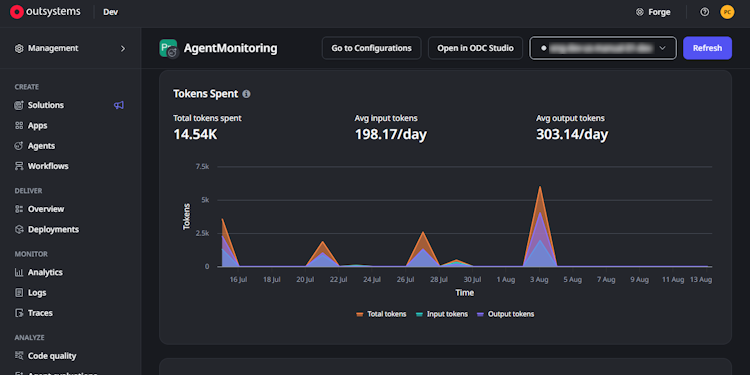
Agent Monitoring is now available in Beta. Agent Monitoring gives developers and AI engineers full visibility into how their agents behave across every stage, from development to production. Plus, it's configurable per agent, giving you total control to choose which ones you monitor.
Once enabled for an agent, you’ll be able to see:
- Input and output tokens for every agent call, with historical usage trends over time
- Two new quality signals, relevance and safety, scored automatically on your agent traffic alongside your usage data
- The full input and output of every LLM call, plus which tools the agent used to get there
Together, this means you can inspect exactly what happened on any past execution, and track whether your agents are getting slower, more costly, or less accurate before your users notice.
This feature is fully integrated into the Analytics console, where you can now view detailed agent information.
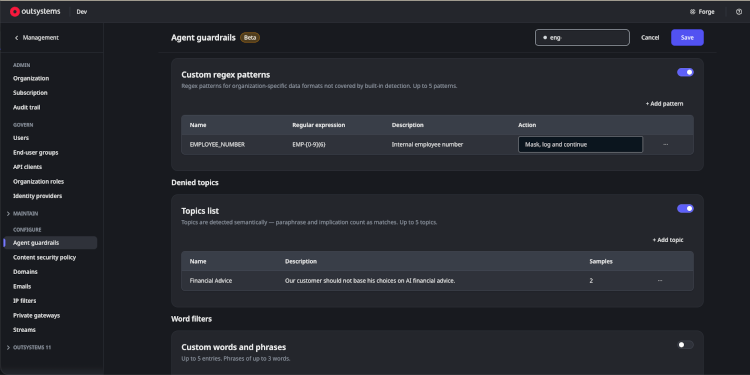
AI Guardrails protect your agents using a set of predefined categories, but every organization has content, compliance, and data-protection rules that go beyond the defaults. To support your unique business needs, we're evolving Guardrails so you can set custom rules across your topics, terms, and data formats.
Custom guardrail policies
System Administrators can now define three kinds of custom policies that apply as an organizational baseline across every agent:
- Denied topics described in plain language. Detection evaluates meaning and intent, not just keywords, so content is blocked even when it's paraphrased or implied.
- Word and phrase filters for exact terms such as competitor names, internal codewords, or sensitive phrases.
- Custom PII patterns are defined with regular expressions, so sensitive data formats unique to your organization, like employee IDs, account numbers, or booking codes, are detected and either blocked or masked.
Developers can extend this organizational baseline with rules specific to their own agent, adding stricter controls where a use case demands it, but they can never weaken the baseline administrator set. The result is seamless, organization-wide protection with flexibility for targeted, agent-level hardening. Every intervention is logged and traced to the exact rule that triggered it, so it remains easy to audit and troubleshoot guardrail behavior.
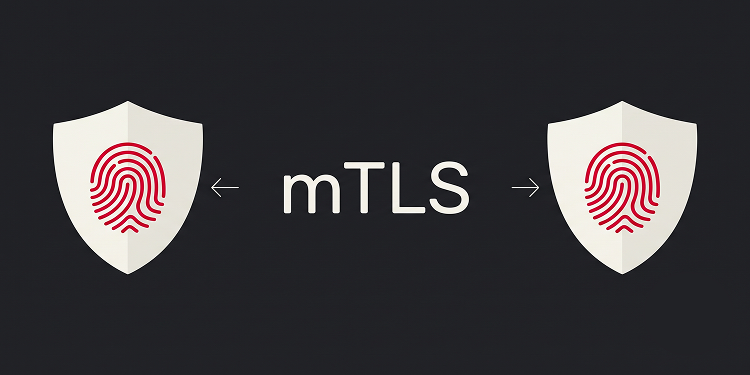
In regulated environments, trust is never assumed. For governed industries and B2B ecosystems, every incoming connection must verify its identity, not just be encrypted. O11 Cloud now supports mTLS passthrough for REST API endpoints, giving your applications the ability to authenticate clients by certificate, not just credentials.
Built for compliance driven environments, partner integrations, and zero trust architectures. Available on request.
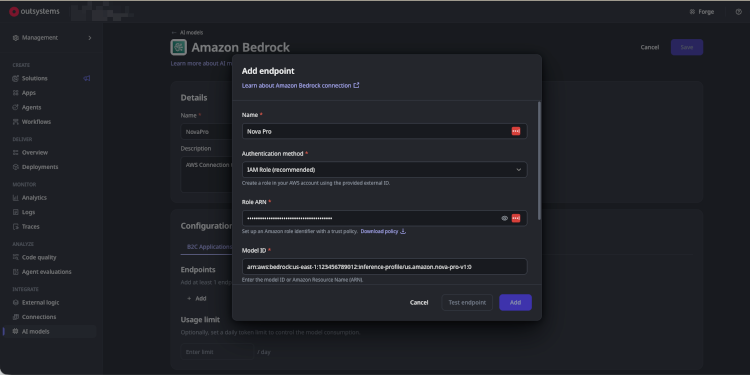
System Administrators can now configure an AWS Bedrock AI Model connection using IAM role-based authentication. IAM Role is the recommended default for new connections. When selected, OutSystems generates a unique External ID for the tenant, which the administrator uses to configure a trust relationship in their AWS account with the help of ready-made setup templates provided directly in the portal. OutSystems issues short-lived credentials at runtime without storing any AWS access keys.
Before going live, administrators can test the connection directly in the portal to confirm everything is set up correctly, with clear guidance if something needs fixing. The External ID can be rotated at any time for added security. Agents using Bedrock models over IAM role-based authentication run completely on their own at runtime, requiring zero developer action. Access Keys authentication remains available for existing connections and is not affected.
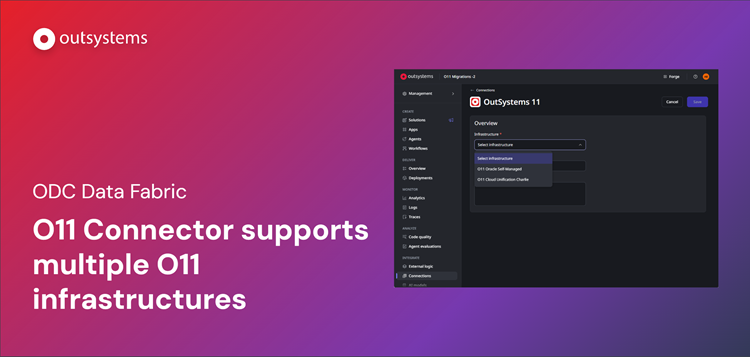
We are excited to announce yet another evolution in O11-ODC data interoperability: ODC Data Fabric can now connect to and consume data from multiple OutSystems 11 (O11) infrastructures, Cloud or On-Premises, simultaneously.
Many enterprises maintain federated O11 environments to meet specific regional, governance, or compliance requirements. Developers can now browse and consume entities from any connected O11 infrastructure within their ODC tenant, whether it's Cloud or On-Prem, without the friction of consolidating their existing O11 landscapes or building complex custom middleware.
With this update, you can:
- Configure and manage multiple O11 infrastructure connections directly from the ODC Portal
- Read and write data across multiple O11 environments within a single ODC application
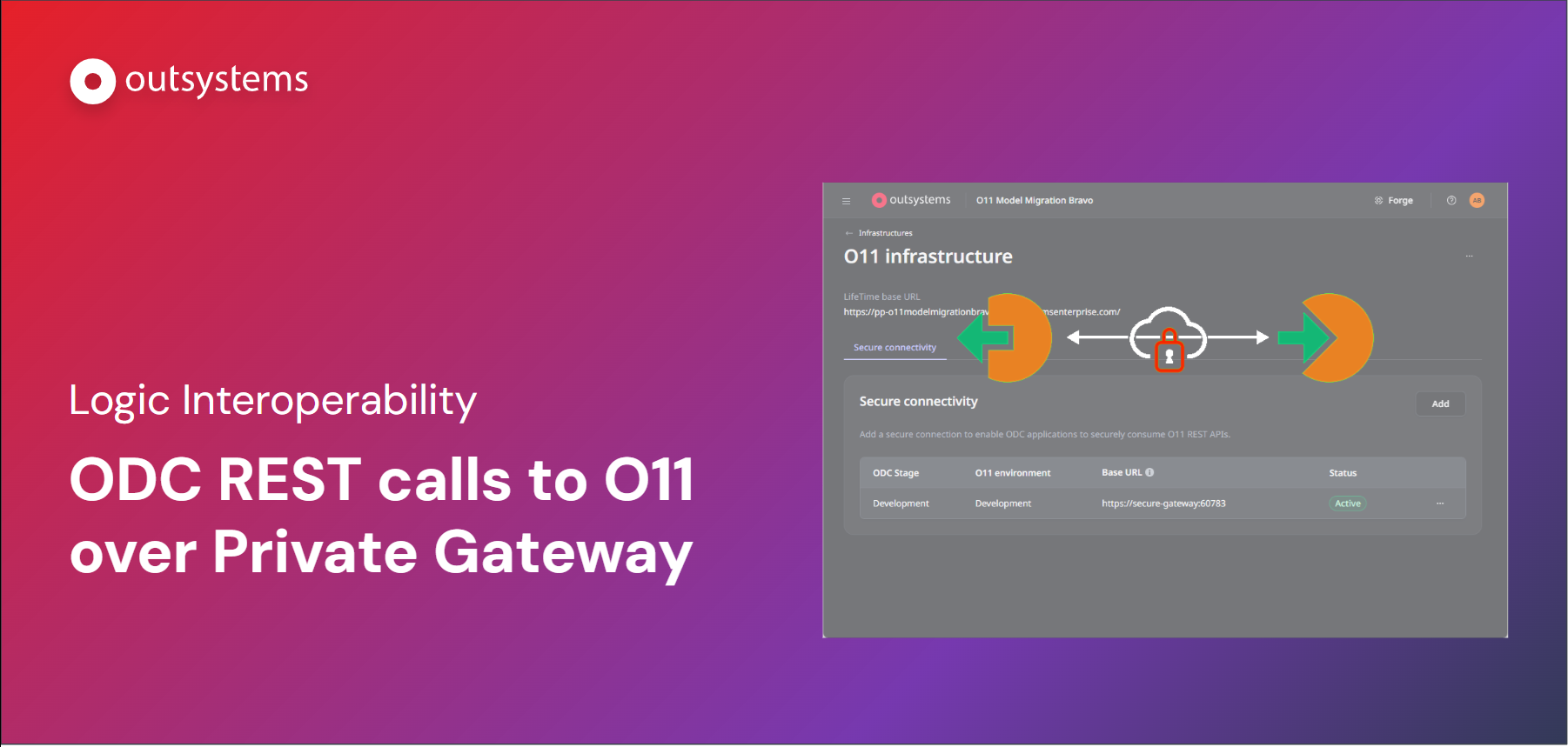
We are excited to announce a new security upgrade for O11-ODC logic interoperability. With this new feature, ODC apps can use O11 logic with all the security provided by the Private Gateway, a secure private tunnel between ODC and the O11 environment.
What has changed:
- Private Connectivity by Default: ODC apps can now call O11 REST APIs through a dedicated Private Gateway tunnel, eliminating the need to expose endpoints to the public internet.
- Simplified Configuration: Set up secure connectivity between an ODC stage and an O11 environment with just a few clicks.
- Accelerated Development: Eliminate the need to rewrite complex, audited logic in a new environment, significantly reducing your time-to-market for cloud-native apps.
This capability ensures your O11 foundation remains the core of your business while you leverage ODC for new, AI-driven innovation.
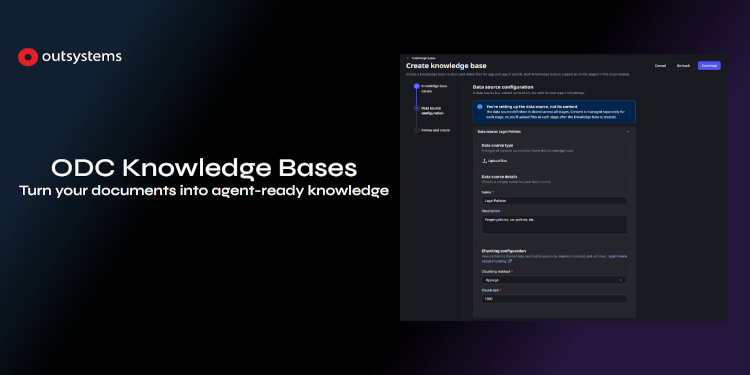
We are thrilled to announce the Beta release of Knowledge Bases, a native way to ground your apps and AI Agents in your own content.
Introducing ODC Knowledge Bases
A Knowledge Base is a managed, searchable collection of your documents. Upload files in bulk through the ODC Portal, and OutSystems takes care of processing, chunking, embedding, and indexing—so your apps and AI Agents can retrieve relevant passages by meaning, not just by file name.
With ODC Knowledge Bases, you can:
- Create and manage Knowledge Bases in the ODC Portal, across your DEV, QA, and PROD stages
- Upload files in bulk and track ingestion progress in real time
- Ground your apps and AI Agents in your own content through semantic search—no custom RAG pipeline required
- Govern access with dedicated permissions, separating who manages a Knowledge Base from who uses it
Regional Support & Data Handling
For ODC environments residing in unsupported AWS regions, search requests will be automatically and securely redirected to a supported region to ensure full functionality. Learn more about it in the documentation.
Get started today
Knowledge Bases is currently available in Beta - we're excited for you to try it and share feedback with us. Contact your account team and learn how to enable this powerful AI capability.
.png)
ODC Tenant Administrators can now manage Mentor access with granular controls and a complete audit trail, directly from the ODC Portal. This gives organizations the centralized visibility and control they need to scale agentic development while staying aligned with internal security policies and compliance requirements.
- Granular access controls - Enable or disable Mentor access across Web and Studio environments at a user and group level, ensuring agentic development capabilities are available only to authorized developers.
- Complete audit trail - Automatically log every permission change, including who made the change, what changed, who was affected, and when it happened. This creates a reliable record for internal reviews, security audits, and regulatory reporting.
- Immediate access revocation - Revoke Mentor access for specific users or environments instantly, with no grace period, giving administrators direct control over how Mentor is used across the organization.
Since we follow a least-privilege model, we’re rolling out this permission in phases. This gives you time to enable the permission for any custom roles in your tenant before the end of August. By that deadline, you’ll need to enable this permission for any custom roles your developers use. If you’re using the built-in Developer role, no action is required, as this permission is already enabled by default.