
The low-code web app builder for high-quality applications
What’s the best low-code platform for developing web apps quickly? Try OutSystems, a powerful platform that simplifies web app development. With low-code web app builder features like a drag-and-drop interface and 1-click publish, building web apps has never been easier.







Why build a web app with OutSystems low-code?
OutSystems is the top-rated low-code platform for a reason. With its low-code web app builder capabilities, your teams can develop quickly and efficiently. Enjoy the benefits of pixel-perfect UI/UX design, AI guided development, automation, and enterprise-grade security.


“As product owner, I was amazed at the apparent ease of web application development. OutSystems provided the speed that made our collaboration so successful.”

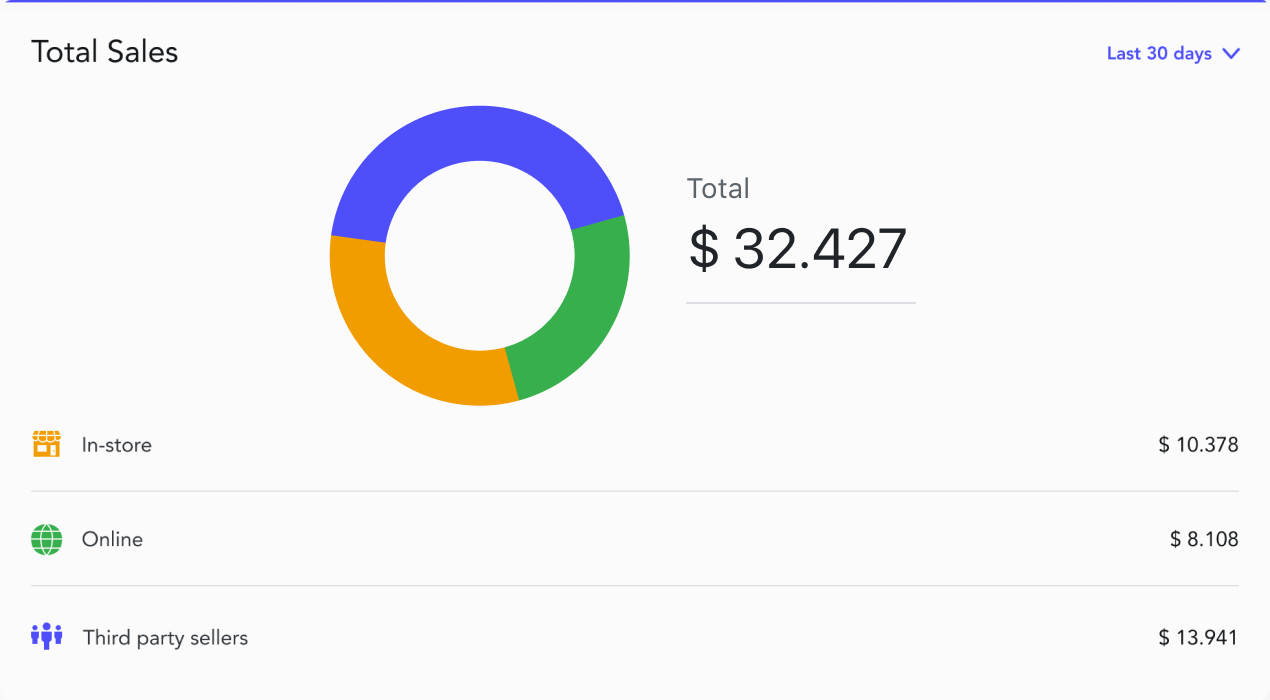
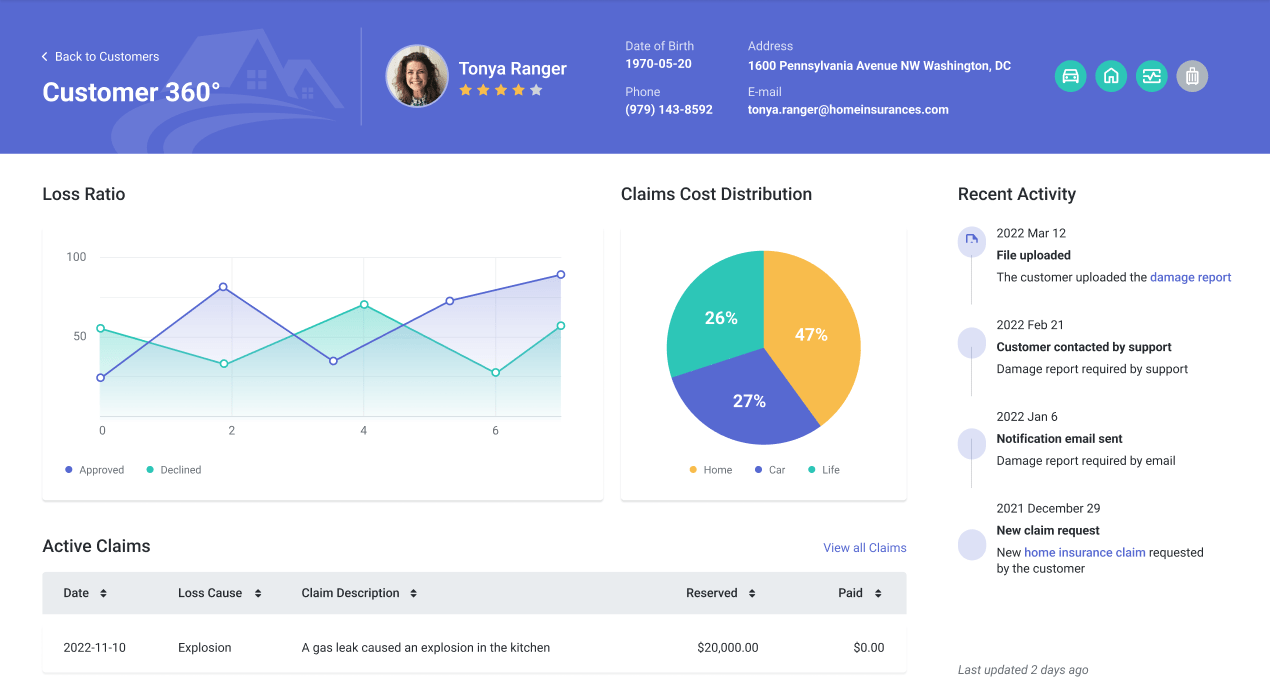
Pixel-perfect UI/UX web app design
Create beautiful web app experiences with the OutSystems low-code platform. AI guidance, UI patterns, templates, and code modules provide everything you need to build a low-code web app with a flawless UX/UI.
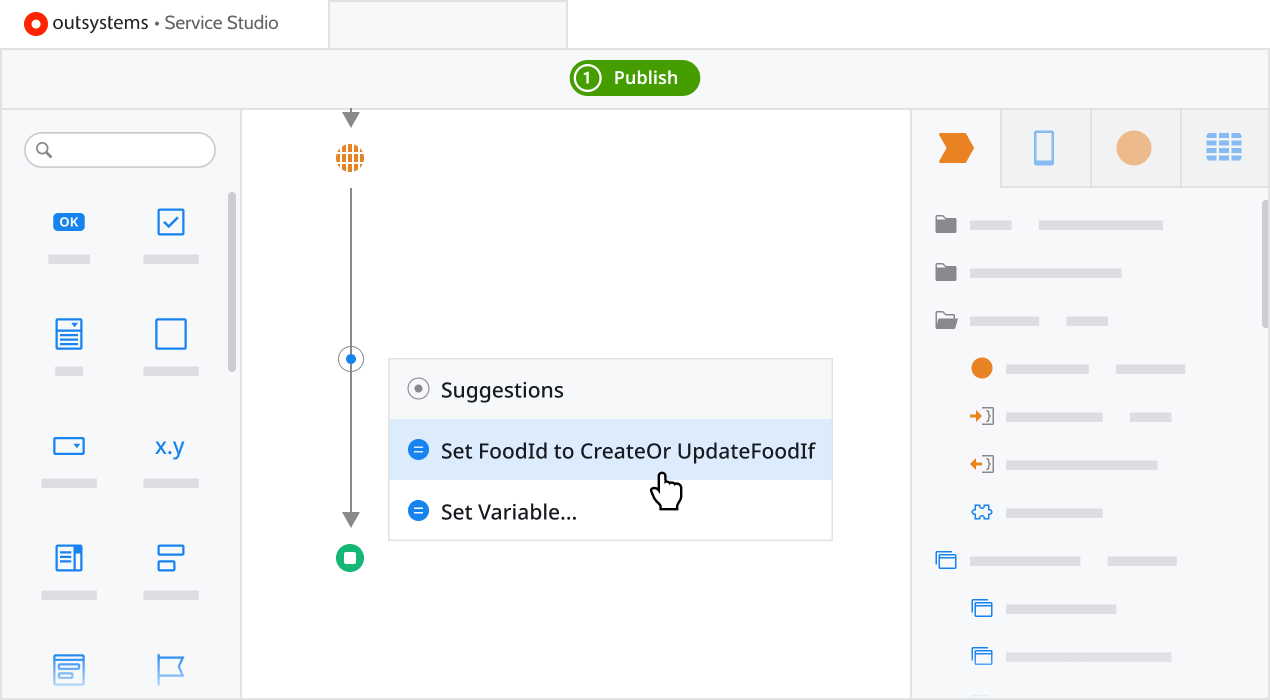
AI-guided low-code web application development
Are your web developers tired of repetitive overhead tasks? An AI-based low-code web application development tool can coach them in real-time and free them from drudgery.
Web app development automation
The OutSystems low-code platform automates much of the complexity associated with web applications. Examples include testing, architectural review, dependency analysis, and much more.
Build enterprise-grade security into your app with low-code
A security-by-design approach and 250 different security checks–some powered by AI–ensure that the web applications built with OutSystems are secure from dev to production.
Web app builder FAQ
The best low-code web apps deliver awe-inspiring, on-brand web experiences designed to meet strategic business goals. Mission-critical, they can rapidly scale to 100 million users or more.
Unlike a traditional coding environment, where developers manually write lines of code to produce software, with a low-code app builder, developers use a model-driven, visual language with a drag-and-drop graphical interface. With a low-code platform that includes an app builder, developers can create complete applications with modern user interfaces, integrations, data, and logic much faster than with conventional methods.
Yes, there are free app builders, although many are free trials or they are part of a subscription to a software suite with functionality way beyond app building. There is an OutSystems low-code platform free edition, however, with no strings attached. Download it and you can build your first app in minutes.
Yes, there are hundreds of low-code and no-code platforms that make it possible to develop an app without knowing coding. Which one is best for you depends on what you need to develop and how it impacts your business. With OutSystems, someone with no coding experience can become productive in as little as a month.
OutSystems builds reactive web applications with responsive UI patterns that adapt across desktop, tablet, and mobile screens. Developers can preview layouts across different viewports in the IDE and adjust the experience as needed. This helps teams build one web application that works across devices without separate codebases.
OutSystems can connect to SQL Server, Oracle, PostgreSQL, MySQL, MongoDB, external APIs, and cloud services. Teams can use existing databases rather than moving all data into OutSystems. The platform also supports REST and SOAP integration, including Swagger-based API configuration for faster data and service connectivity.
Yes. Developers can extend OutSystems applications with custom JavaScript, HTML, CSS, and backend C# code when visual development does not cover a specific requirement. This gives teams the speed of low-code development while preserving the flexibility to handle complex logic, specialized integrations, or custom user experience needs.
OutSystems generates standard .NET code on the backend and React-based JavaScript, HTML, and CSS on the frontend. Developers can also add custom C#, JavaScript, HTML, and CSS when needed. This gives teams a familiar technology foundation while still using visual development to accelerate delivery.
OutSystems provides a visual interface for consuming REST APIs, testing endpoints, configuring authentication, and mapping request and response structures. Teams can upload Swagger files or manually configure APIs with headers, parameters, and security settings. OutSystems can also expose custom APIs from applications built on the platform.
OutSystems supports multiple deployment models, including OutSystems Cloud, private cloud, on-premises, and hybrid options depending on the customer’s architecture. It can support traditional VM-based deployment and container-based Kubernetes environments. Managed cloud options include infrastructure management, high availability, and scaling support.
OutSystems includes built-in security checks aligned to common risks such as OWASP Top 10 vulnerabilities. It supports enterprise SSO, role-based access, security monitoring, and generated-code scanning with standard SAST tools. AI Mentor Studio also helps continuously detect security, performance, maintainability, and architecture issues across applications.
Yes. OutSystems supports code detachment for customers that choose to leave the platform. Detached applications can be exported as standard source code, including backend code, frontend code, and database scripts. The application can then run independently, although teams lose the visual development environment and platform lifecycle features.
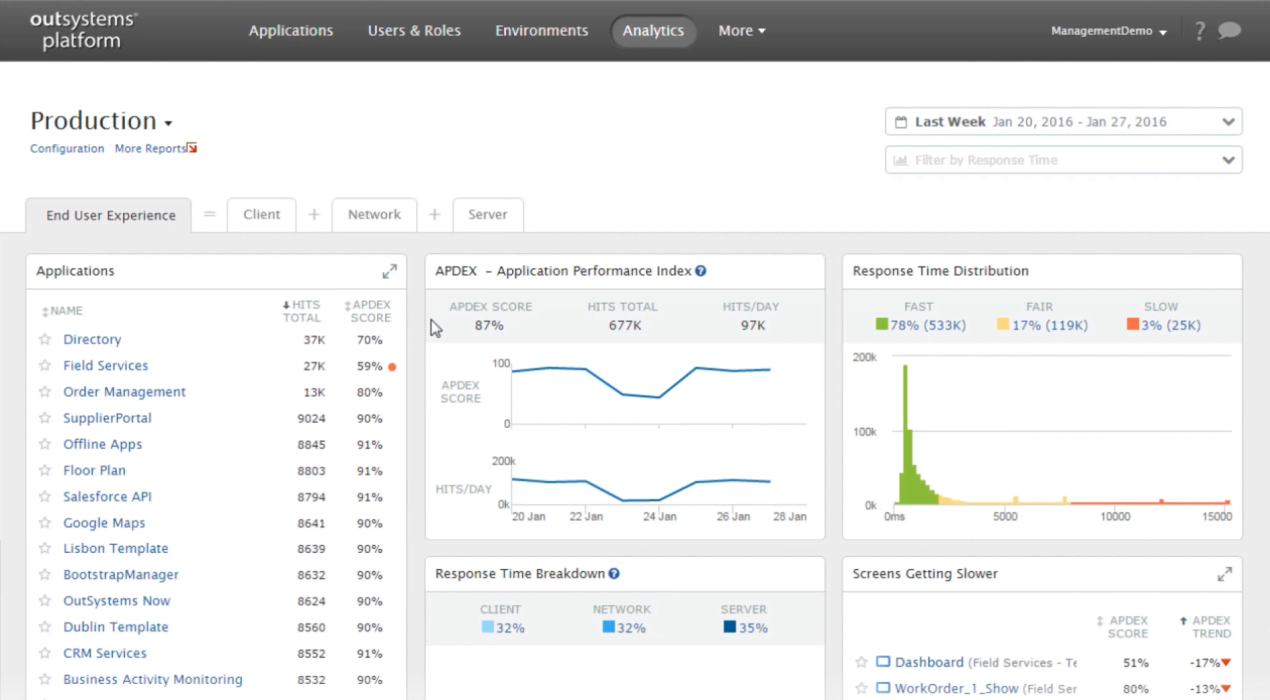
OutSystems web applications run on standard enterprise infrastructure with horizontal and vertical scaling options. In cloud-native environments, Kubernetes can manage container scaling automatically. The platform also includes performance monitoring, response time visibility, error tracking, and AI Mentor Studio recommendations to help teams identify bottlenecks and optimize application performance.
OutSystems supports reusable components, libraries, modules, UI elements, business logic, API connectors, and templates that can be shared across applications. Teams can use Forge components or create private component libraries with internal governance. Dependency tracking helps identify which applications use shared components before updates are published.


Try it for free
See what you can build with OutSystems at no charge.

Request a demo
See OutSystems in action. Get a personalized demo to meet your needs.

Explore the platform
Learn more about the breadth and depth of OutSystems high-performance low-code platform.