Product Releases
and Updates

Product
Platform
Thank you! Your submission has been received!
Oops! Something went wrong while submitting the form.
Show Filters
1
-
10
of
180
results
11 April 2019
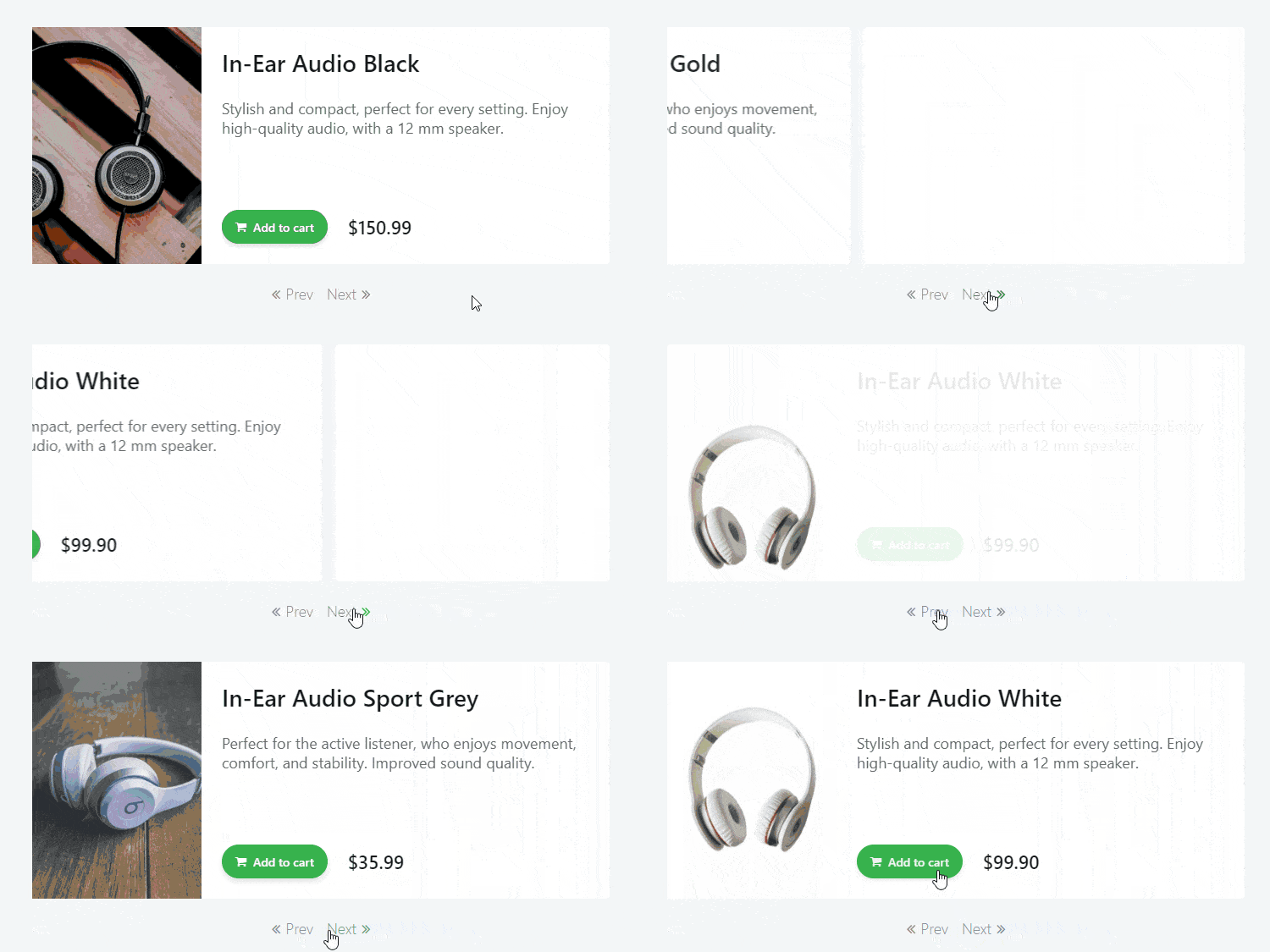
New Carousel Actions Available in OutSystems UI Web
The new version of OutSystems UI Web has brand new carousel actions. You can now travel through the carousel with the GoTo, Next, and Previous actions.
11 April 2019
Featured Documentation: Automating Docker Container Deployment With Jenkins
If your OutSystems apps are running in containers, and Nginx is the reverse proxy, you'll want to take full advantage of the benefits by automating the deployment with Jenkins. To make sure your setup is running smoothly, you'll need to know how to test your automated container deployment. We’ve written an FAQ to get you started.
27 March 2019
Featured Documentation: OutSystems UI Web Patterns

If you're eager to use the new OutSystems UI web patterns but are not quite sure where to start, we've got you covered! OutSystems provides you with step-by-step instructions for implementing the web patterns in your applications to create beautiful, seamless interfaces. There are additional sections for any advanced scenarios that you may want to tackle as well.

27 March 2019
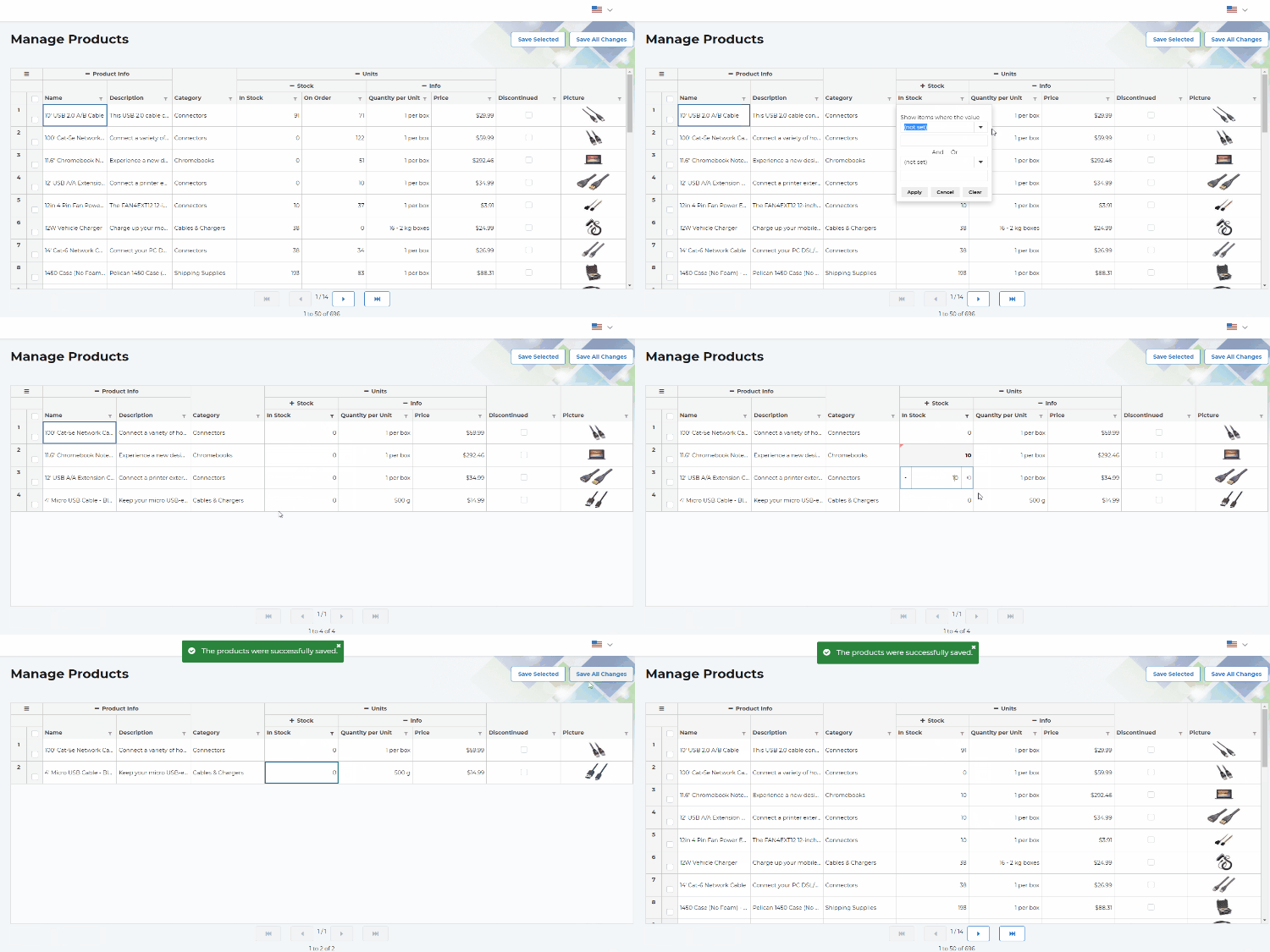
New Data Grid Component in the Forge!

Build complex, scalable reactive grids faster with the OutSystems Data Grid component! Empower your business users to securely view, explore and edit massive amounts of data, to make informed decisions, and achieve their business goals. No more gridlocks, you’ll never need to create and maintain your integrations with external libraries, nor resort to highly skilled frontend experts to create custom wrappers.
15 March 2019
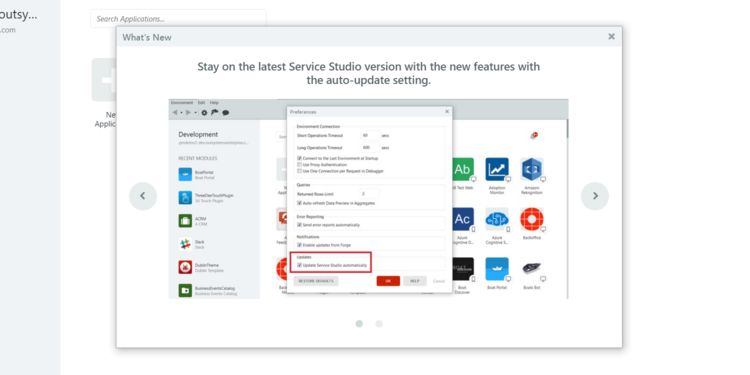
What's New Has Just Landed In Service Studio!
Auto-Update automatically ensures you have the latest Service Studio installed. But now there’s more. We’ve added a pop-up window that shows you, inside Service Studio, the highlights of that version, so you don't miss a thing.
O11
13 March 2019
OutSystems on Microsoft Azure Templates Updated
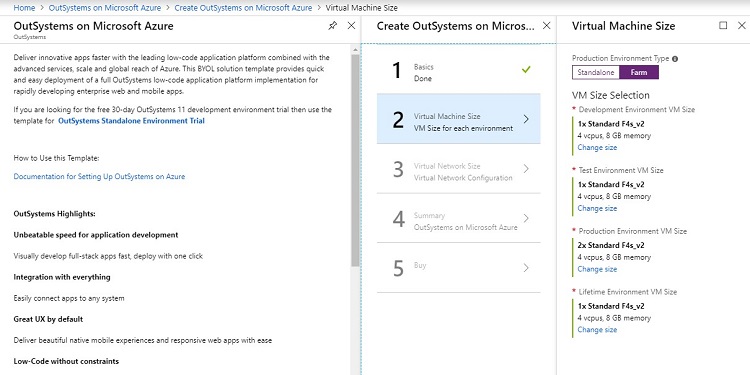
Deploy a complete infrastructure of three environments plus Lifetime in under 30 minutes! You can do this, even if your Azure subscription doesn't have Internet access. And there's more! The new farm topology is your ally for scaling your Production environment. There are also new default virtual machine types (you can still choose the size of your servers). What’s more, the SAP connector is now automatically installed. This update is available on the Azure Public and Government clouds.
04 March 2019
Auto-Update in Service Studio

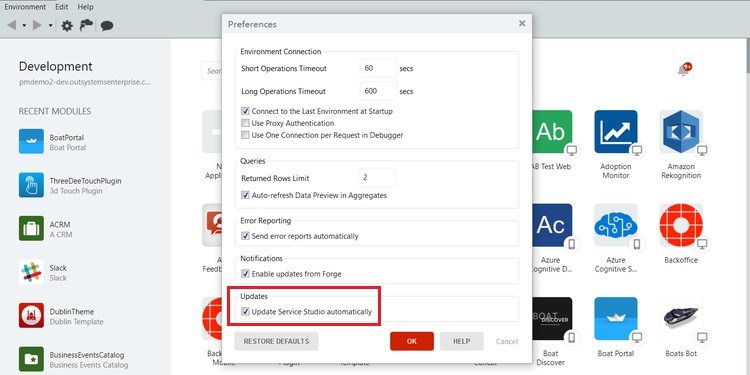
Do you want to constantly stay on top of new features and not miss out on anything? From now on, you no longer have to go to the website, download, and install Service Studio. Simply enable the auto-update setting and let Service Studio do the work for you. Close it and open it again to use the latest features.
O11
04 March 2019
True and False buttons in Expression Editor
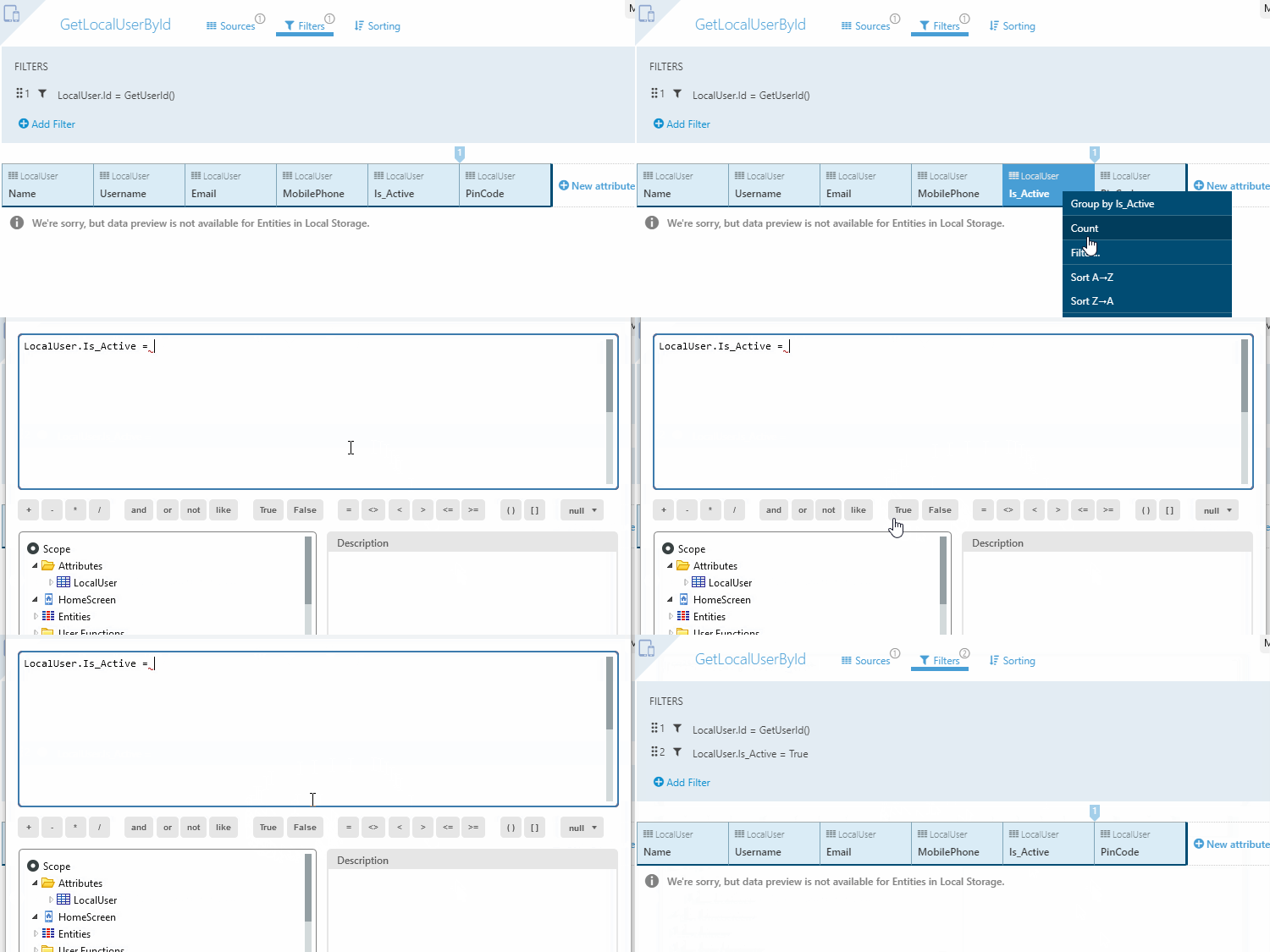
To speed up editing your expressions, we added True and False buttons to the Expression Editor, so you can quickly apply these Boolean values.
O11
25 February 2019
LifeTime Deployment API: New Methods to Enable Housekeeping
In this update, you can free up more space in the database by deleting obsolete application versions that are not required by the system. You can also back up the obsolete application versions before cleaning them up.
O11
25 February 2019
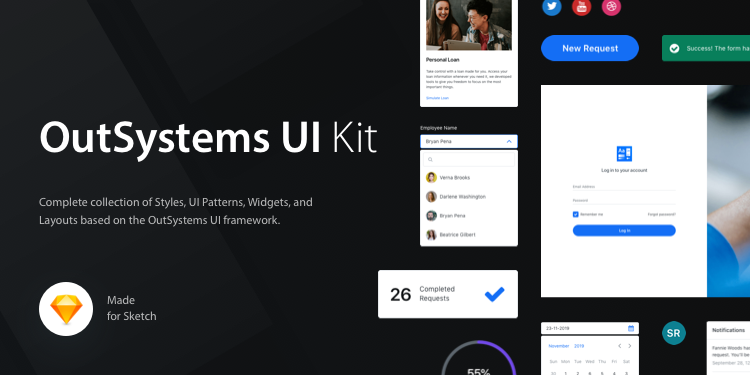
Speed up Your Design Workflow With the OutSystems UI Kit
Create beautiful responsive prototypes fast with the OutSystems UI Kit. This complete collection of styles, UI patterns, widgets, and layouts was crafted for Sketch and is based on the OutSystems UI framework. Customize and set up your basic styles, grab a layout, and compose it with the patterns and elements you need in your next web project. Find all the UI Kit components on the OutSystems UI website and preview all the variations in the Live Style Guide.