
Product Releases
and Updates
Thank you! Your submission has been received!
Oops! Something went wrong while submitting the form.
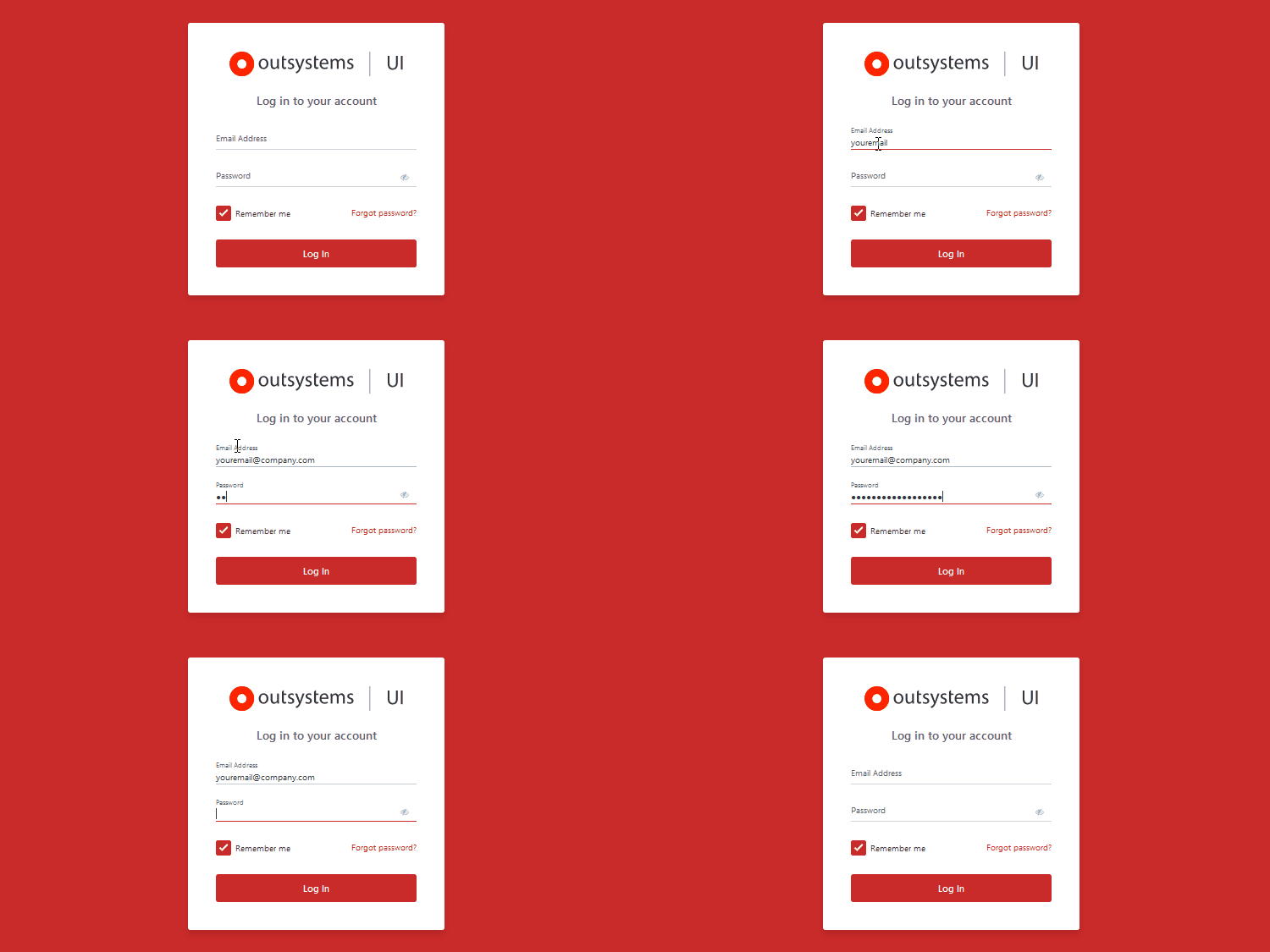
This update includes the new TogglePassword action and major SearchBalloon pattern improvements. Plus, in the AnimatedLabel, with the autocomplete, the text no longer overlaps.

No more retyping searches. With the new version of Service Studio, your search in the Application List is kept after you navigate to an application’s specific details.

You can now view your CSAT distribution by page and question to see how they impact your overall CSAT score. But that’s not all. You can also identify the questions your users are more likely to answer—and the screens that your customers enjoy and those they don't. All these insights bring you closer to keeping your customers satisfied. Moreover, you can quickly search for reviews filtering by rating, page, and question.
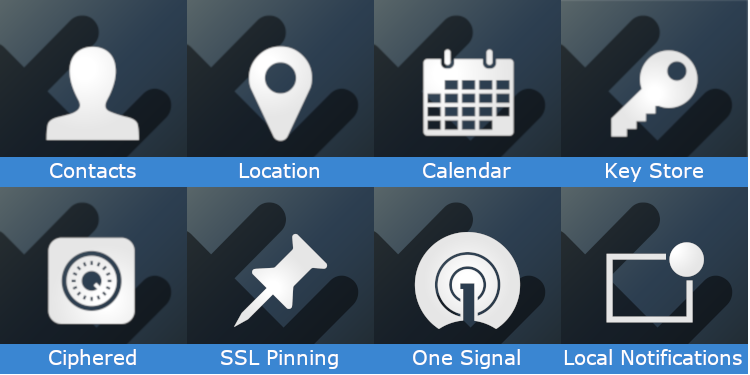
We’ve updated a bunch of plugins for Android and iOS and their documentation, and you can download them from the Forge. Plugins allow you to take full advantage of the built-in capabilities of mobile devices. We recommend that you always use the latest version of the plugins in your mobile apps.

To easily fill in a Default Value property, you can double-click it to open a text editor window that will allow you to have full visibility of the complete text.
04 February 2019
Announcing the GA of Mobile App Build Service 4.0
We’ve just released Mobile Apps Build Service 4.0 (MABS). You can now choose MABS 4.0, which targets iOS 12 SDK, so after March you can continue publishing your apps to the App Store. If you’d like to keep support for iOS 8 and 9, choose MABS 3.3! Check out the documentation page for more information.
In this update, you can find the new TextEllipsis action. There are big performance improvements for Internet Explorer 11, and the Tabs now has events, just like the RangeSlider and FlipContent.
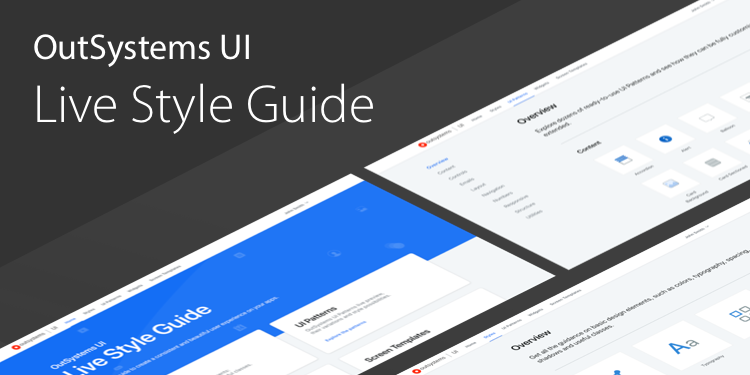
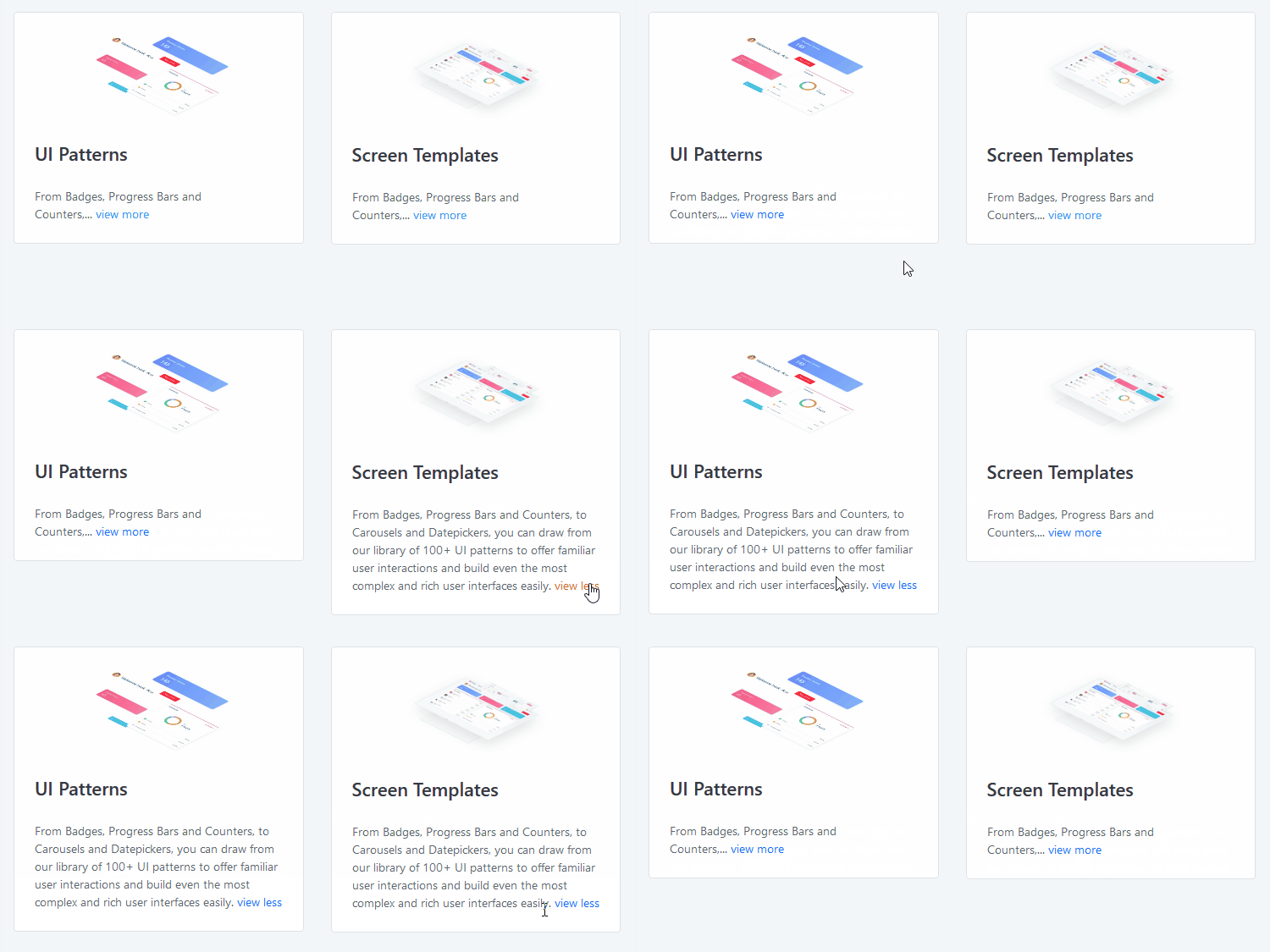
With the Live Style Guide, you can maintain a consistent look and feel across all your web applications. Now it’s easy to apply custom styles, UI patterns, widgets, and screen templates. To get started, create a custom theme and add it to the module we've provided in the Forge that has a theme and template based on OutSystems UI.
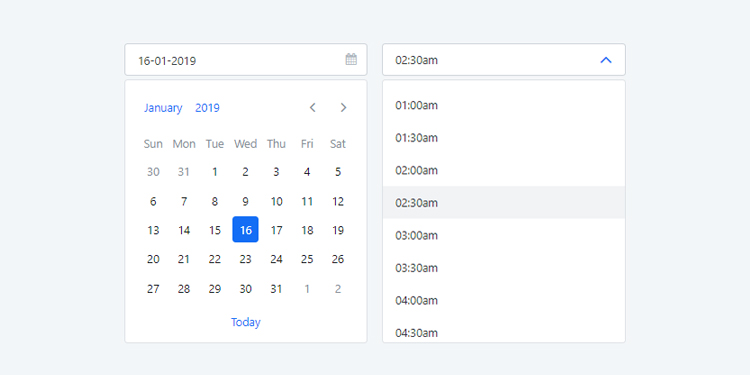
It's time for something new. Download the latest version of OutSystems UI Web, get a brand new Time Picker, and check out the all-around improvements for better experience and faster development.
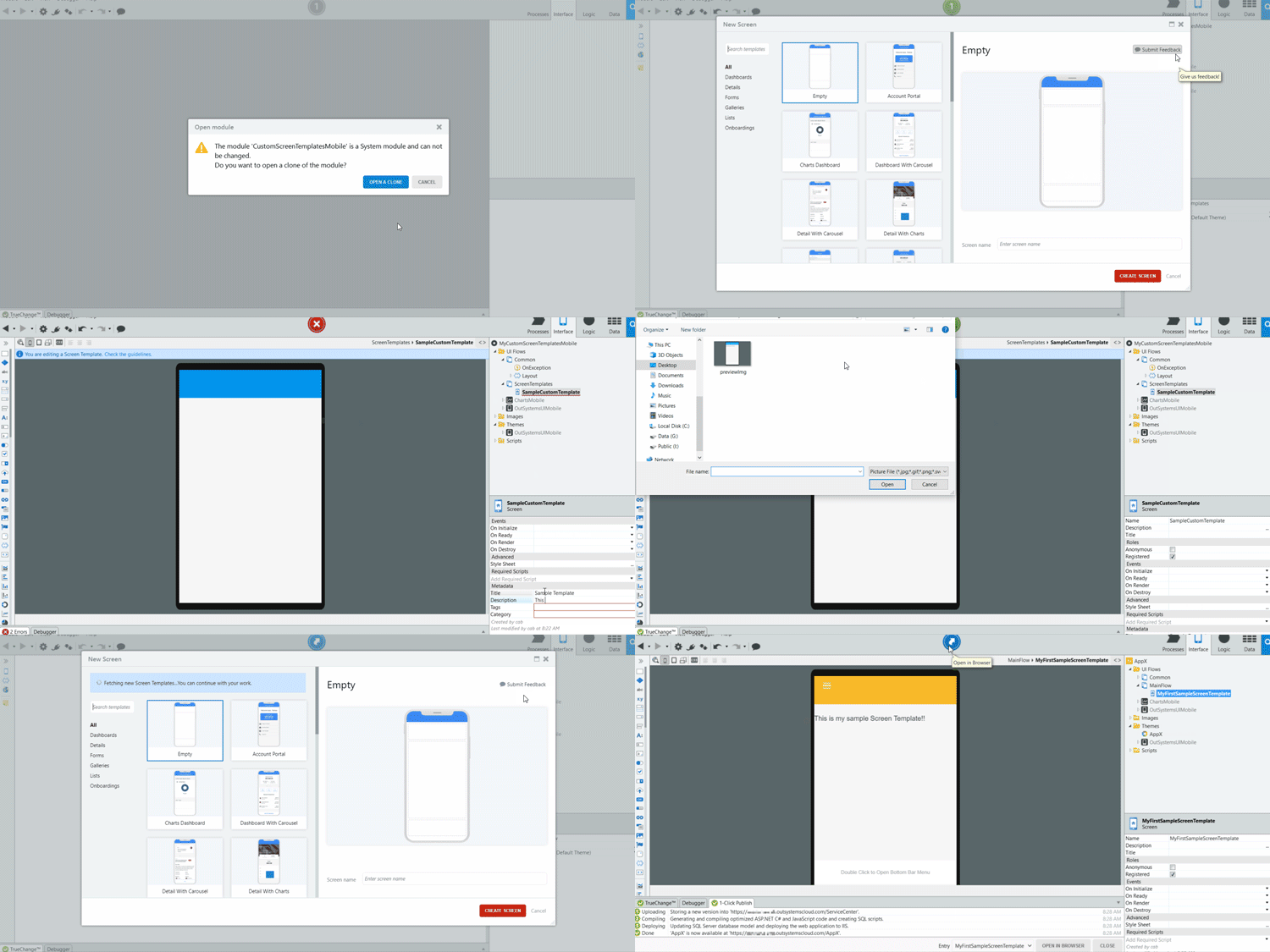
Develop custom Screen Templates and speed up development. Start from scratch or bootstrap from an existing Screen Template. Next, add your logic and sample data. After you publish it, other developers on your team or in your organization can use it to build their screens quickly and immediately publish it for a quick appraisal or demo. Available on Forge for web and for mobile.