

Product Releases
and Updates
Thank you! Your submission has been received!
Oops! Something went wrong while submitting the form.
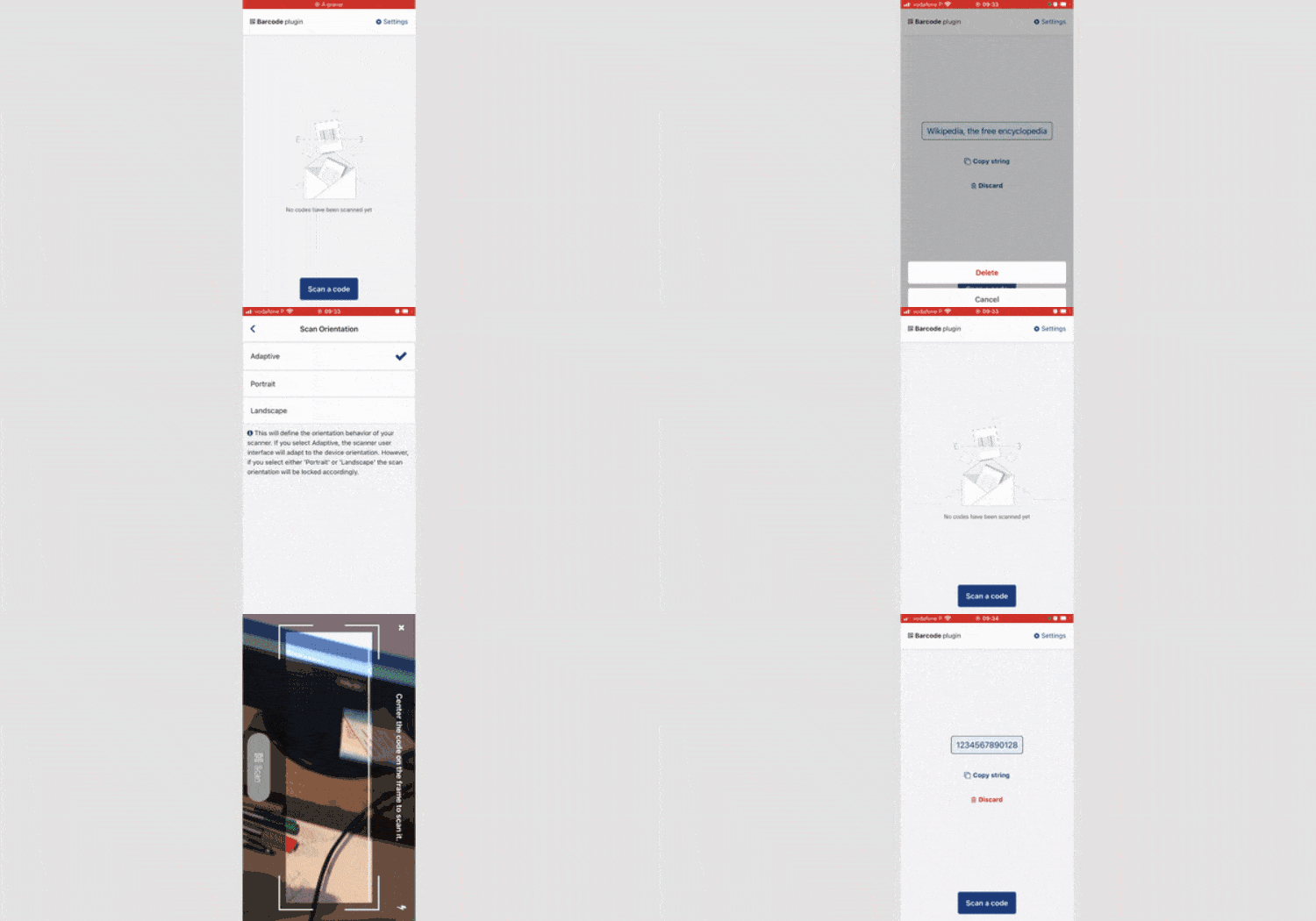
Enable your mobile apps to scan 1D and 2D barcodes (such as QR codes, Data Matrix, and Aztec codes) using the Barcode Plugin. Users can select the front or back camera, choose between Landscape, Portrait, or Adaptive mode, and add a button for secure scanning. Test the look and feel of the Barcode Plugin using our demo app, and accelerate development using the included ScanCode block.
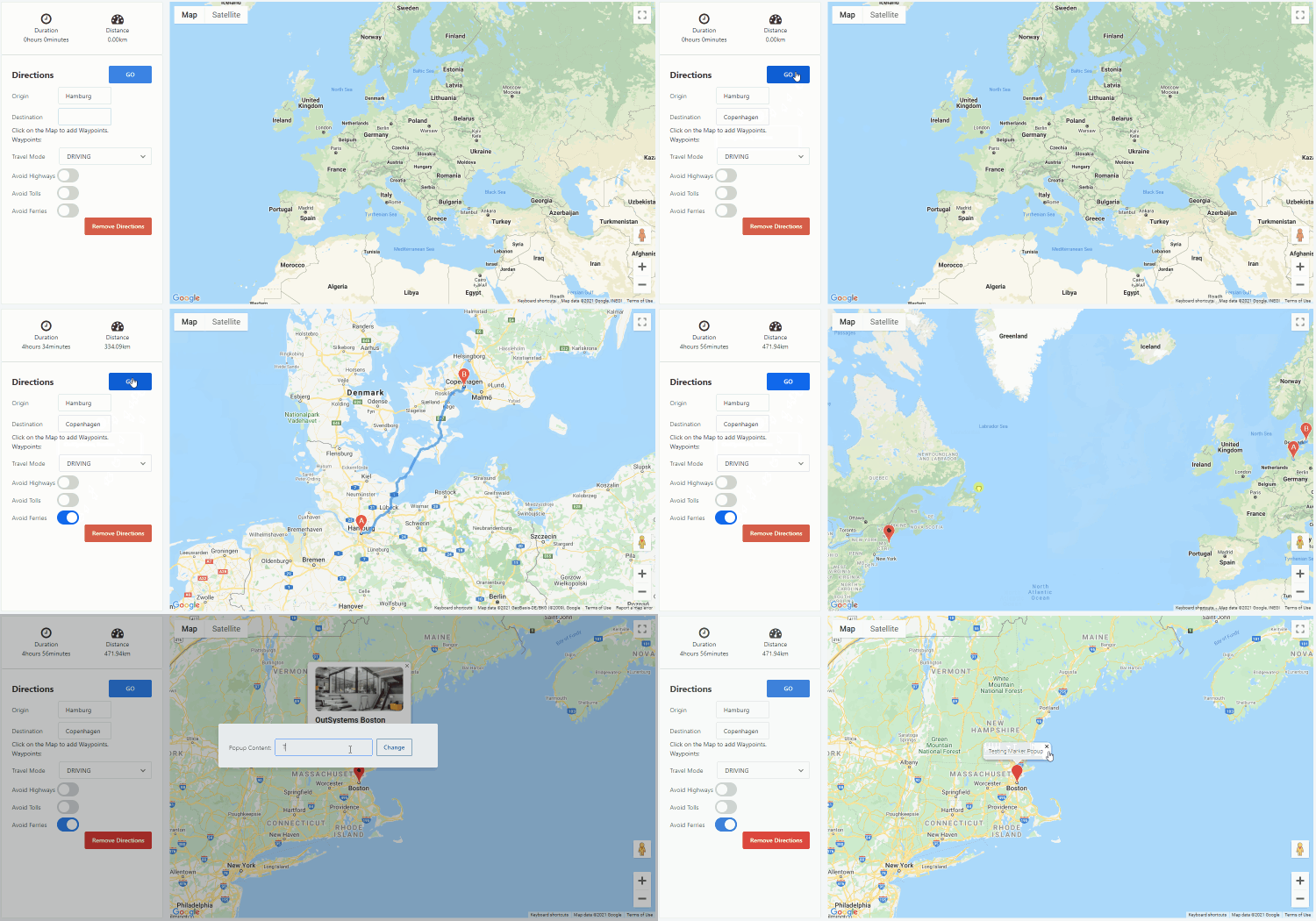
Easily add maps with single or multiple locations to your apps using OutSystems Maps. It’s fully adaptable, allowing you to change the behavior of your map and customize it according to your use case. You can also add customizable markers or popup markers, and use the Directions API to show users how to get there, no JavaScript knowledge required. Check our working samples and respective documentation, and stay tuned for more features we’ll be adding to this component.
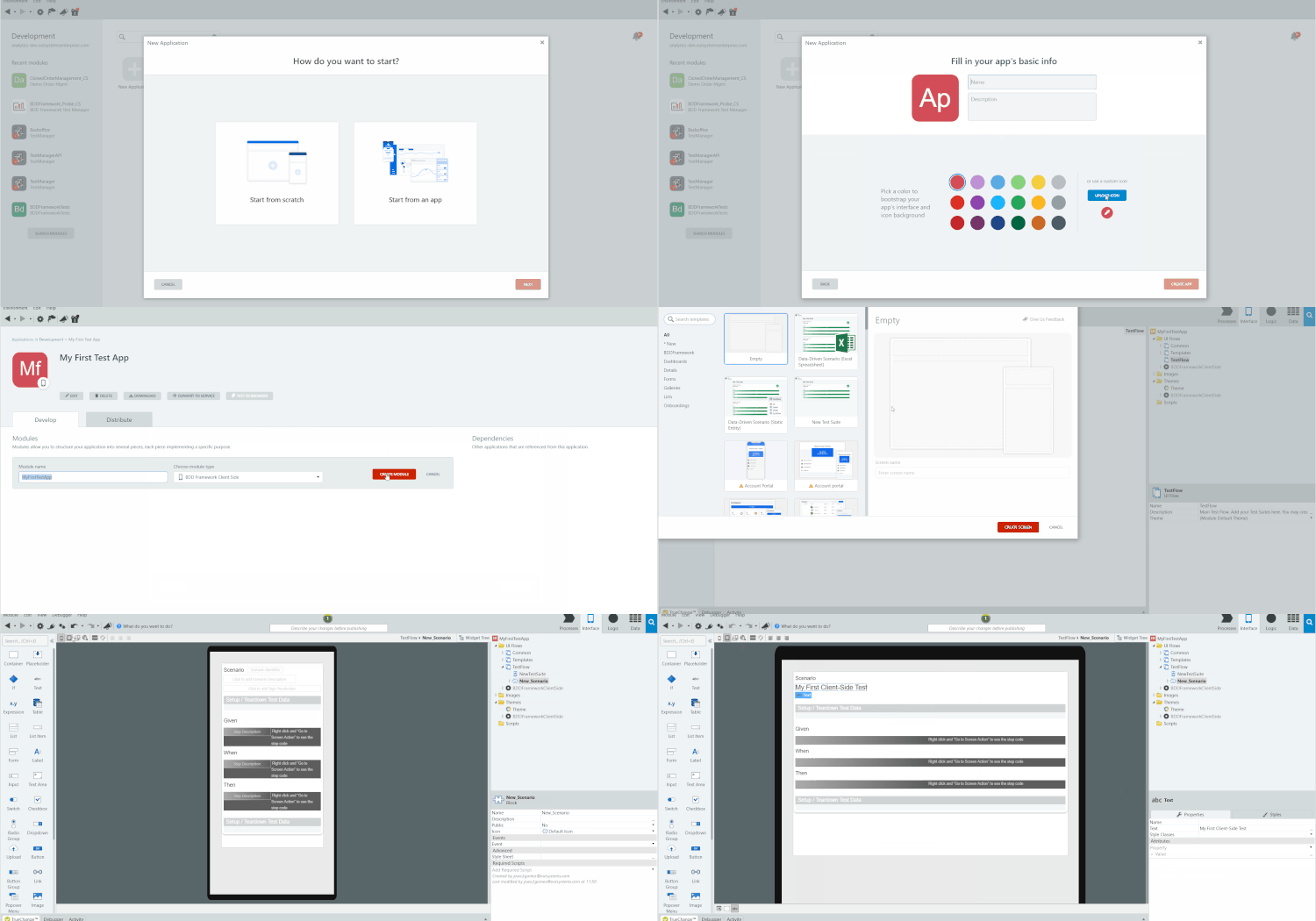
Create automated tests for your client-side actions with the new BDDFramework Client-Side testing tool. You'll already be familiar with it, as it has the same development experience as the BDDFramework (for server-side). And with the new tagging feature and improved API, you'll have greater control over your automated test executions and more detailed reporting.
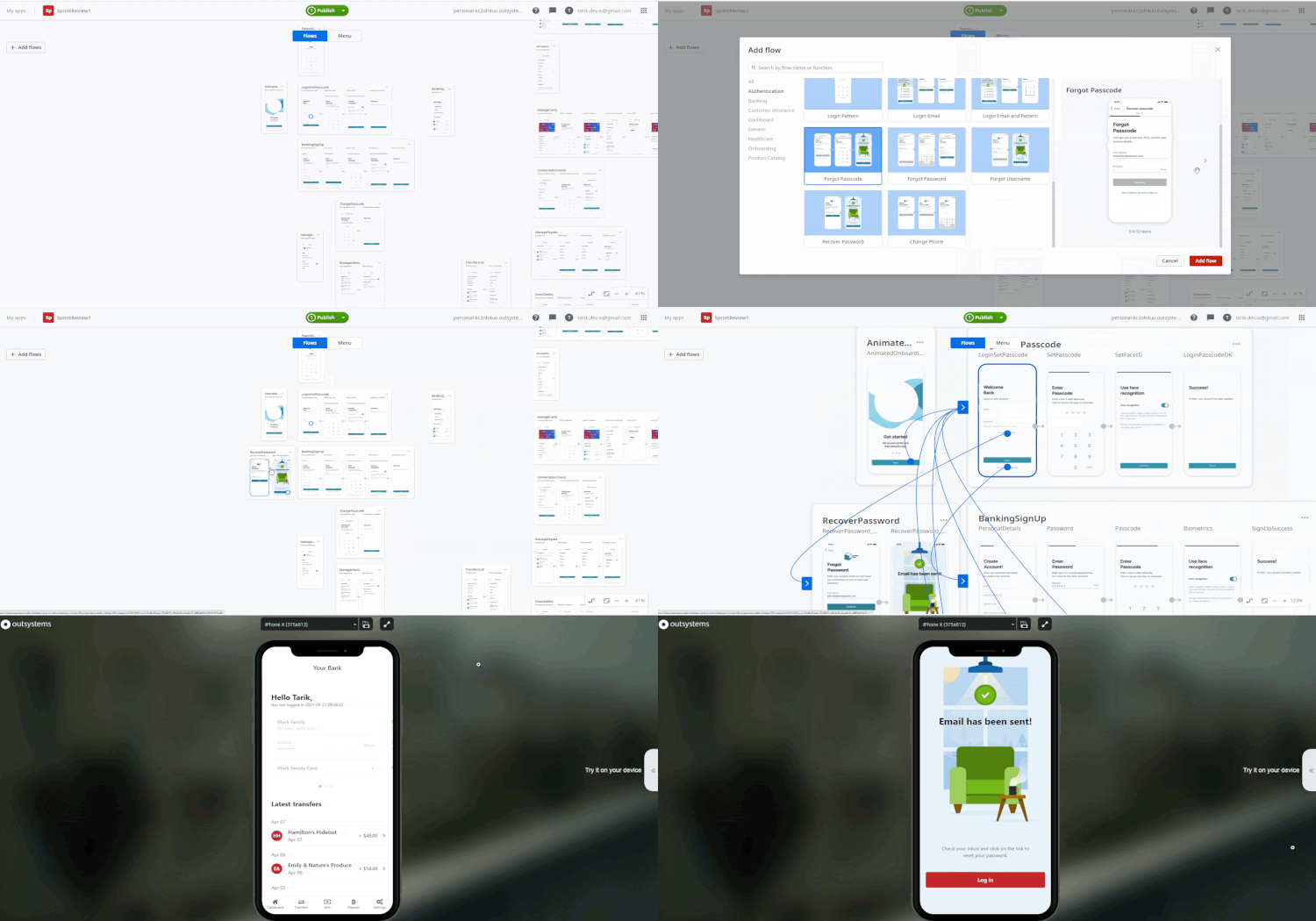
Forgotten passwords in mobile apps are a thing of the past in Experience Builder. Along with various sign-up and login options, you can now provide your end users with the ability to recover or change their login credentials, whether it’s your typical email address and password, a one-time password, or a mobile phone number.
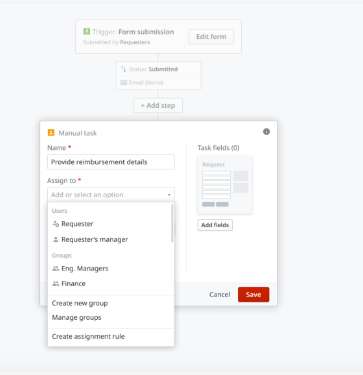
With this new release for Workflow Builder comes many improvements, including the ability to now cancel a request in the “Request detail page”, until the moment that an operator is ready to start handling the request. What’s more, tasks can now also be assigned to the requester during the process workflow. Other enhancements include improvements on experience debt, including improved email previews.
All static entities created inside the Case Management framework are now multilingual. With this release, English, Portuguese, Arabic, Japanese, Spanish, Italian, Dutch and German are supported. Our new Search API Case_GetCasesByActivity now also returns all your cases by default and enables filtering based on associated activities. Case Management framework helps you accelerate the creation of custom-fit business process applications.
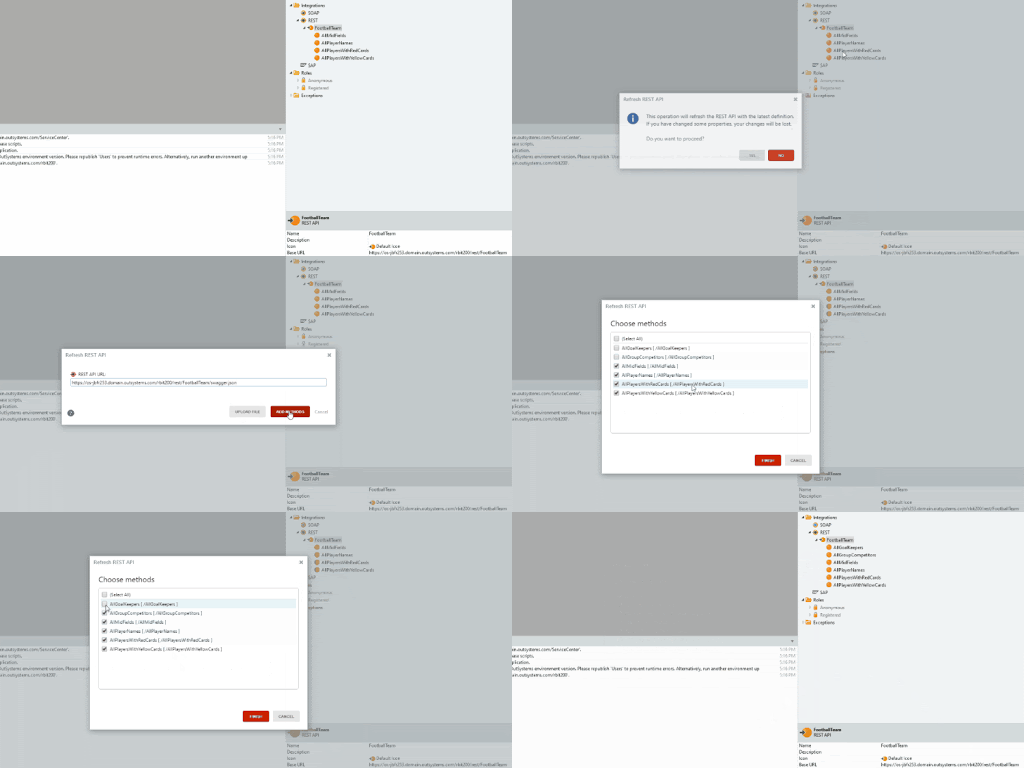
Refresh REST services, import a new OpenAPI specification, and override a consumed REST services specification, so new attributes or APIs can be consumed. Besides increasing productivity, you can now get the necessary changes from the specification file instead of implementing them manually. It will also avoid the need to import the consumed REST service all over again if you delete it.
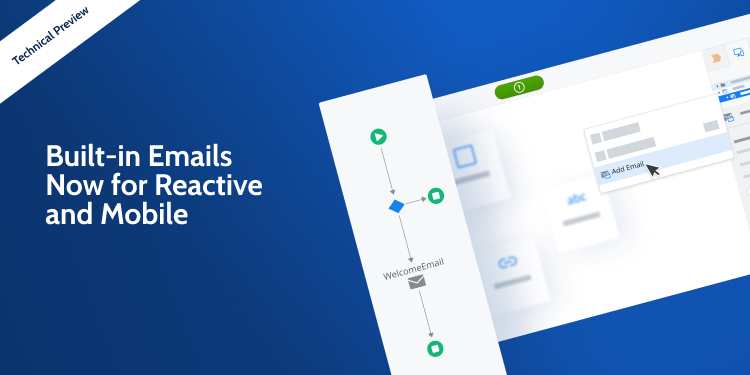
Create, compose, and send emails in Mobile and Reactive Web apps with the new Built-in Emails Technical Preview feature. Building your emails in Service Studio is easy, intuitive, and you can do it in real time.
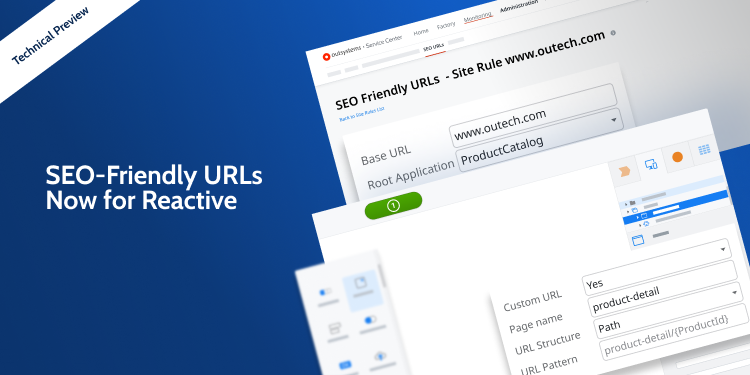
Customize your Reactive Web app's URLs for search engine results with the new SEO-friendly URLs Technical Preview feature. You can now create rules in Service Center and customize the URL structure and page names directly in Service Studio.
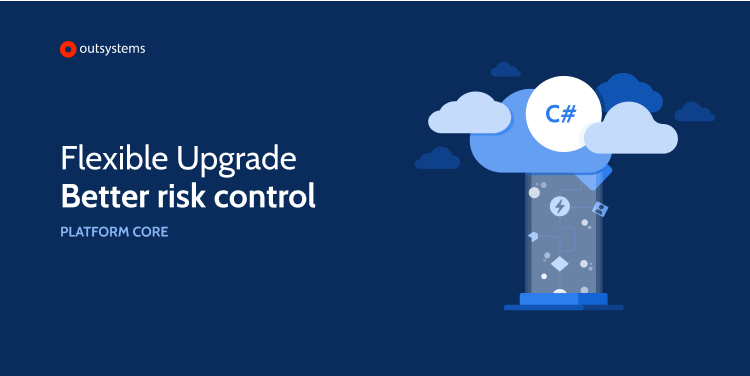
The new process separates the upgrade of the OutSystems platform from upgrades of OutSystems applications. Now you can upgrade to the latest version of OutSystems and benefit from all the new capabilities, stability and security of the newest version, while applications remain untouched. Each development team will upgrade their apps, on the sequence desired, allowing for better time management and risk control. The new upgrade process avoids the time consuming task of republishing all modules, which means shorter environment unavailability for development related tasks. If a “republish all modules” is desired, it can also be done at any time. This capability is available only when upgrading from any OutSystems version 11 to version 11.12 or later.