Does this sound familiar to you? You start building one app, then two. Naturally, you're excited, and before you know it, you have dozens of them on your OutSystems Developer Cloud (ODC) infrastructure.
Well, that happens to me all the time. It’s just so easy and handy to create them with one specific need or another, or many times to just try new features like Agent Workbench, for instance.
What’s the problem? Well, you know, whether you’re in the ODC free tier or you’re an OutSystems customer, you could use a clean-up from time to time.
ODC is designed as an enterprise platform, so it naturally comes with robust guardrails to prevent accidental data loss. That is why deleting an app requires you to manually type its name. This safety step is crucial for critical applications.However, when you are working in a developer sandbox or a personal playground, you often create dozens of throwaway prototypes. But in these cases, the manual safety step can slow down your clean-up process.
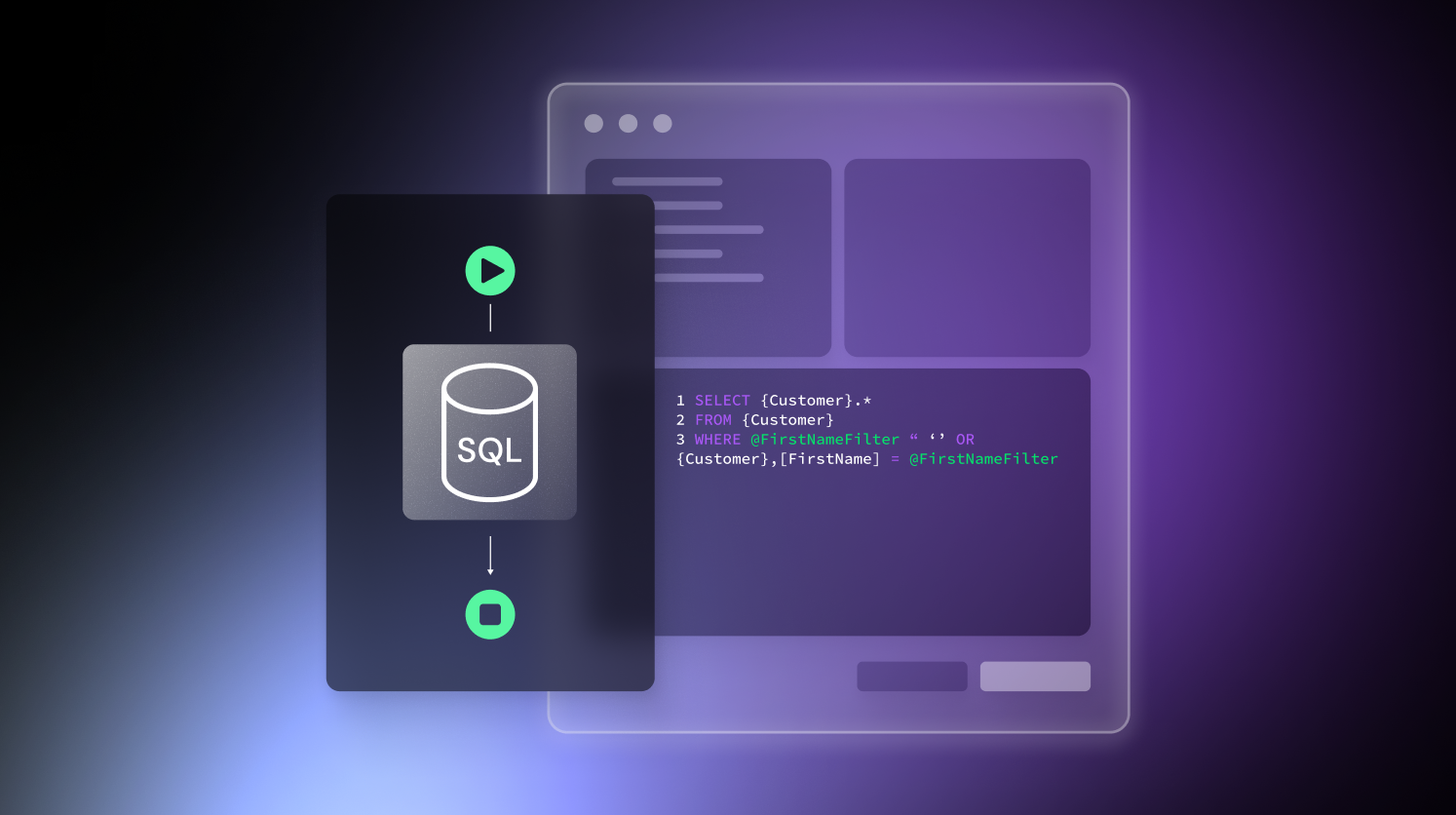
In this article, we show you how to use ODC's APIs to build a developer productivity tool that allows for bulk deletion. In case you’re wondering, we’re not bypassing security. What we’re demonstrating is that the platform's extensibility helps you manage your sandbox efficiently.
It takes a village to develop a blog on the topic of building a tool that deletes apps from ODC instances. So, I’d also like to thank the teams that made this project happen:
Just remember: with the power to bulk-delete comes the responsibility to ensure you never run this against production environments.
This technique lets you wipe every app from your environment in one go, but remember: there is no rollback. Please be mindful of the risks. Deleting an app permanently means potentially losing months of hard work, so double-check everything before you hit enter.
Yeah yeah yeah, enough of the dad talk, let’s get to the good part.
Managing API clients
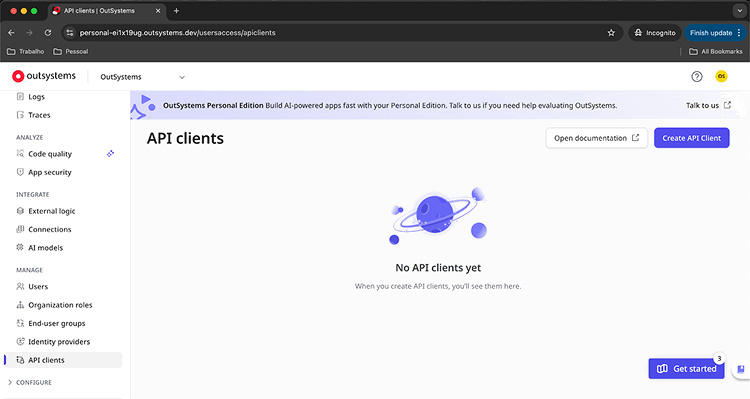
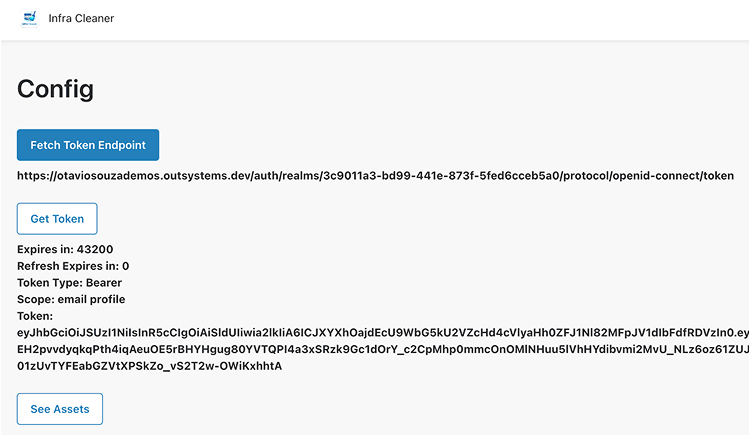
In the ODC Portal of your tenant, you’re gonna click on API Clients and create a new one.
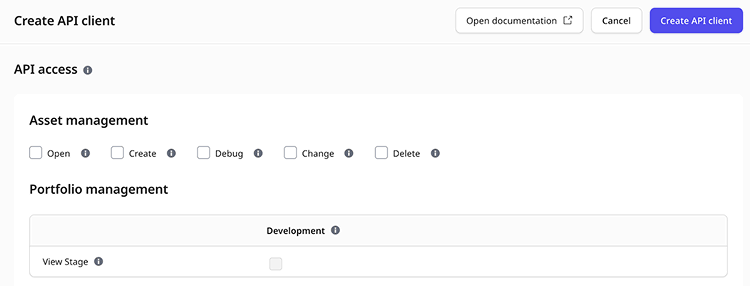
Give it a name. Most importantly, under Asset Management, give it Delete permissions.
P.S². Pay attention to the fact that the token call needs to be in the URL encoded format.
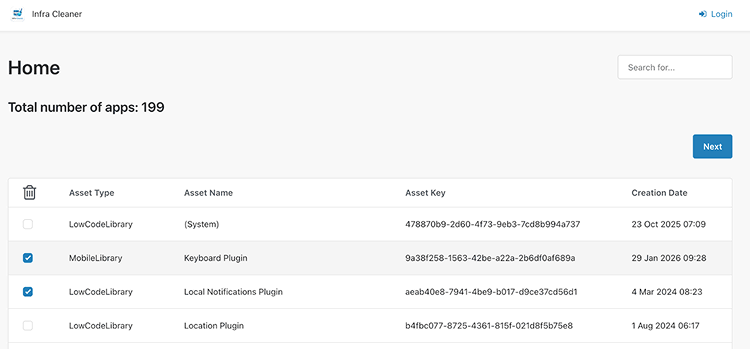
Next, let’s create a screen to list the assets, passing the token as a parameter.
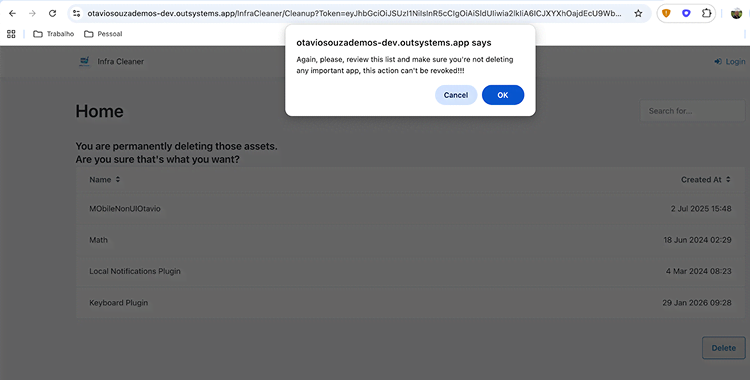
When we click on Next, it shows the apps to be deleted.
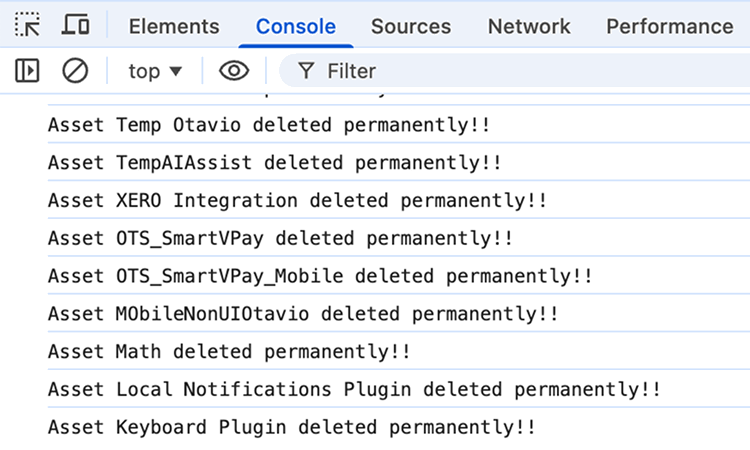
See the deleted apps in the console.
Conclusion
The most important thing here is to be careful to delete only undesired apps. This tool keeps your environment sharp, but at the same time, you can self-inflict some real damage here by deleting an app you don’t want to.
To make it easier to understand more about Client APIs, for studying purposes, or to clean up your environment, I have made this component available on the Forge.
Over the course of my 15-year career, I’ve worked for companies such as HCL, Dell Technologies, and BNP Paribas. In 2019, I took on the Solutions Engineer role at OutSystems to help our team to improve the experience people and companies have evaluating our platform. Since joining OutSystems, the most rewarding part has been being challenged every day, both technically and from a career perspective. There’s no comfort zone here, and that's super exciting! My approach to our activities is largely inspired by our culture. As stated in “The small book of the Few Big Rules”: Ask why, be helpful, and Excel. Those characteristics were presented to me since day one, and I try to keep that in mind on every task I'm challenged with. I enjoy going to the gym, walking my dog, and spending time with friends in my free time. I’m also learning how to play the guitar. If you’re looking for someone to talk to about our platform or just tech stuff in general, reach out on LinkedIn or via email: otavio.souza@outsystems.com.